
File Information
| Attribute | Details |
|---|---|
| App Name | VLC Media Player |
| Platforms | Android & iOS |
| Latest Version (Android) | 3.6.14 |
| Latest Version (iOS) | 3.6.14 |
| File Size (Android) | 45MB |
| File Size (iOS) | 87MB |
| License | Open Source (GPLv2) |
| Developer | VideoLAN |
| Supported OS (Android) | Android 5.0 and above |
| Supported OS (iOS) | iOS 13 and above |
| Website | VideoLAN Official Website |
Table of contents
Description
VLC Media Player is a legendary open-source media player trusted by millions worldwide. Available for both Android and iOS, VLC lets you play any video or audio format without the need for additional codecs. Known for its speed, versatility, and clean interface, VLC provides a seamless multimedia experience, whether you are streaming, downloading, or managing your media files.
Unlike other media players that lock features behind subscriptions, VLC is completely free and ad-free, making it the top choice for anyone looking for a reliable player on mobile devices. Its lightweight design ensures smooth playback even on older devices, while advanced features like subtitle synchronization, network streaming, and media library organization make it ideal for power users.
With VLC, you can enjoy your favorite movies, music, and even live streams, all in one app. Whether you are a casual viewer or a media enthusiast, VLC’s cross-platform compatibility and open-source nature mean you can trust it for daily use without worrying about privacy or hidden fees.
Features of VLC Media Player
| Feature | Description |
|---|---|
| Wide Format Support | Play all popular audio & video formats including MP4, MKV, AVI, MP3, FLAC, and more |
| Network Streaming | Stream media from network shares, online links, or local network devices |
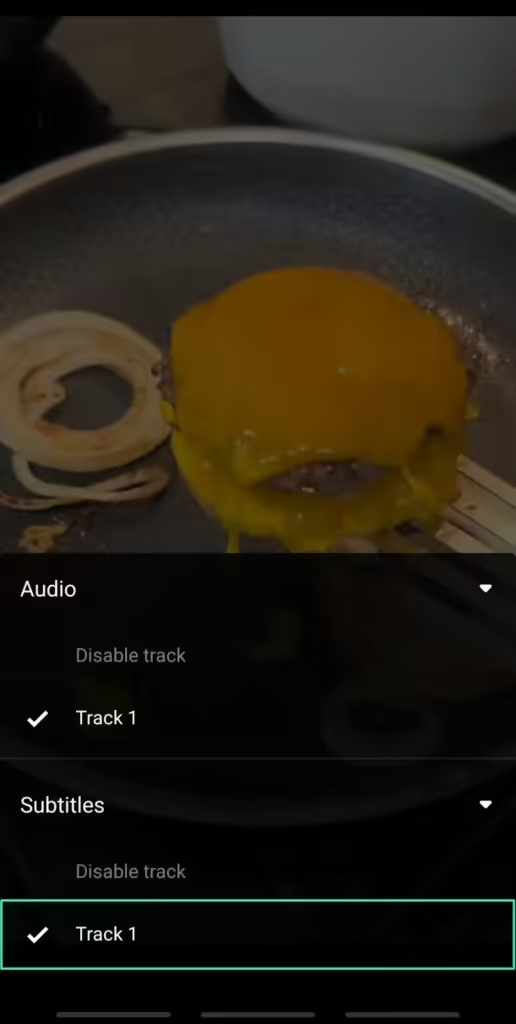
| Subtitle Support | Load external subtitles or download subtitles directly within the app |
| Media Library | Organize videos & music with automatic categorization |
| Gesture Controls | Swipe gestures to adjust volume, brightness, and playback progress |
| Background Playback | Play audio in the background while using other apps |
| Chromecast & AirPlay Support | Stream your media to TV using Chromecast or AirPlay |
| Open Source | Fully free, open-source, and ad-free |
| Audio Equalizer | Built-in equalizer for enhanced sound quality |
| Download Manager | Save and manage video/audio files directly from URLs |
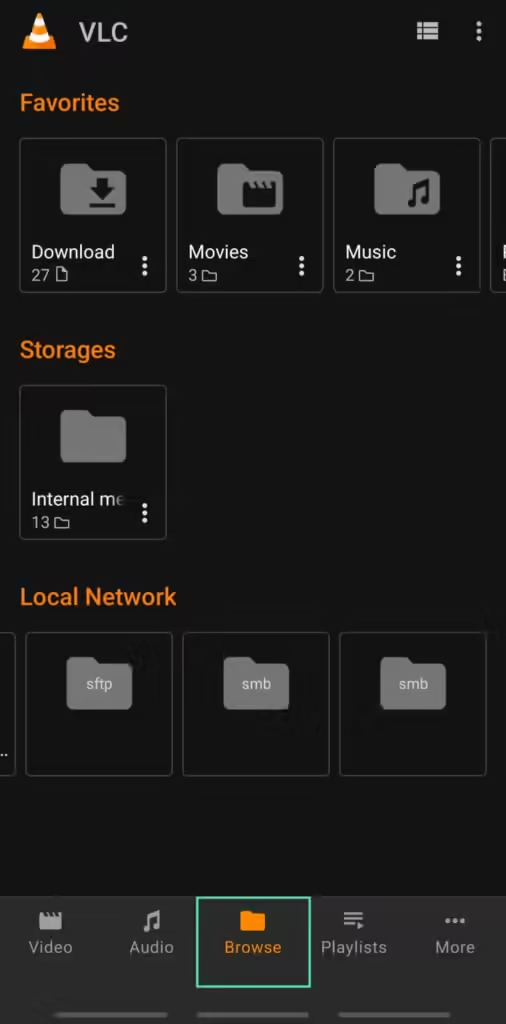
Screenshots
System Requirements
| Platform | Minimum OS Version | Storage Required | Additional Notes |
|---|---|---|---|
| Android | Android 5.0+ | 50 MB | Works on both phones & tablets |
| iOS | iOS 13+ | 150 MB | Compatible with iPhone & iPad |
How to Install VLC Media Player in iOS & Android??
Android
Android
- Download the APK from our site or install directly from Google Play.
- Enable Unknown Sources if installing via APK.
- Open the APK and tap Install.
- Launch VLC from your app drawer.
iOS
- Open VLC and enjoy ad-free media playback
- Download the IPA from the download section below.
- Trust the app profile in Settings → General → Device Management.
Download VLC Media Player – The Open Source Media Player for Android & iOS
VLC Media Player continues to be the go-to solution for anyone seeking reliable, fast, and feature-rich media playback on mobile. Whether you’re watching movies, listening to music, or streaming content over your network, VLC ensures the best experience without any hidden costs.
Support VLC Media Player Team
VLC media player continously provides new features, updates and many more & this app is completely free to use and if you want to support the developer community behind this masterpiece then consider Donating on their official site, Enjoy!!