

- Advertisement -
File Information
| Name | OpenBoard – Privacy-First Open Source Keyboard for Android |
|---|---|
| Version | v1.4.5 (Latest Release) |
| File Size | Android APK: ~50 MB |
| Platforms | Android (Smartphones & Tablets) |
| License | Open Source (GPL v3.0) |
| Official Repository | GitHub – OpenBoard-org/OpenBoard |
| Official Site | https://openboard |
Table of contents
Description
OpenBoard is a privacy-focused, open-source keyboard for Android, designed to deliver a clean, fast, and intelligent typing experience without tracking or telemetry. Built by Android experts and based on the AOSP keyboard, OpenBoard provides users with complete control, transparency, and smooth performance across millions of devices.
Whether you’re typing in multiple languages, using emojis, or customizing your keyboard layout.
OpenBoard is a reliable and lightweight alternative to proprietary keyboard apps like Gboard and SwiftKey.
Features of OpenBoard Keyboard
| Category | Feature Description |
|---|---|
| Privacy & Security | 100% open-source, no data tracking or telemetry. Your keystrokes stay private. |
| Emoji & Symbols | Updated emoji support with future Material You (M3) compatibility. |
| Customization | Edit keyboard layout, switch languages instantly, and adjust height or theme. |
| Typing Experience | Smooth, fast, and responsive typing with glide (swipe) support under development. |
| Multi-Language Support | Type in multiple locales with seamless switching and language detection. |
| Clipboard Management | Clipboard history and text navigation panel for improved productivity. |
| Accessibility | One-handed mode, text selection panel, and autofill support for easier typing. |
| Lightweight | Optimized to use minimal memory and battery compared to other keyboards. |
Screenshots
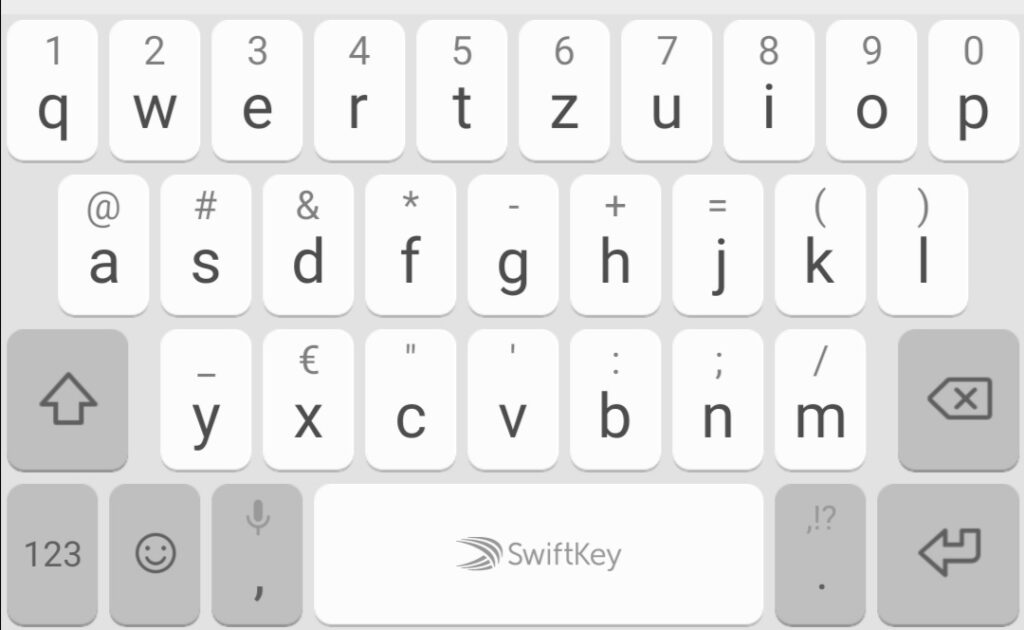
System Requirements
| Requirement | Details |
|---|---|
| Operating System | Android 7.0 (Nougat) or higher |
| RAM | Minimum 2 GB |
| Storage Space | At least 50 MB free space |
| CPU Architecture | ARM64 / ARMv7 supported |
| Internet | Not required after installation |
| Root Access | Not required |
| Permissions | Input access, optional microphone access for voice typing |
How to Install OpenBoard Keyboard??
For Android Users (APK Installation)
- Download the APK – Get the latest version of OpenBoard from download section below
- Enable Unknown Sources – Go to Settings → Security → Install unknown apps and enable permission for your browser or file manager.
- Install the App – Tap the downloaded
.apkfile and follow the on-screen instructions. - Set as Default Keyboard – Navigate to Settings → System → Languages & Input → On-screen keyboard → Manage keyboards, and enable OpenBoard.
- Enjoy Privacy friendly keyboard
Download OpenBoard APK: The Best Open-Source Keyboard App for Android
Conclusion
If you want to use an open source privacy friendly keyboard then you should give OpenBoard a try and enjoy open source freedom.