

File Information
| Property | Details |
|---|---|
| Software Name | ONLYOFFICE Mobile Editors |
| Version | 9.0.4 |
| License | AGPL 3.0 (Open Source) |
| Platforms Available | Android, iOS |
| File Type | APK (Android), Source Code ZIP (iOS) |
| File Size | 274 MB (Android), ~200 MB (iOS) |
| Developer | Ascensio System SIA |
| Official Repository | ONLYOFFICE |
Table of contents
Description
ONLYOFFICE Mobile brings the full power of document editing, spreadsheet management, and presentation tools right to your mobile device. It’s an open-source, feature-packed alternative to Microsoft Office and Google Workspace — and it’s completely free.
Developed by Ascensio System SIA, ONLYOFFICE offers perfect compatibility with DOCX, XLSX, and PPTX formats and a seamless editing experience across Android and iOS devices.
It is one of the best open-source office alternatives available today. Unlike closed-source productivity apps, it gives you complete control over your data and workflows. Whether you’re managing personal projects or collaborating in a business setup, ONLYOFFICE keeps your productivity flowing — without ads or subscription fees.
It’s a true free Canva-like, MS Office-like editor but lighter, cleaner, and open.
Features of OnlyOffice App
| Feature | Description |
|---|---|
| Full Office Suite Support | Edit Word documents, Excel spreadsheets, and PowerPoint presentations on the go. |
| Seamless Cloud Integration | Sync with ONLYOFFICE Cloud, Nextcloud, ownCloud, or Seafile. |
| Offline Editing | Work on your files without an internet connection — changes sync automatically later. |
| Team Collaboration Tools | Add comments, track changes, and co-edit documents in real time. |
| 100% Open Source | Transparent and customizable — perfect for developers who want to contribute or build their own office suite apps. |
Screenshots
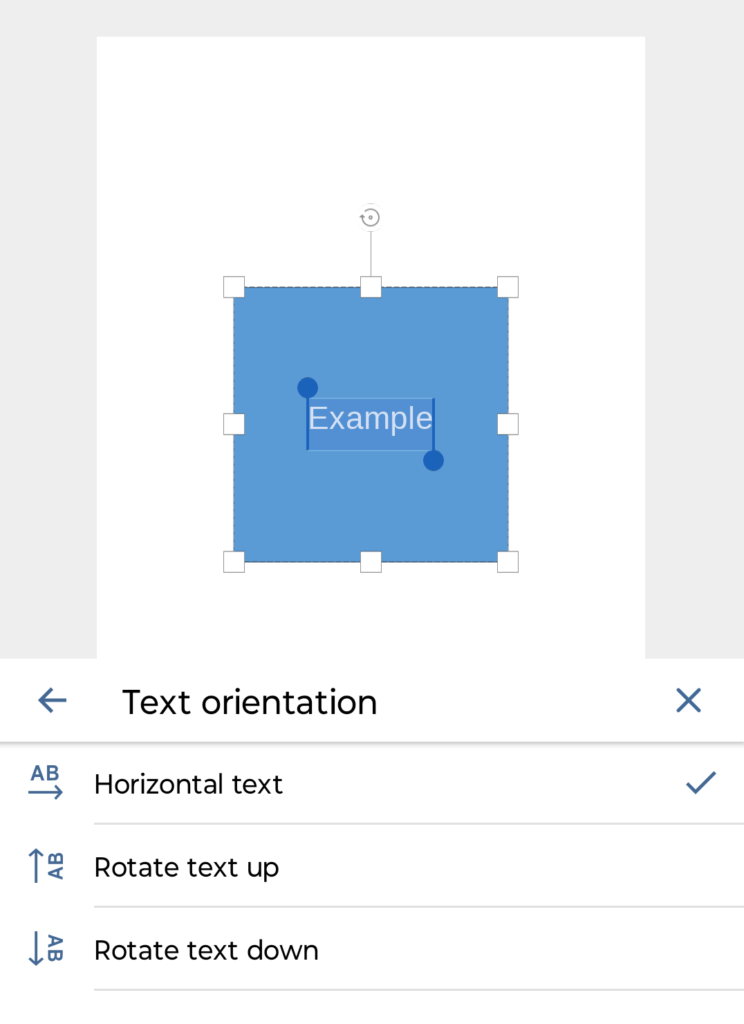
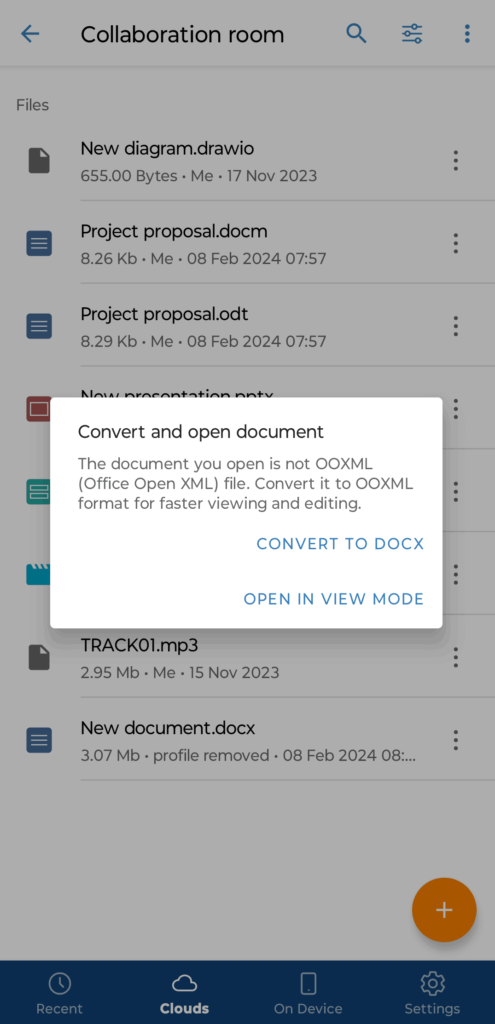
How to Install OnlyOffice Mobile??
For Android (APK Installation)
- Download the latest
ONLYOFFICE.apkfile from our site. - On your Android device, go to Settings → Security → Install unknown apps.
- Enable Allow from this source for your browser or file manager.
- Open the downloaded
.apkfile and tap Install. - Once installed, launch ONLYOFFICE and start editing instantly!
For iOS (Source Code ZIP)
If you’re an iOS developer or want to compile the app yourself:
- Download the
onlyoffice-ios-source.zipfile. - Extract it on your Mac.
- Open the project in Xcode.
- Connect your iPhone or iPad.
- Build and run the app directly via Xcode.
You now have ONLYOFFICE built from source — completely open and customizable!
Download OnlyOffice APK For Android & Source Code for iOS
Contributors
This mobile version of ONLYOFFICE was made possible thanks to the dedicated team at Ascensio System SIA and its open-source contributors who believe in freedom of software and collaborative innovation.
Conclusion
Whether you’re a student, freelancer, or enterprise user — ONLYOFFICE Mobile gives you everything you need to create, edit, and collaborate on documents from anywhere.
Download the Android APK now or explore the iOS source code to see how powerful open-source productivity can be.
Empower your workflow — with ONLYOFFICE Mobile, your documents are truly yours.