
File Information
| Field | Details |
|---|---|
| Name | MPC-BE (Media Player Classic – Black Edition) |
| Version | v1.8.9 |
| File Format | .exe |
| Platforms | Windows |
| File Size | 18MB |
| License | Open Source (GPL v3.0 License) |
| Official Repository | GitHub MPC-BE |
| Category | Media Player • Audio & Video |
| Based On | Guliverkli & Media Player Classic Home Cinema |
Table of contents
Description
MPC-BE (Media Player Classic – Black Edition) is a free and open-source audio & video player for Windows, designed for users who value performance, simplicity, and full control over playback.
It is built on the legacy of the original Guliverkli project and Media Player Classic Home Cinema, MPC-BE continues the classic MPC experience while adding modern improvements, bug fixes, and better format support.
The player is lightweight, fast & supports a wide range of audio and video formats out of the box and is suitable for both everyday users and advanced media enthusiasts
Use Cases
- Play almost any video or audio format smoothly
- Use a lightweight alternative to bloated media players
- Watch high-FPS or high-quality videos efficiently
- Enjoy media playback without ads or telemetry
- Use a classic MPC-style interface with modern updates
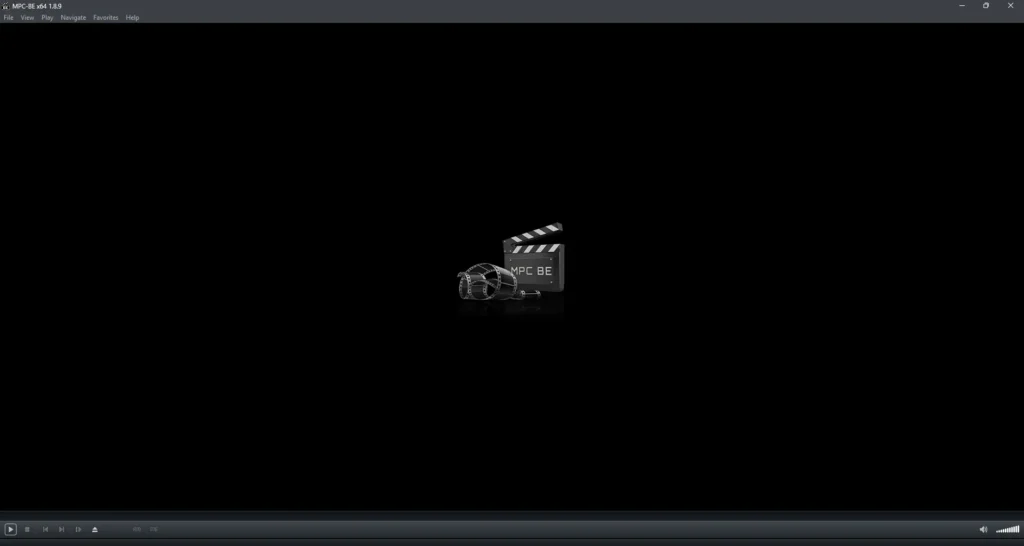
Screenshots

Features of MPC-BE Video Player
| Feature | Description |
|---|---|
| Lightweight & Fast | Starts instantly and runs smoothly even on older systems |
| Wide Format Support | Plays most audio and video formats without extra codecs |
| Advanced Audio Handling | Supports external audio tracks and embedded artwork |
| Embedded Image Support | Displays album art and images in supported audio files |
| High FPS Playback | Supports auto display switching up to 120 FPS |
| Playlist & Hotkeys | Improved playlist handling and customizable shortcuts |
| Metadata Reading | Reads detailed media metadata using modern filters |
| Dark & Light Themes | Automatically adapts to system theme |
| Open Source | Transparent development and community-driven updates |
System Requirements
| Requirement | Details |
|---|---|
| Processor | CPU with SSE2 support |
| Operating System | Windows 7, 8, 8.1, 10, 11 |
| Architecture | 32-bit or 64-bit |
| RAM | 2 GB minimum |
| Disk Space | ~100 MB |
How to Install MPC-BE Video Player??
- Download the MPC-BE installer zip file for your system (x86 or x64)
- Extract the file using any file archiver (7-Zip Recommended)
- Double-click the
.exefile - Follow the installation wizard
- Launch MPC-BE from the Start Menu
- Open your media files and start playing
Recommended For You: VLC Media Player for Windows, Mac & Linux
Download MPC-BE Video Player For Windows
Conclusion
MPC-BE is a reliable & fast media player that focuses on what matters most: smooth playback, broad format support, and a clean user experience.
If you’re looking for a lightweight & open-source media player that simply plays your media the way it should, MPC-BE remains one of the best choices on Windows.