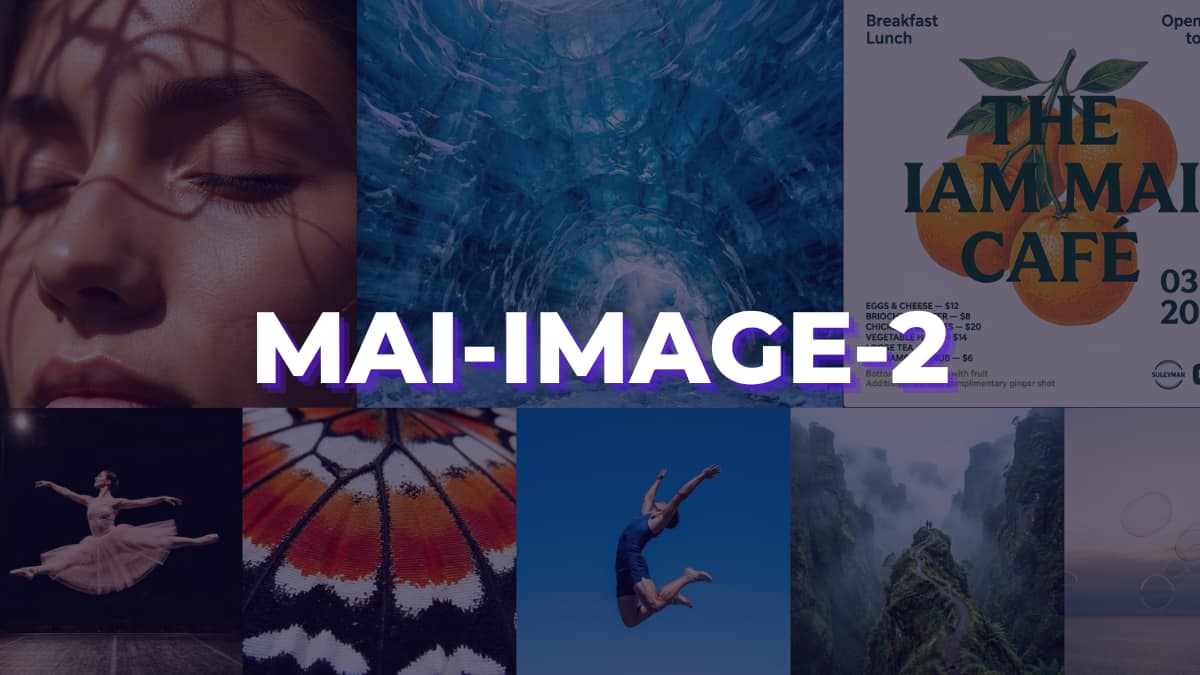

Five months. That is how long it took Microsoft to go from announcing its first in-house image model to building something that ranks third globally behind Google and OpenAI. I genuinely did not see that coming. MAI Image 2 is impressive in ways that are hard to ignore, but if you are a designer, a creative professional, or someone thinking about fitting this into a real workflow, there are a few things worth knowing before you get excited.
Table of contents
From Renting to Building
Until recently Microsoft was licensing OpenAI’s image models to power Bing Image Creator and Copilot. At the same time it was quietly pulling in Anthropic’s models for Office 365 tasks where Claude was simply outperforming OpenAI. That is a strange position to be in. Paying one company while quietly relying on the rival that is trying to replace them.
Building in-house changes that math completely.
The team behind MAI Image 2 did not exist 18 months ago. Mustafa Suleiman formed the AI Superintelligence group in November 2025. Since then they shipped a voice model in August, MAI Image 1 in October, and now this in March. That is three significant releases in seven months from a team that was still being assembled a year ago.
And here is the detail that actually surprised me. In real world testing MAI Image 2 outperformed GPT Image on both quality and text rendering, despite sitting below it on the Arena.ai leaderboard. Benchmark positions do not always tell the full story. Sometimes the product just works better than the number suggests.
What it Actually Does?
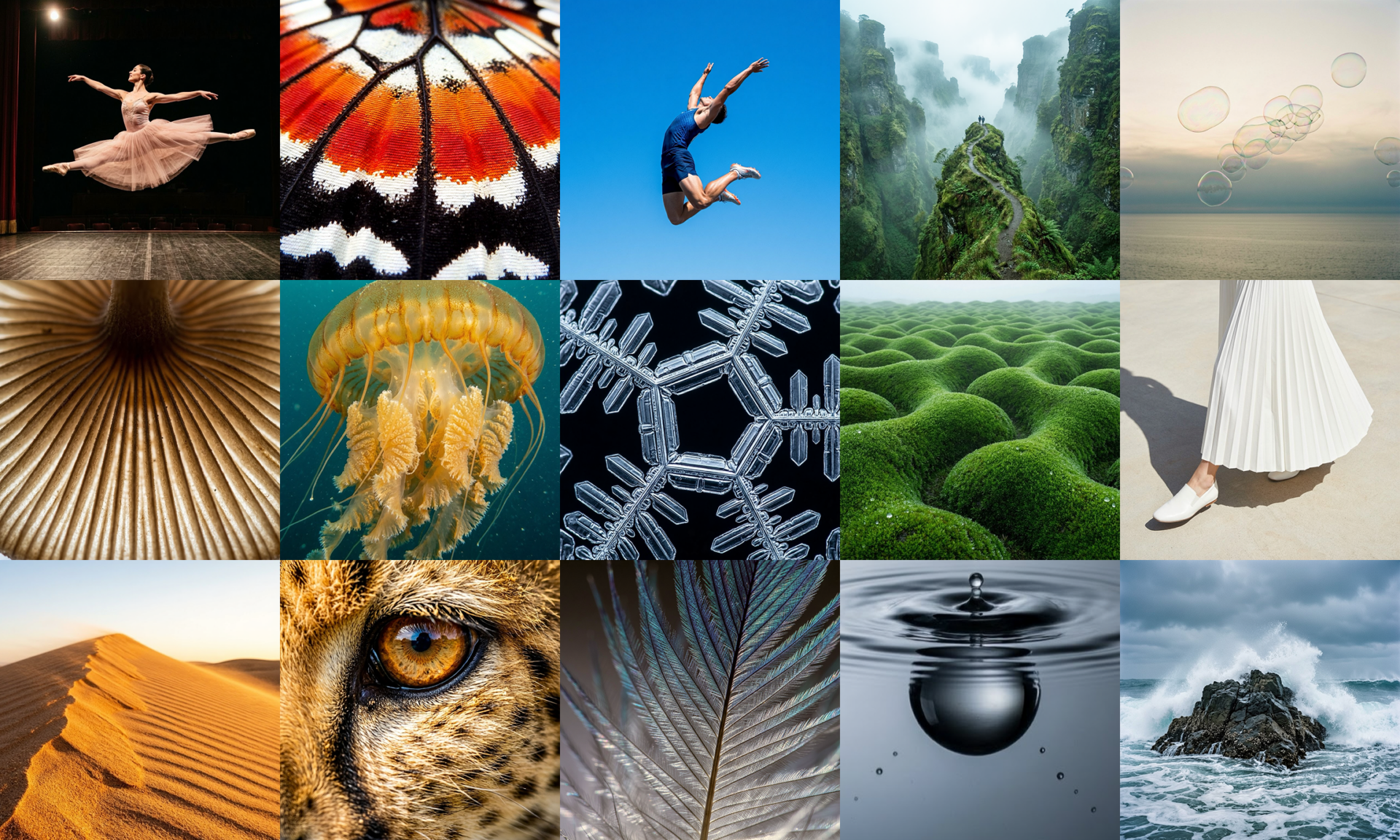
MAI Image 2 is built around three things: photorealism, text inside images, and complex scene generation.
The photorealism angle is where it makes the strongest case for itself. Natural light, accurate skin tones, environments that feel worn in rather than freshly rendered. If you have used other AI image tools and spent time fixing outputs before they were usable, that is exactly what Microsoft says this reduces. Less cleanup, more creating.
Text is the one that surprised me most. Generating readable, accurate text inside an image has been a weak spot across almost every model. MAI Image 2 handles it well enough to produce infographics, posters, slides and typographic layouts without the letters turning into decorative nonsense. That is a genuinely useful capability for designers.
The third area is complex scene generation. Surreal concepts, dense compositions, cinematic framing. The kind of prompts that push most models into awkward territory. Microsoft built this specifically for that space and the sample outputs back that claim up.
None of this makes it perfect. But these three areas are where it earns the number three ranking.
Where it starts to break
This is the part Microsoft did not put in the headline.
Resolution is locked to 1:1 only. No landscape, no portrait or custom ratios. Think about that for a second. In 2026, when designers are producing content for Instagram Stories, YouTube thumbnails, LinkedIn banners, and print, a square is not a workflow. It is a starting point at best.
Then there is the cooldown. Every single generation triggers a 30 second wait. That sounds minor until you are actually iterating on an idea and the tool keeps tapping the brakes on you. Creativity does not work in 30 second intervals.
Hit 15 images and you are done for 24 hours. Full lockout. For casual curiosity that is fine. For anyone doing real production work, that is a dealbreaker.
It is also purely text to image. No editing an existing image, no inpainting or outpainting. Midjourney has had these features for years. Adobe Firefly has them. MAI Image 2 does not, at least not yet.
Content filtering is stricter here than on Google Imagen or DALL-E. Some creative professionals are going to hit walls that simply do not exist on competing tools.
And API access is not open yet. Developers are waiting with no confirmed date. Six limitations on a brand new model is not unusual. But knowing them before you build a workflow around this saves you a frustrating afternoon.
Also Read: Open Source AI Image Generators You Can Run on Consumer GPUs
The bigger shift this points to
MAI Image 2 is not just a product launch. It is a signal.
Microsoft is methodically building capability it used to buy. Image generation today, voice models yesterday, text models before that. The GB200 compute cluster based on NVIDIA’s Blackwell architecture is now operational. They are not building this infrastructure to stay in third place.
The interesting question is not whether MAI Image 2 is better than Midjourney or Nano Banana right now. It does not need to be. It just needs to clear the bar Microsoft set for itself: reduce dependency, own the output, iterate without asking permission. On that measure, MAI Image 2 delivers
What that means long term is that Microsoft enters the image generation race as a builder, not a buyer. That changes the competitive dynamic in ways that will matter more in 2027 than they do today.
Also Read: 6 Open Source Tools That Turn Your PC Into a Full Creator Studio
Worth your time or worth the wait
If you are curious about where Microsoft is heading with AI, try MAI Image 2 today. The MAI Playground is free, the photorealism is genuinely impressive, and the text rendering alone is worth seeing. Spend 15 images and you will understand why this ranked third globally.
If you are a designer or creative professional thinking about building this into an actual workflow, wait. The 1:1 resolution lock, the 30 second cooldowns, the 24 hour lockout, the missing editing features, these are not minor rough edges. They are real barriers to real work right now.
What I keep coming back to is the timeline. A team that did not exist 18 months ago just shipped a top three image model. The limitations feel less like permanent decisions and more like a first version that shipped fast. That is either reassuring or concerning depending on how you look at it.
Either way, MAI Image 2 is worth knowing about. The version that removes these restrictions is the one worth getting excited about.