


File Info
| File | Details |
|---|---|
| Name | Kanbots |
| Version | v1.0.1 |
| Type | AI Kanban Board / Multi-Agent Development Platform |
| Developer | Kanbots |
| License | MIT License (Open Source) |
| Platforms | Windows • macOS • Linux |
| Formats | .exe • .dmg • .AppImage |
| Size | 110MB (may vary by OS) |
| Github Repository | github/kanbots |
Table of Contents
Description
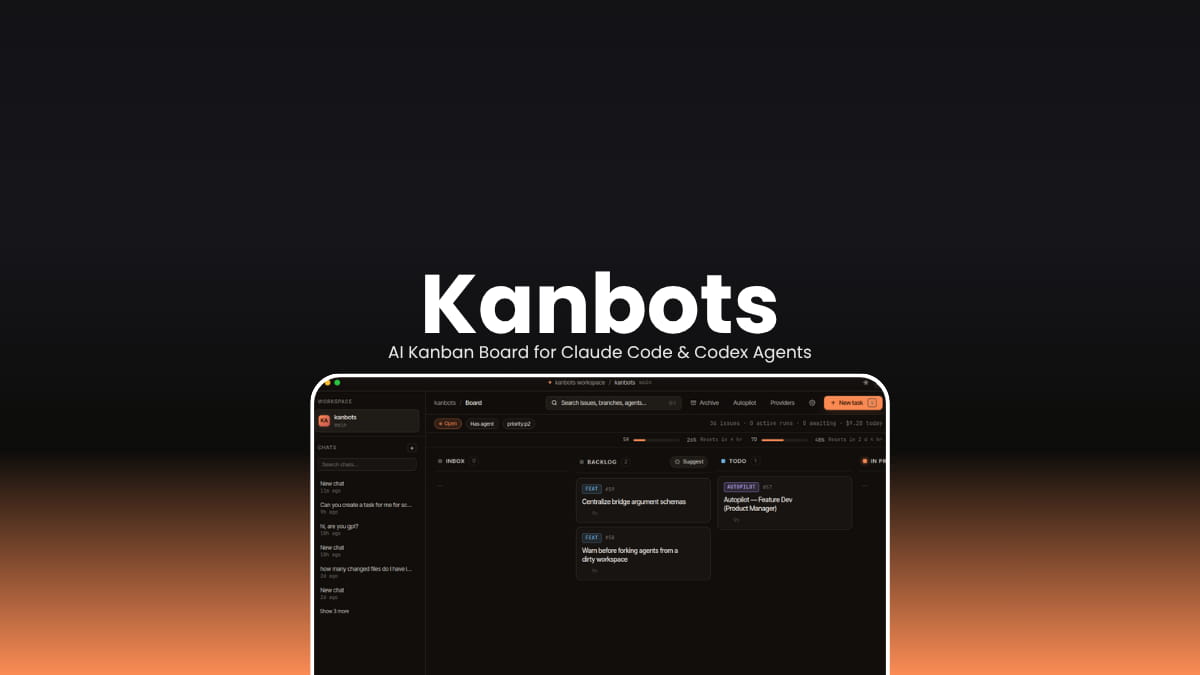
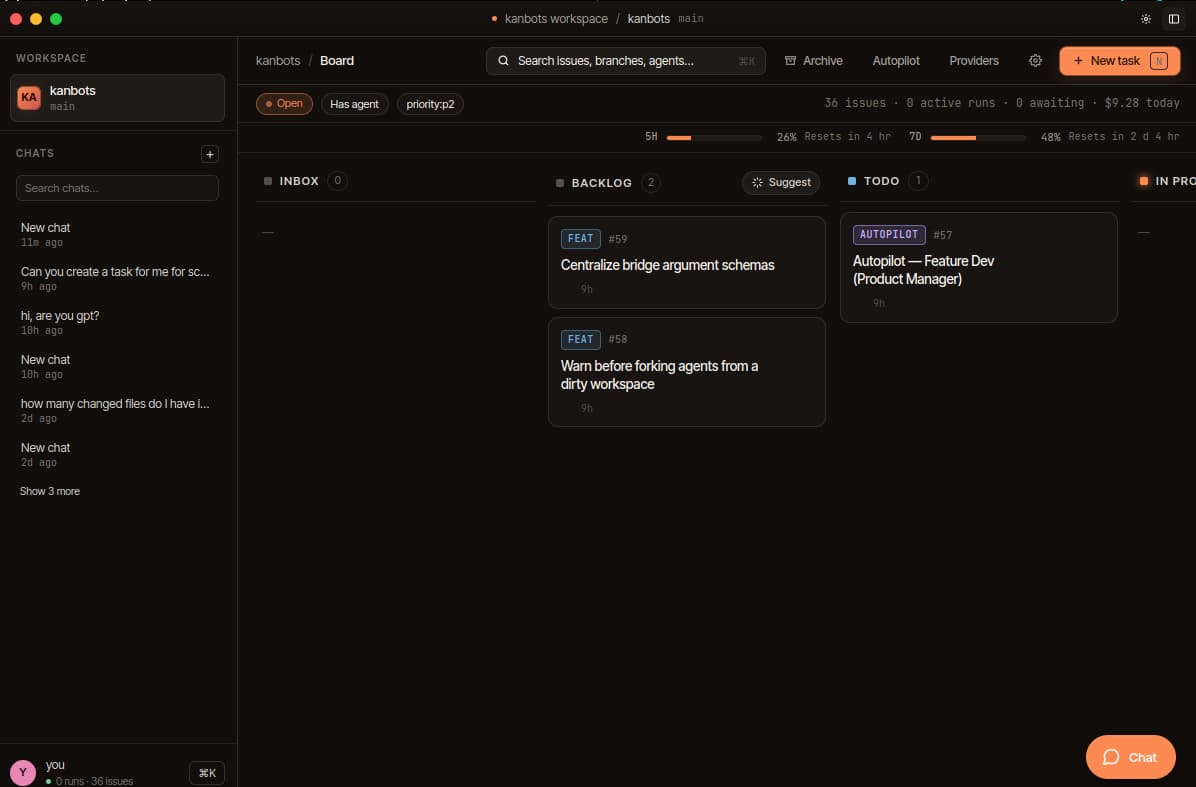
Kanbots is a local-first AI kanban board designed for developers who want AI agents to work on multiple tasks in parallel instead of one conversation at a time.
You open a repository, drop it into Kanbots, and instantly get a visual board where every card can become its own autonomous AI task. Claude Code or Codex agents run inside isolated git worktrees, allowing multiple coding sessions to happen simultaneously without interfering with each other.
It treats AI agents more like active team members than chat assistants.
Agents can split tasks into subtasks, review their own work, iterate in autopilot cycles, run QA loops, and continue refining changes until tests pass or a budget limit is reached. The board updates live as agents work, showing logs, decisions, costs, branches, and progress in real time.
Kanbots stays heavily focused on local ownership. Everything lives inside the .kanbots/ directory within your project, database, configs, worktrees, attachments, and runtime state.
Use Cases
- AI powered software development workflows
- Parallel Claude Code or Codex task execution
- Autonomous feature implementation
- AI-assisted QA and testing loops
- GitHub issue automation
- Local AI project management
- Multi-agent coding environments
- AI backlog management
- AI code review workflows
- Self-evolving development pipelines
Screenshots
Features of Kanbots
| Feature | Description |
|---|---|
| Parallel AI Agents | Run multiple AI coding agents simultaneously |
| Git Worktree Isolation | Every agent gets its own isolated branch and worktree |
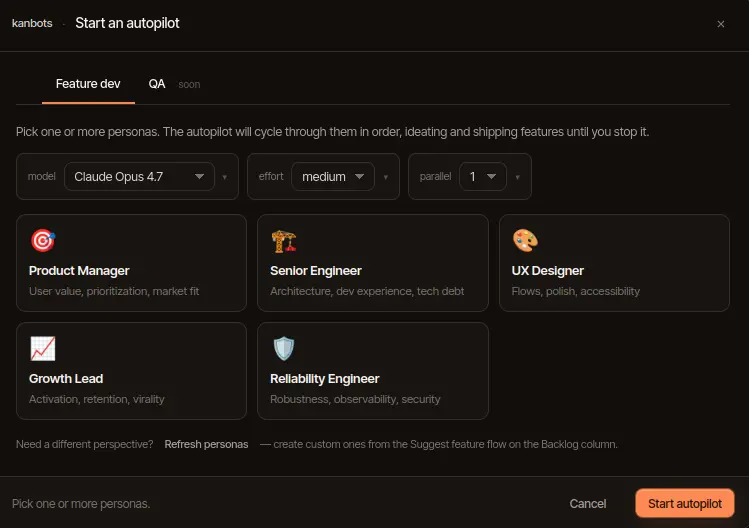
| Autopilot Mode | AI agents iterate automatically until tasks converge |
| Multi-Persona Workflows | Product author, engineer, reviewer, tester personas |
| Live Agent Threads | Stream tool calls, logs, prompts, and decisions in real time |
| Drag-and-Drop Kanban Board | Manage tasks visually across workflow stages |
| Claude Code Support | Native integration with Claude Code CLI |
| Codex Support | Works with Codex execution workflows |
| GitHub Mode | Sync board state with GitHub Issues |
| Local-First Storage | SQLite database stored locally |
| Sentry Import | Pull Sentry issues directly onto the board |
| MCP Server | Expose Kanbots through Model Context Protocol |
| Branch Preview | Launch and preview agent worktree environments |
| Promote to Commit / PR | Convert agent work into commits or draft PRs |
| Decision Prompts | Human approval workflow during agent runs |
| Zero Telemetry | No tracking or remote analytics |
You May Like: Goose: Open Source Local AI Coding Agent for Developers
Supported Agent Providers
| Category | Supported Providers |
|---|---|
| AI Agent CLIs | Claude Code • Codex |
| Git Integrations | Git • GitHub |
| MCP Support | Cursor • Claude Desktop • MCP-compatible tools |
| Error Tracking | Sentry |
System Requirements
| Component | Requirement |
|---|---|
| Operating System | Windows • macOS • Linux |
| Node.js | Version 20+ |
| Package Manager | pnpm 10+ |
| Required Tools | Git |
| AI CLI | Claude Code and/or Codex installed |
How to Install Kanbots?
Windows
- Download the
.exeinstaller - Open the installer
- Launch Kanbots
- Select a Git repository workspace
macOS
- Download the
.dmgfile - Drag Kanbots into Applications
- Launch the app
- Choose your repository folder
Linux
- Download the
.AppImage - Make it executable
- Launch Kanbots
- Open a repository workspace
Download KanBots Open-Source AI Kanban Board
More Than Just an AI Coding Tool
Kanbots is closer to an AI development operating system than a simple coding assistant.
It combines autonomous agents, kanban workflows, git isolation, QA automation, and local project orchestration into a single desktop environment built around parallel execution.
For developers experimenting with AI-assisted engineering workflows, autonomous coding agents, or multi-agent software pipelines, Kanbots is one of the more interesting open-source projects currently emerging in the AI development tooling space.




