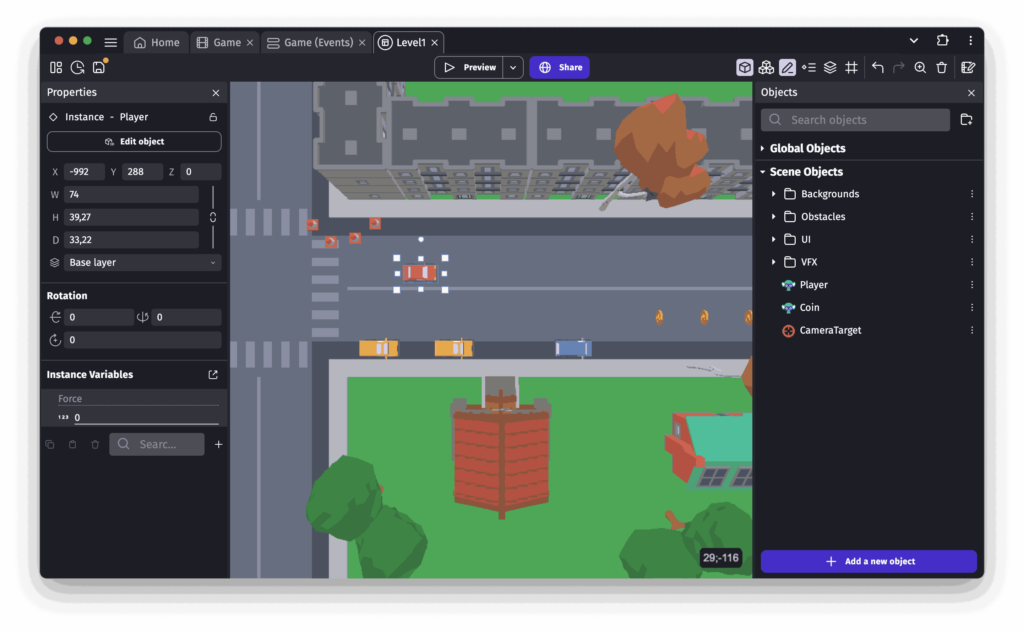
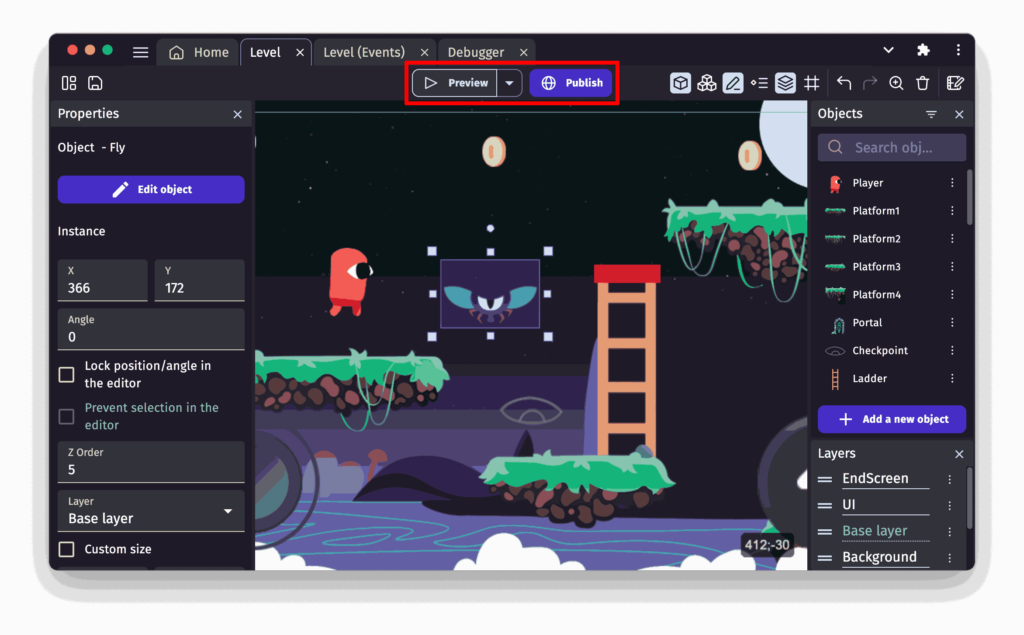
GDevelop is a complete, feature-rich, open-source game engine offering a visual programming system that eliminates the need for code. Create stunning games using pre-built behaviors, intuitive events, asset store resources, real-time previews, and seamless exporting tools.
Build once → Export to Web, Windows, macOS, Linux, Android, iOS. No limits. No paywall. No coding required.
GDevelop stands out as one of the most powerful and accessible open-source game engines available today. Whether you’re a complete beginner or an experienced creator, its no-code event system, built-in behaviors, cross-platform export options, and active community make it an exceptional choice for building 2D, 3D, and multiplayer games without complexity.
Stability Matrix is a multi-platform package manager and unified launcher built for Stable Diffusion and related AI tools. Instead of manually installing different WebUI builds, setting up Python environments, and managing Git updates yourself, it brings everything into one organized interface.
It supports popular environments like Automatic1111, ComfyUI, SD.Next, InvokeAI, Fooocus, and others including WAN GP and additional AI workflows depending on the selected package. You can install, update, and manage these tools from a single dashboard without jumping between folders and terminals.
One of the biggest advantages is that Stability Matrix makes it easier to install AI models locally and use them directly on your system. With the built-in Model Browser, you can import models from sources like CivitAI and Hugging Face, automatically place them in the correct folders, and manage previews and metadata. This means you can run image generation, music generation, video generation & even TTS models on your own machine without complex manual setup.
Goose is basically an AI agent that runs on your own machine. Instead of giving you snippets and waiting for the next prompt, it can create files, edit code, run commands, refactor modules, and handle multi-step tasks in one flow. You describe what you want, and it starts working through it step by step.
You can use Goose in two ways. There’s a desktop app if you like a visual interface, and there’s a CLI version if you prefer staying in the terminal. Both work similarly — it just depends on how you like to work.
What makes it flexible is model support. You’re not locked into a single provider. Goose can connect to OpenAI, Anthropic, Gemini, Groq, or even local models using Ollama. If you already have subscriptions to certain AI tools, you can route through their CLI instead of paying per API call.
It also supports extensions, which means it can do more than just edit code. It can interact with the filesystem, open a browser, cache data, and connect to external services depending on your setup.
Most invoicing apps start by asking you to create an account. Invoice Builder doesn’t.
It runs locally on your machine & your invoices are stored in a database file that you control.
This is an offline-first, open-source invoicing and quoting application built for freelancers, contractors, and small businesses who prefer owning their data instead of renting access to it.