

File Information
| File | Details |
|---|---|
| Name | AutoHotkey – Keyboard Automation & Hotkey Utility |
| Version | v2.0.19 |
| File Format Provided | .exe |
| Size | 2.9MB |
| Platforms | Windows |
| Architecture | x64 • x86 |
| License | Open Source (GPL 2.0 License) |
| Official Repository | GitHub AutoHotKey |
| Official Site | AutoHotkey |
| Category | Windows Utility • Productivity • Automation |
Table of contents
Description
AutoHotkey is a free & open-source automation and scripting utility for Windows that allows users to automate repetitive tasks using custom keyboard shortcuts, macros, and small scripts.
It works by running simple text-based scripts (.ahk files) that define what should happen when a specific key combination is pressed. These scripts can launch programs, control windows, automate typing, or perform complex workflows. It runs in the background and easy to use.
If you want to open apps faster, automate daily tasks, or create powerful productivity shortcuts, AutoHotkey gives you full control over your keyboard and system behavior.
Use Cases
- Create custom keyboard shortcuts for any action
- Automate repetitive workflows
- Launch apps, websites, or scripts instantly
- Control windows and system behavior
- Improve productivity with minimal effort
- Build lightweight automation without heavy software
Screenshots
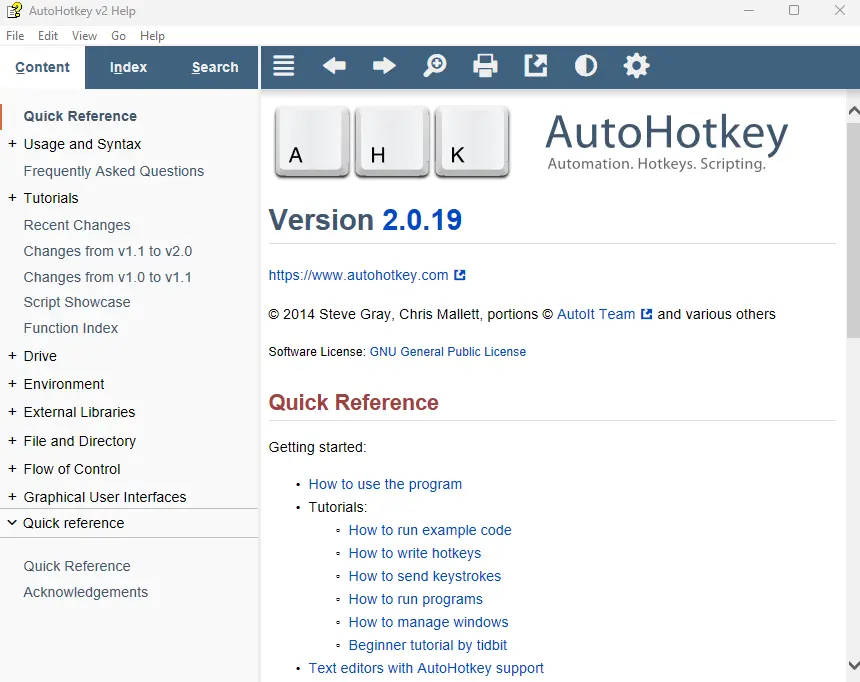
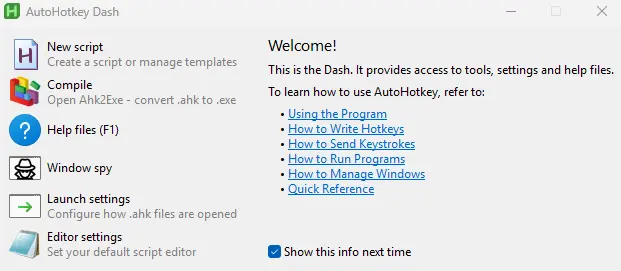
Features of AutoHotKey
| Feature | Description |
|---|---|
| Custom Hotkeys | Define your own keyboard shortcuts |
| Macro Automation | Automate repetitive tasks |
| Script-Based | Simple .ahk text scripts |
| Lightweight | Minimal CPU and memory usage |
| Portable | Scripts can run with just AutoHotkey.exe |
| Compile Scripts | Convert scripts into standalone .exe files |
| Community Driven | Large community and script library |
| Open Source | Transparent and auditable codebase |
How to Use AutoHotKey (Basic Usage)??
AutoHotkey does nothing on its own — it needs a script.
Quick start:
- Open Notepad or any text editor.
- Write a simple hotkey script
- Save the file with a
.ahkextension - Double-click the file to run it
Example:
#z::Run https://www.google.com
AutoHotkey will now stay active in the background and execute your hotkeys like the above script runs when you press Win + Z it opens google. Similarly you can setup more hotkeys, refer to AutoHotKey Official Documentation to understand how to use the program
System Requirements
| Requirement | Details |
|---|---|
| OS | Windows 10 • Windows 11 |
| Architecture | x64 • x86 |
| RAM | 1 GB minimum |
| Disk Space | < 10 MB |
How to Install AutoHotKey??
- Download the official AutoHotkey installer
- Double click the
.exefile - Complete the installation using default options
- AutoHotkey is now ready to run scripts
Download AutoHoyKey: Keyboard Automation & Custom Hotkeys for Windows
Conclusion
AutoHotkey is one of the lightweight automation tool that gives Windows users complete control over their keyboard and workflows.
If you value speed, control, and automation, AutoHotkey is a must-have Windows utility that grows with you over time.