
File Information
| File | Details |
|---|---|
| Name | AdAway |
| Version | v6.1.4 (stable) |
| License | GPLv3 |
| Platform | Android |
| Type | .apk |
| Size | 13MB |
| Root Required | Yes (or Local VPN for non-rooted devices) |
| Github Repository | Github/Adaway |
Table of contents
Description
AdAway is a powerful open-source ad blocker for Android that ensures you can enjoy a clean, ad-free experience across apps, games, and websites. Unlike browser-only ad blockers, AdAway works system-wide by modifying the hosts file on your device. This approach blocks ads at their source, reducing distractions, saving bandwidth, and improving battery performance.
Whether you are browsing YouTube, streaming music, or using your favorite apps, AdAway ensures that intrusive ads no longer interfere with your experience. The app supports both rooted devices for direct hosts file modification and non-rooted devices using a local VPN, making it accessible for almost any Android user.
With regular updates from the open-source community, AdAway continuously improves its ad-blocking capabilities, ensures compatibility with the latest Android versions, and adds new ad servers to the blocklist. For tech-savvy users, AdAway also allows importing custom blocklists, giving full control over what to block and what to allow.
AdAway is not just about removing ads; it protects privacy by preventing trackers from communicating with their servers. Users gain faster loading times, lower data usage, and a more secure device environment. Open-source transparency ensures no hidden data collection, making it a trustworthy choice for privacy-conscious Android users.
Scroll down to the Download section & follow the installation steps to get AdAway running on your Android device. Enjoy a faster, safer, and ad-free mobile experience today.
Features of Adaway
| Feature | Description |
|---|---|
| System-Wide Ad Blocking | Blocks ads across apps, games & websites |
| Root & Non-Root Support | Works with root via hosts file modification or with a local VPN for non-root devices |
| Custom Blocklists | Import & manage your own ad servers |
| Privacy Protection | Blocks trackers & enhances security |
| Open-Source | Fully transparent, GPLv3 licensed |
| Saves Bandwidth & Battery | Reduces data usage & improves device performance |
| Regular Updates | Community-driven updates for hosts file & ad servers |
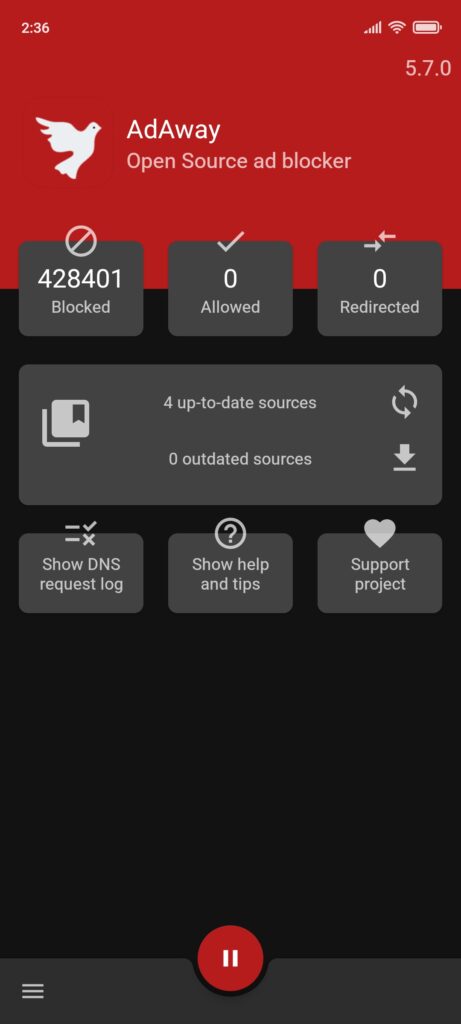
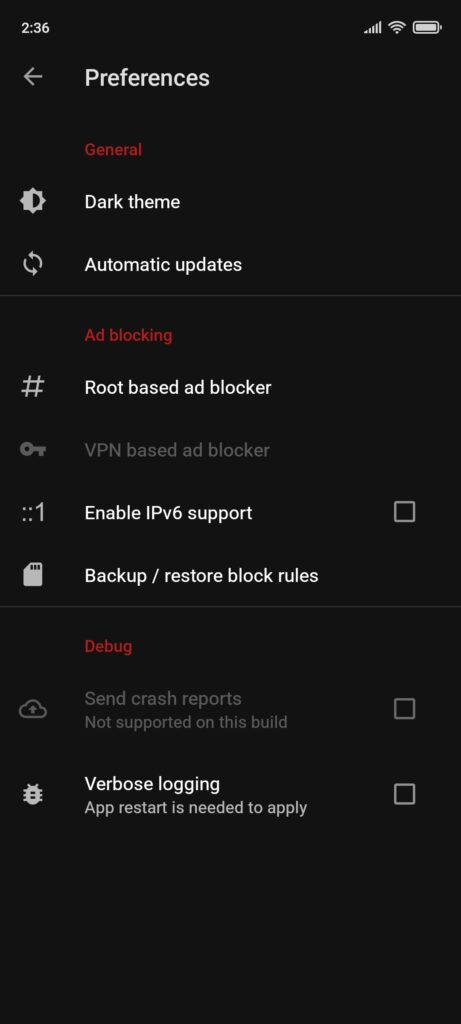
Screenshots
System Requirements
| OS | Version / Requirement |
|---|---|
| Android | 5.0 or later |
| RAM | 2 GB minimum |
| Storage | 10 MB free space |
| Root | Optional (required for full hosts file modification) |
How to Install Adaway Apk??
Before installation: Scroll down to the Download section to get the latest AdAway .apk.
For Rooted Devices
- Download the AdAway .apk file.
- Open the file and allow installation from unknown sources if prompted.
- Launch AdAway and grant root access.
- Tap on “Apply Hosts File” to enable system-wide ad blocking.
- Restart your device for full effect.
For Non-Rooted Devices (VPN Mode)
- Download the AdAway .apk file.
- Open the file and allow installation from unknown sources if prompted.
- Launch AdAway and enable VPN mode.
- Confirm connection to local VPN.
- Tap on “Apply Hosts File” to start ad blocking without root.
Download Adaway: Free Adblocker APK Latest Version For Android
Donate To Adaway Community
AdAway is completely free & community-driven. Supporting the developers helps keep the project alive, adds new features, and ensures regular updates. Every contribution, small or large, makes a difference.