
File Info
| File | Details |
|---|---|
| Name | openGym |
| Version | v1.3.9 |
| Size | 15.4MB |
| Format | apk |
| Type | Workout & body-weight tracker |
| Developer | Duarte Santos |
| License | AGPL-3.0 License |
| Platforms | Android |
| Github Repository | DuarteSantos8 / openGym |
Table of Contents
Description
Most workout apps are built around someone else’s account system, servers and subscription.
With openGym you can host the app yourself and keep your workout data on your own machine.
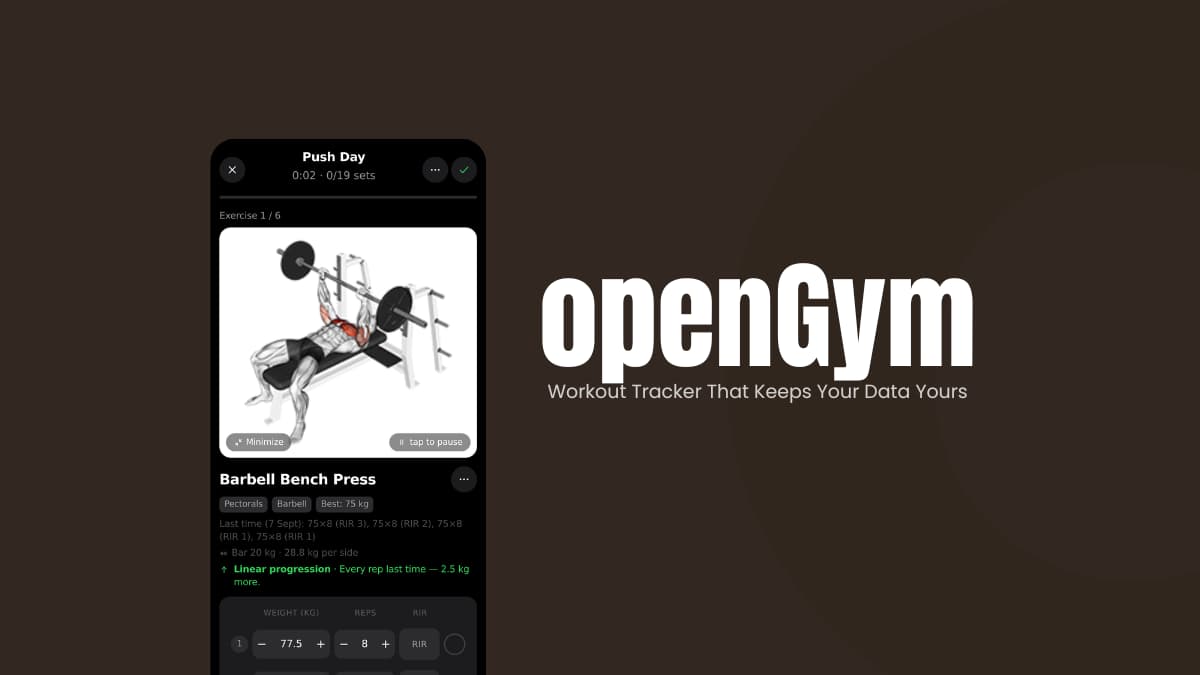
It lets you plan weekly routines, follow guided workouts, record sets and reps, track body weight, and see your progress over time. The self-hosted version runs in a browser and can sync your data between devices using passkey authentication.
There is also a standalone Android app. It can work without an account or server.
It keeps your workout data directly on your phone while providing features such as native reminders and a rest countdown.
Use Cases
- Plan routines, log every set, track progression, and keep your training history in one place.
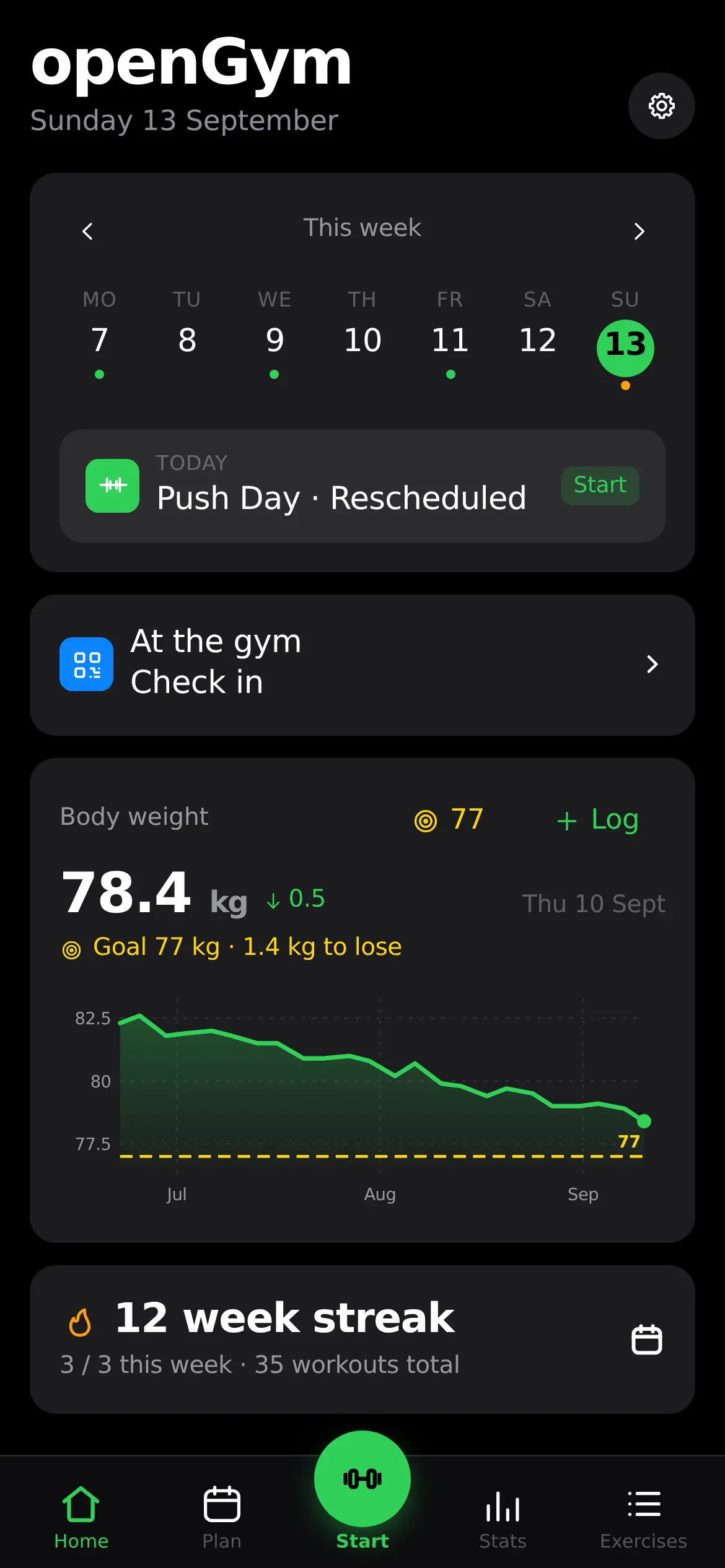
- Record your weight and compare your progress against a target over time.
- Host openGym yourself instead of keeping your training history on a third-party service.
- Import existing data from FitNotes, Strong, or Hevy and continue from your existing history.
- Install the Android APK for a standalone workout tracker with reminders and a rest countdown.
Screenshots
Features of openGym
| Feature | What it does |
|---|---|
| Workout Planning | Build weekly routines, move sessions between days, and choose from starter plans or create your own. |
| Exercise Library | Browse more than 1,300 exercises, search by muscle group, and filter exercises based on available equipment. |
| Guided Workouts | Start the day’s workout with previous weights filled in, rest timers between sets, and live PR detection. |
| Progression Rules | Use progression systems such as linear progression, Greyskull LP, double progression, or time-based targets. |
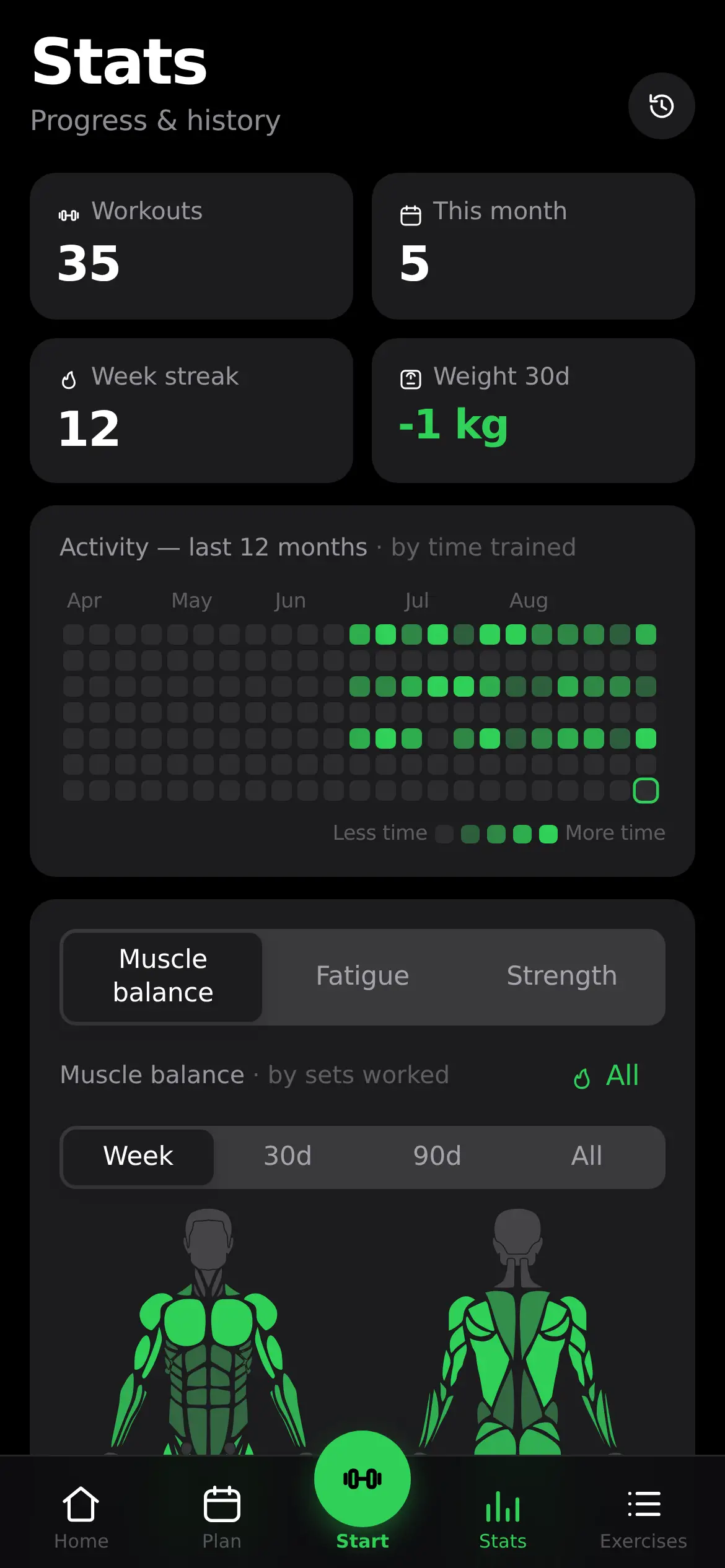
| Strength Tracking | Track estimated 1RM, personal records, training volume, and long-term activity. |
| Body-Weight Tracking | Record your weight and compare it against a target over time. |
| Muscle Maps | See where your training volume went, what is recovering, and which areas have received less training. |
| Workout Editing | Correct saved workouts, add sessions you originally recorded elsewhere, or move workouts to another date. |
| Passkey Login | Sign in using Face ID, Touch ID, a fingerprint, or another supported passkey method. |
| Multi-Device Sync | Keep workout data synchronized between devices when using your self-hosted instance. |
| Data Import & Export | Import history from apps such as FitNotes, Strong, and Hevy, and export your data as JSON. |
| Offline Support | Continue using the app when disconnected, with unsynced changes preserved until the connection returns. |
| Android App | Use the standalone Android application without needing a self-hosted server. |
| AI Coach | Optionally generate workout suggestions using your own AI provider or a local model such as Ollama. |
| MCP Server | Connect compatible AI assistants to your training history through a read-only local MCP server. |
System Requirements
| Requirement | Details |
|---|---|
| OS | Android |
| Self-Hosting | Docker with Compose |
| Server Architecture | AMD64 or ARM64 |
| HTTPS | Required for passkeys when accessing the self-hosted instance from a phone |
| Internet | Required for initial setup and remote access; the app can also work offline |
| AI Features | Optional; requires your own provider key or compatible local AI service |
You May Like: SuperImage AI Image Upscaling App for Android
Installation Steps
- Download the APK file
- Install the APK on your Android phone. You may need to allow your browser or file manager to install apps from that source.
- Launch openGym and start tracking your workouts.
- The standalone Android app does not require an account or self-hosted server.
Download openGym
Find more versions of opengym app on github
A Workout Tracker You Actually Control
A workout tracker doesn’t necessarily need to be tied to somebody else’s cloud account.
openGym gives you the option to run the whole thing yourself, with your workouts, body weight, routines, and settings stored on your own device.
This app is interesting for people who want a proper workout tracker without giving up control over where their data lives.