

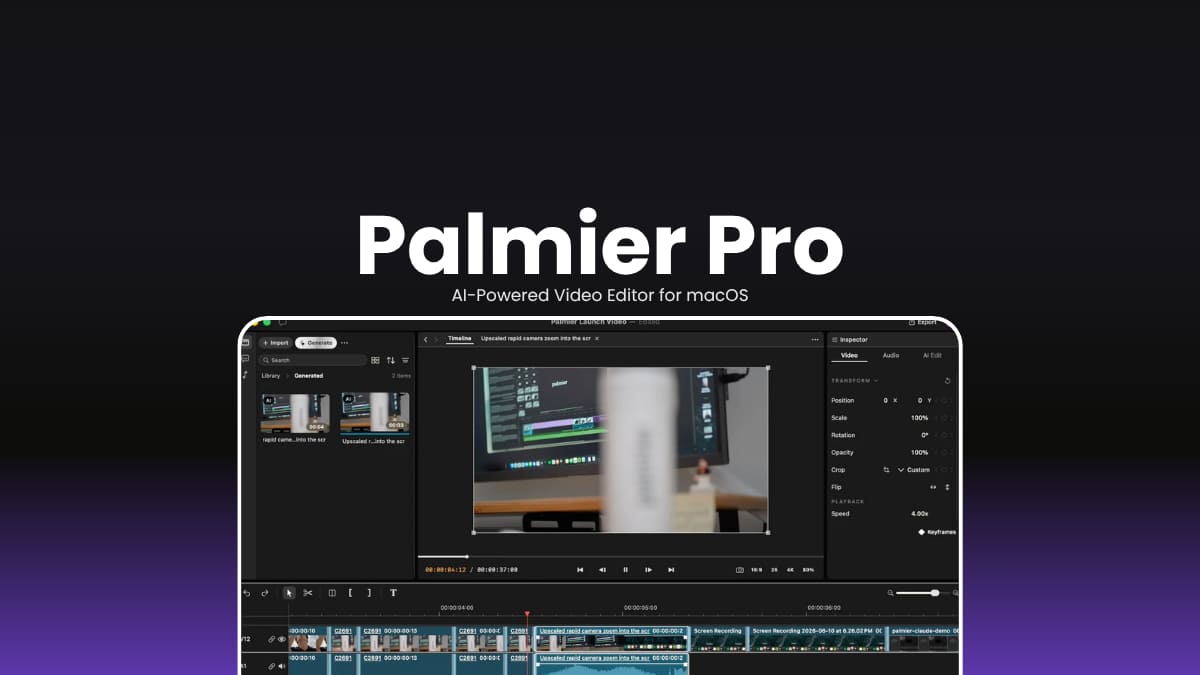

File Info
| File | Details |
|---|---|
| Name | Palmier Pro |
| Version | v0.3.4 |
| Type | AI Video Editor |
| Size | 24MB |
| Developer | Palmier, Inc. |
| License | GPLv3 (Editor & MCP) |
| Platform | macOS |
| Format | dmg |
| Primary Use | AI-assisted video editing and content creation |
| MCP Support | Claude, Cursor, Codex, Claude Desktop |
| Github Repository | palmier-io / palmier-pro |
Table of Contents
Description
AI video generators have become incredibly capable, but the workflow is still fragmented. You generate a clip in one tool, download it, import it into an editor, make changes, then repeat the entire process whenever you need a revision.
Palmier Pro aims to eliminate that loop. Instead of treating AI as a separate website, it brings generation directly into the editing timeline. You can create AI videos, images, and audio alongside your own footage without constantly switching between different applicationsm, this way AI becomes another creative tool.
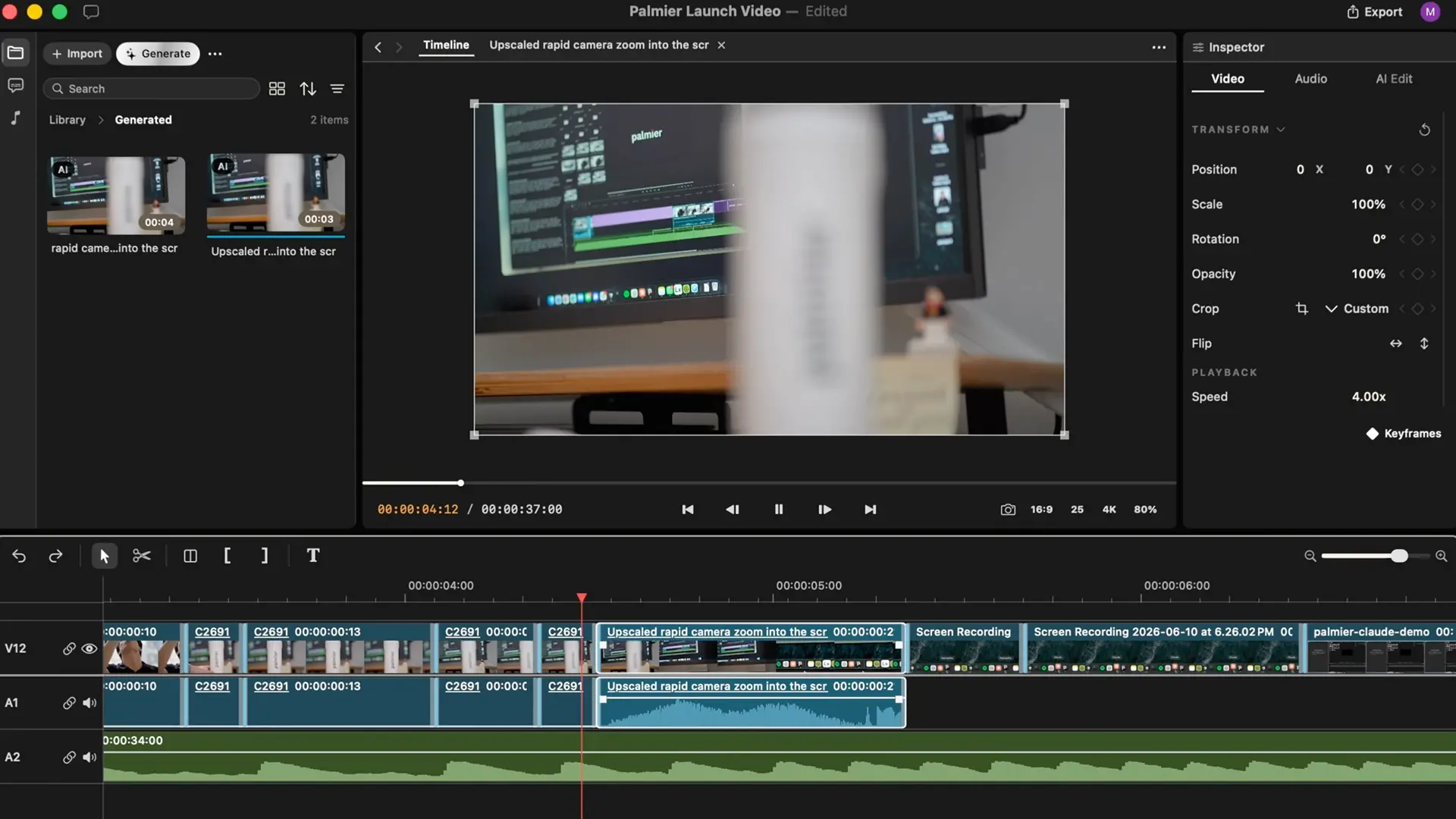
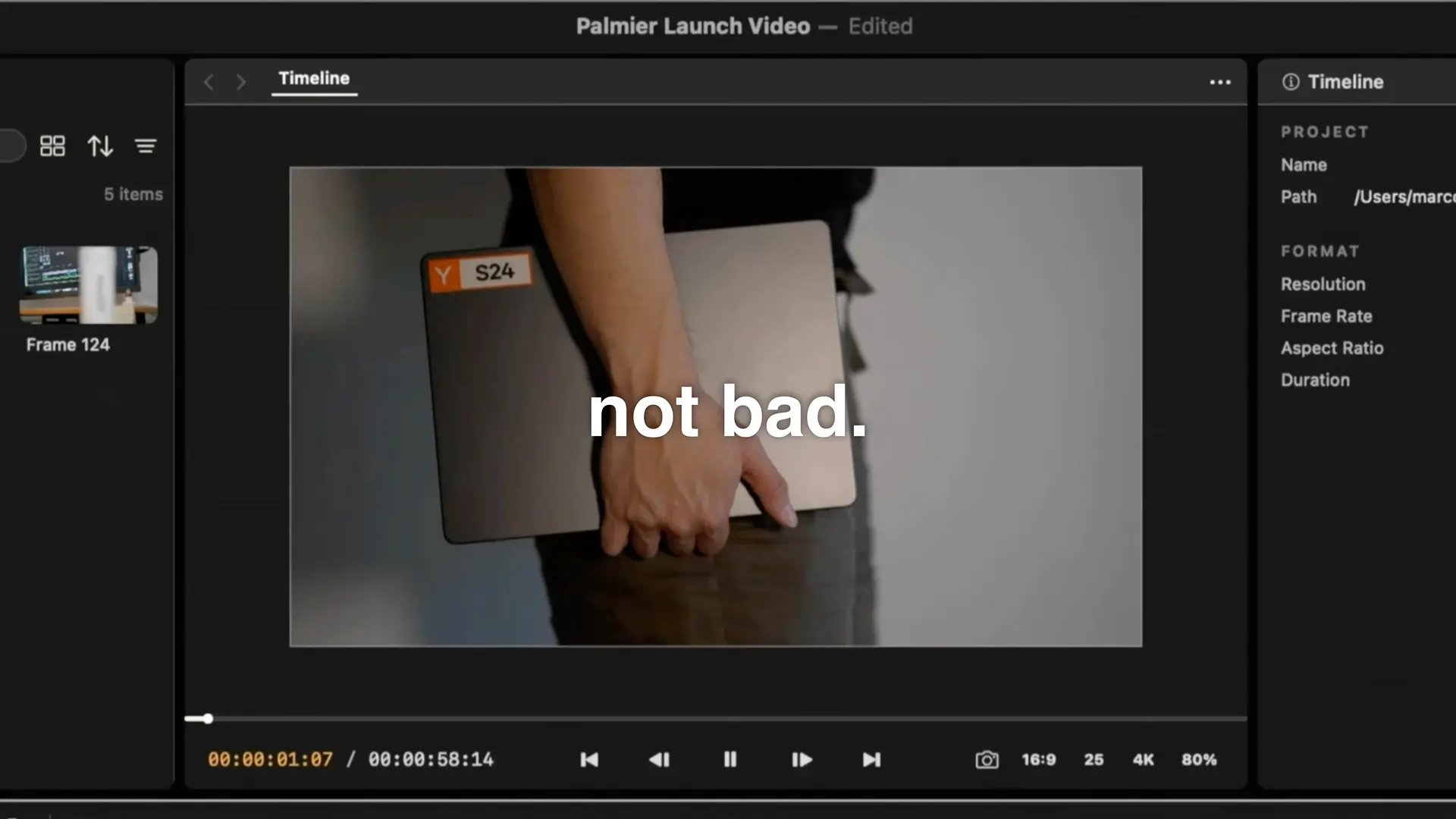
Beyond generation, Palmier Pro is also a fully featured video editor built natively with Swift for Apple Silicon Macs. It supports multi-track editing, timeline controls, professional exports, and even lets AI agents like Claude, Cursor, and Codex interact with your projects through MCP.
If you simply want a free video editor, Palmier Pro already delivers. If you want AI to become part of your editing workflow instead of a separate step, that’s where it really starts to stand out.
Use Cases
- Create AI videos without leaving the editor
- Mix AI-generated clips with your own footage
- Edit YouTube videos, shorts, and social media content
- Collaborate with AI coding assistants through MCP
- Export projects to Premiere Pro or DaVinci Resolve
Screenshots
Features of Palmier Pro
| Feature | Description |
|---|---|
| AI Video Generation | Generate videos directly inside the timeline |
| AI Image Generation | Create images without leaving the editor |
| AI Audio Generation | Produce AI-generated audio for projects |
| Multi-Track Timeline | Edit video, audio, images, and text together |
| Native macOS Performance | Built entirely with Swift for Apple Silicon |
| MCP Integration | Connect Claude, Cursor, Codex, and Claude Desktop |
| Timeline Editing | Trim, split, resize, transform, and adjust clips |
| Professional Export | Export MP4 (H.264, H.265), ProRes, and XML |
| AI Agent Collaboration | Let AI agents edit and interact with your timeline |
| Open Source Editor | Core editor and MCP server are open source |
AI Model Support
| Category | Models |
|---|---|
| Video Generation | Kling V3, Seedance 2.0, Veo 3.1 |
| Image Generation | Grok Imagine |
| Additional Models | Nano Banana Pro and other supported AI models |
Related: LTX-Desktop: AI Video Generator from Text, Image & Audio
System Requirements
| Component | Requirement |
|---|---|
| Operating System | macOS 26 (Tahoe) |
| Processor | Apple Silicon (M1, M2, M3, M4) |
| RAM | 8 GB minimum (16 GB recommended) |
| Storage | 1 GB+ free space (additional space for AI assets) |
| Internet | Required for AI generation features |
How to Install Palmier Pro on macOS?
- Download the Palmier Pro DMG File.
- Open the DMG and drag Palmier Pro into the Applications folder.
- Launch the application.
- Start editing immediately or sign in to access AI generation features.
- Optionally connect Claude, Cursor, Codex, or Claude Desktop using the built-in MCP setup.
Download Palmier Pro
Why Palmier Pro Is Worth Trying
Most AI video tools stop after generating a clip. Palmier Pro actually starts there.
By combining a professional timeline editor with built-in AI generation and MCP support, it removes much of the complexity between creating content and editing it. If you’re producing social media videos, marketing content, or experimenting with AI-assisted filmmaking, it offers a workflow that’s noticeably more integrated than juggling multiple AI websites and video editors.




