


File Info
| File | Details |
|---|---|
| Name | MiniCPM Desk Pet |
| Version | v0.7.3 |
| Developer | OpenBMB Community & Contributors |
| License | AGPL-3.0 Licene (Open Source) |
| Platform | macOS, Windows |
| Architecture | Apple Silicon (ARM64), Windows x64 |
| Files | .dmg, .exe |
| GitHub Repository | MiniCPM Desk Pet |
Table of Contents
Description
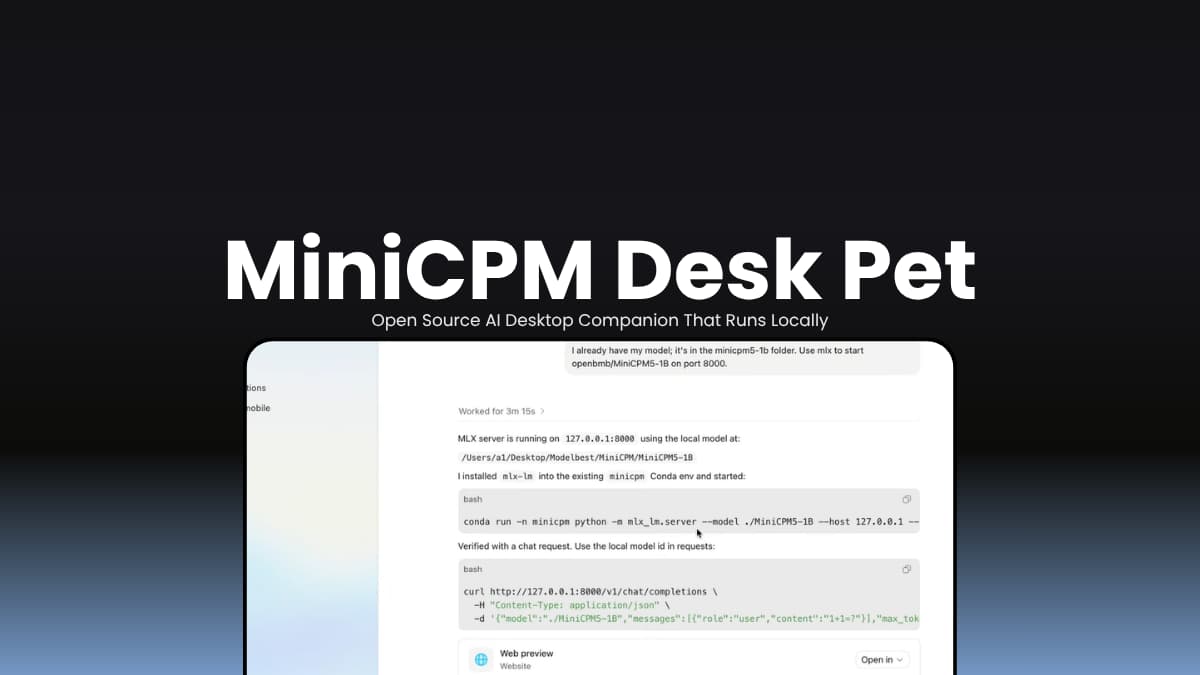
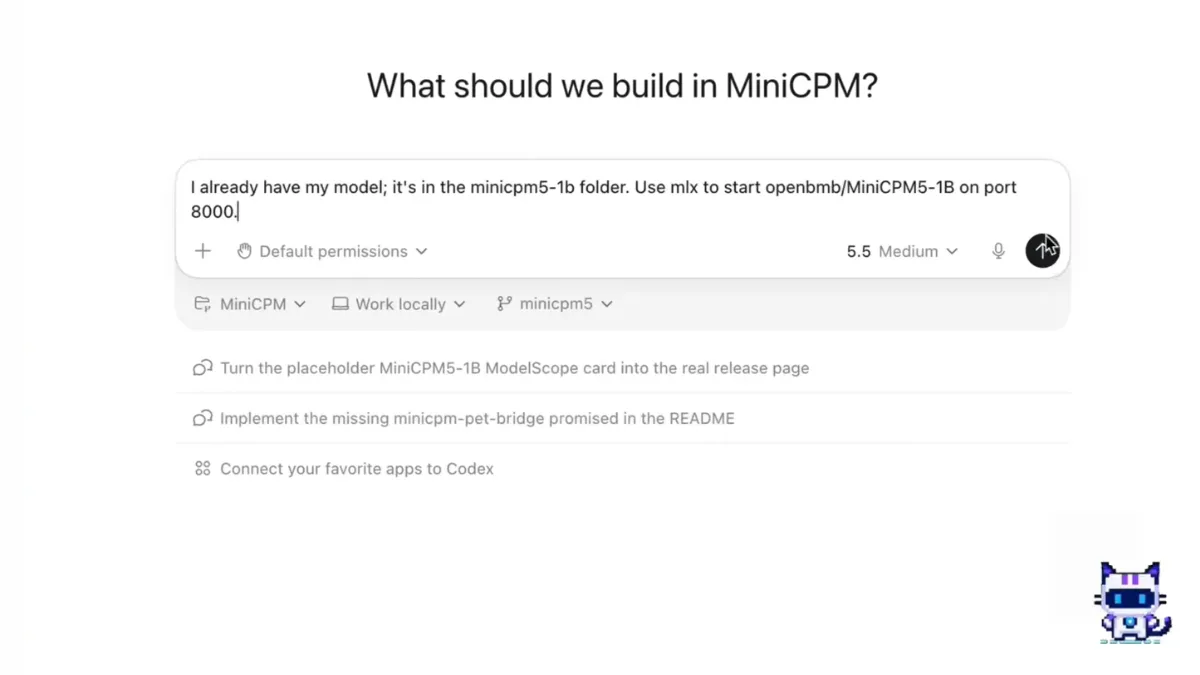
MiniCPM Desk Pet turns the MiniCPM AI model into a desktop companion that lives alongside your workflow. Install the app, follow the setup wizard, and within a few minutes you can chat with a local AI pet directly from a floating desktop bubble.
The app checks your environment, downloads the model, warms it up, and simplify the complexity of the setup
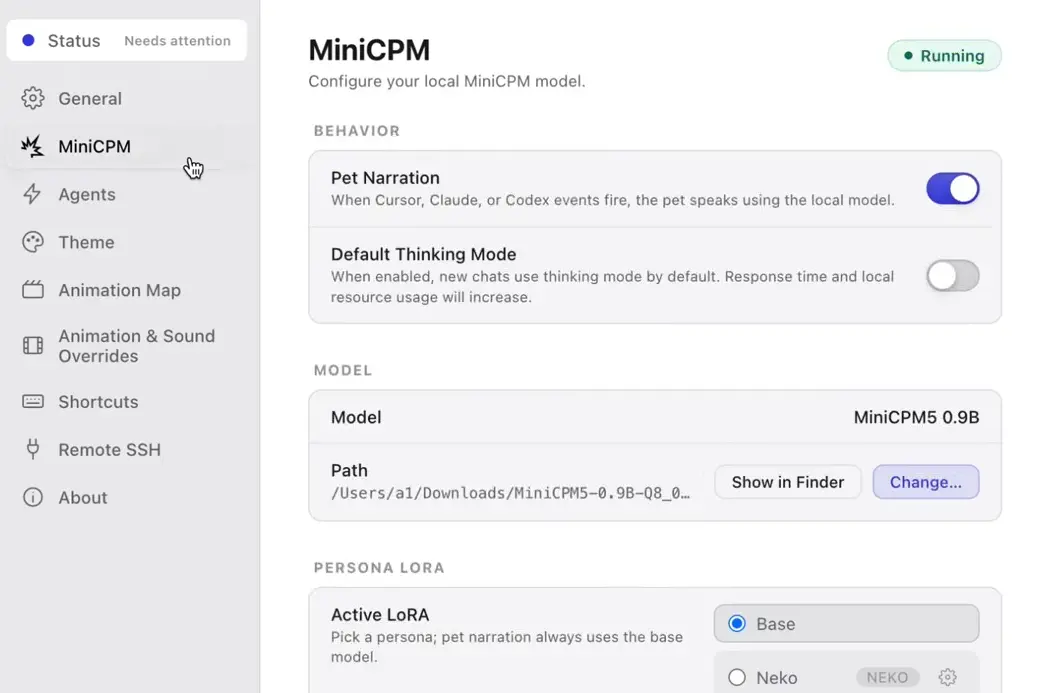
Once everything is ready, conversations run on your machine using the local model. The pet can stay visible while you work, react to activity from tools like Cursor, Claude Code, and Codex, and even take on different personalities through character adapters.
It’s part local AI assistant, part desktop pet.
Use cases
- Chat with a local AI model without relying on cloud inference
- Keep a lightweight AI assistant available while coding
- Add a desktop companion that reacts to development workflows
- Experiment with MiniCPM and persona adapters
Screenshots
Features of MiniCPM Desk Pet
| Feature | Description |
|---|---|
| Local AI Chat | Run conversations locally after model setup |
| Desktop Pet Interface | Floating companion that stays on screen while you work |
| Guided Setup | Automatic environment check, model download, and warm-up |
| Agent Activity Reactions | Responds to activity from Cursor, Claude Code, and Codex |
| Smart Model Downloads | Downloads from Hugging Face or ModelScope automatically |
| Persona Support | Switch or import different character adapters |
| Local Model Management | Choose custom GGUF models and manage runtimes |
| Keyboard Shortcuts | Quick access to chat and thinking mode |
| Cross-Platform Support | Available for macOS and Windows |
You May Like: OpenHuman: Open-Source Personal AI Assistant With Memory, Voice & Integrations
System Requirements
| Component | Requirement |
|---|---|
| macOS | macOS 14+ |
| Windows | x64 with Vulkan support |
| Processor | Apple Silicon (M1/M2/M3/M4) or modern x64 CPU |
| Storage | Approximately 2 GB |
| Network | Required during first setup or model download |
How to Install MiniCPM Desk Pet?
Windows
- Download the .exe file.
- Run the installer.
- Complete the installation wizard.
- Launch the application.
- Follow the setup guide to download and initialize the model.
On first launch, the app walk through the environment check, then it will download the Model, Warm-Up the model and then You can use the application
macOS
- Download the .dmg release.
- Open the DMG file.
- Drag MiniCPM Desk Pet into the Applications folder.
- Launch the application.
- Follow the guided setup process.
Discover More Open Source AI tools for your system
Download MiniCPM Desk Pet
An AI Desktop Pet and Assistant
If you like the idea of having an AI assistant nearby throughout the day, without relying on a cloud service for every conversation, you can give this project a try. The setup is simple, the model runs on your own machine, and the desktop pet approach makes it feel different from the usual chatbot experience.




