


File Info
| File | Details |
|---|---|
| Name | Osaurus |
| Version | v0.18.19 |
| Type | Local AI Harness / Offline AI Agent Platform |
| Developer | Osaurus, Inc. |
| Size | 40MB |
| License | MIT License (Open Source) |
| Platforms | macOS (Apple Silicon) |
| File Formats | .dmg |
| AI Providers | OpenAI • Anthropic • Ollama • Gemini • xAI • OpenRouter • LM Studio |
| Github Repository | github/osaurus |
| Official Site | https://osaurus.ai/ |
Table of Contents
Description
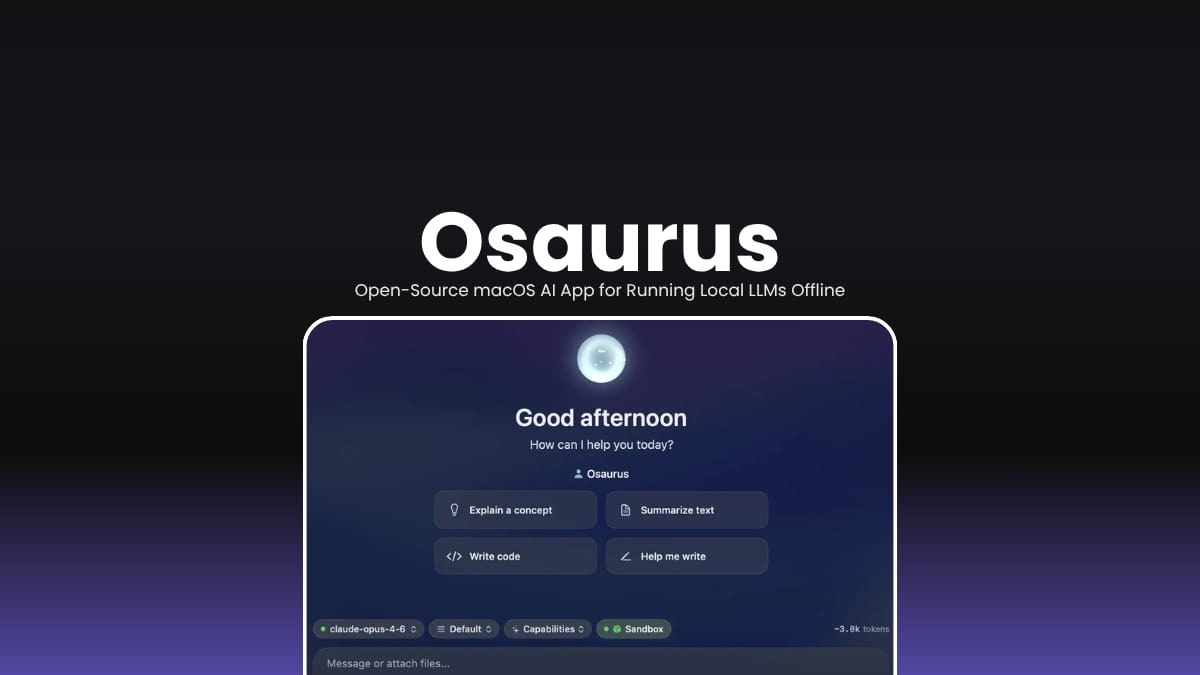
Osaurus is a macOS-native AI harness designed around an idea “Your AI should belong to you.”
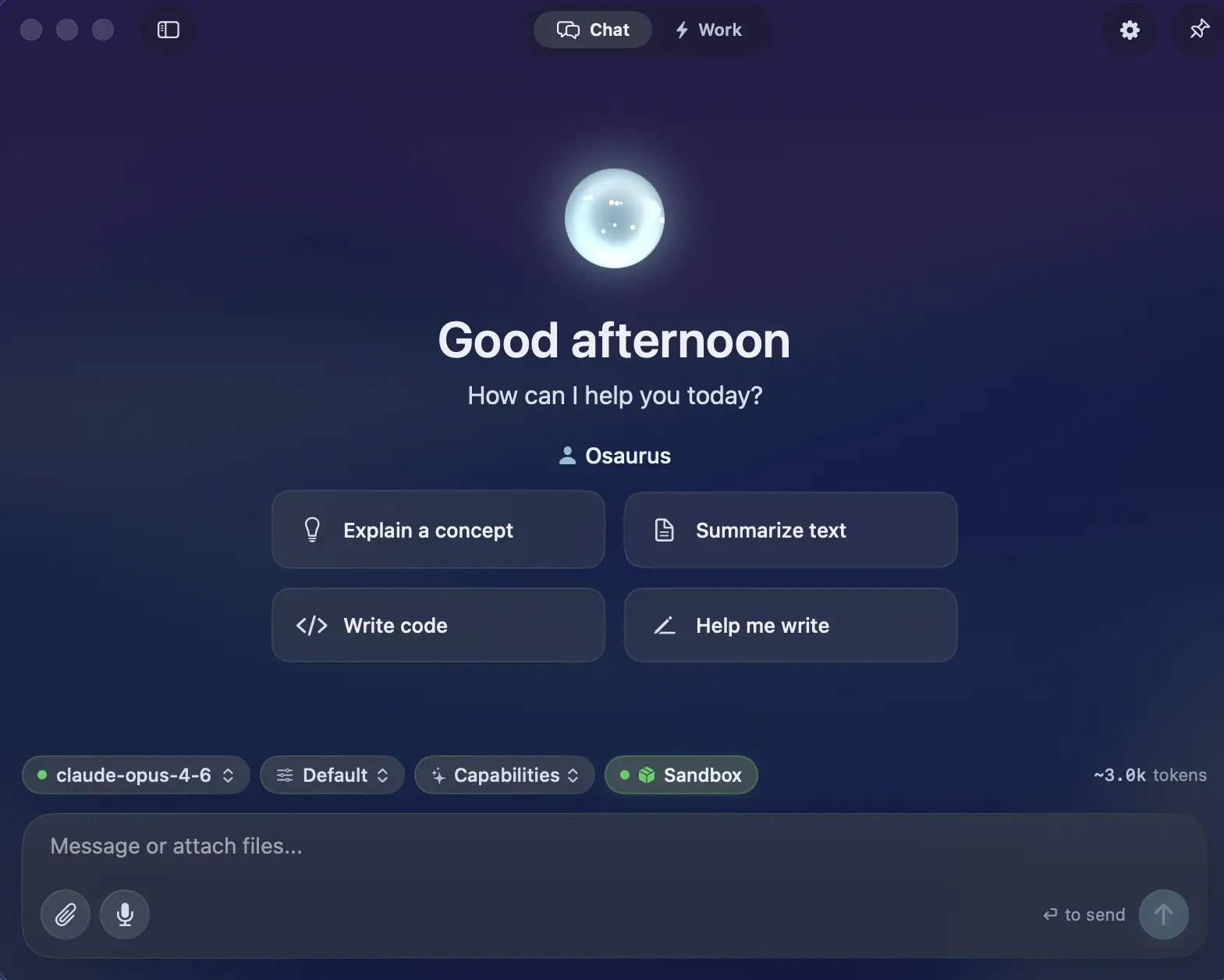
Instead of locking users into a single AI provider or cloud platform, Osaurus acts as a local control layer that sits between your AI models, tools, memory, and workflows. You can switch between local models running directly on Apple Silicon or connect cloud providers like OpenAI and Anthropic whenever you need extra power.
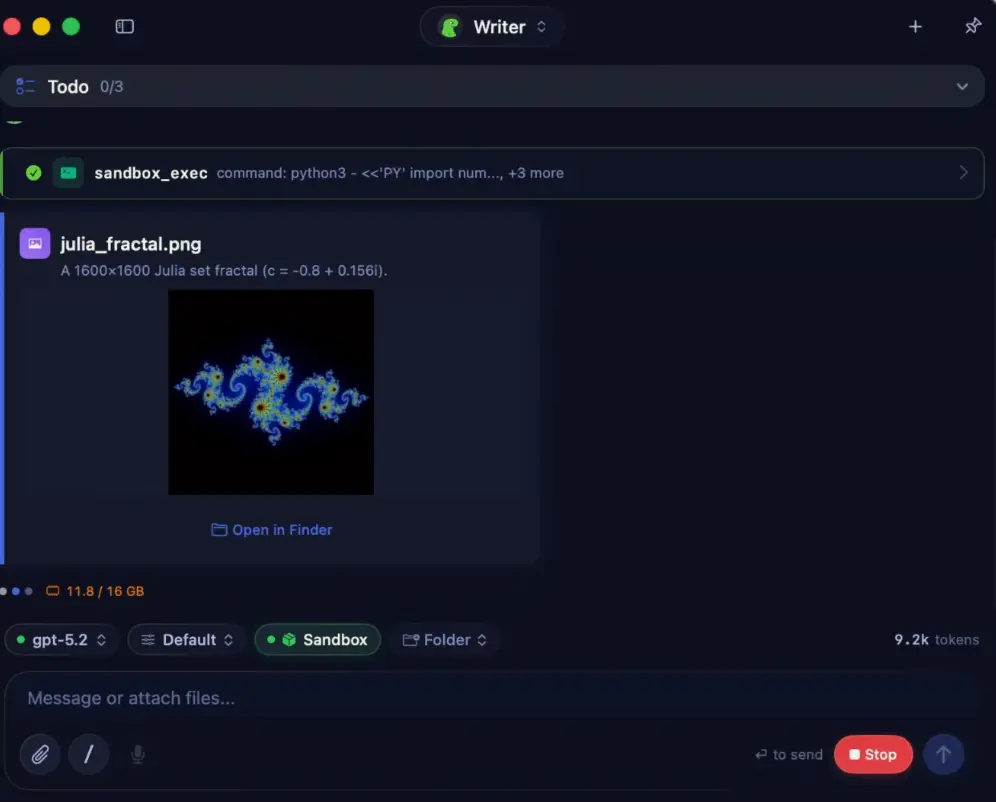
It is written entirely in Swift for Apple Silicon. The app feels closer to a native macOS utility. It focuses heavily on long-term context and ownership. Agents can remember conversations, manage tools, access files, execute tasks, and even run inside isolated Linux sandboxes while keeping your data on your own machine whenever possible.
Use Cases
- Local AI assistant on macOS
- Offline AI workflows with Apple Silicon
- AI coding assistant with sandboxed execution
- Long-term memory AI agents
- Personal knowledge and file assistant
- MCP server for AI tools and workflows
- Voice-enabled local AI setup
- Multi-model AI management
Screenshots
Features of Osaurus
| Feature | Description |
|---|---|
| Fully Offline Support | Run local AI models without internet access |
| Native Swift App | Built entirely in Swift for Apple Silicon |
| Multi-Model Support | Switch between local and cloud AI providers |
| AI Agents | Persistent agents with their own memory and tools |
| Long-Term Memory | Identity, episodic memory, and pinned knowledge layers |
| Sandbox VM | Run code safely inside isolated Linux containers |
| MCP Server + Client | Works with Model Context Protocol tools |
| Plugin System | Extend functionality with native plugins |
| Voice Features | On-device transcription and voice workflows |
| Local Model Runtime | MLX-optimized inference for Apple Silicon |
| Identity System | Cryptographic identity and access keys |
| Relay System | Expose agents securely over the internet |
| Automation | Scheduled tasks and workflow watchers |
| Developer Tools | Monitoring, debugging, and plugin tooling |
| Open Source | MIT licensed project |
Supported AI Providers
| Category | Supported Providers |
|---|---|
| Local Models | Gemma • Qwen • GPT-OSS • Llama • DeepSeek • Apple Foundation Models • Liquid AI LFM |
| Cloud Providers | OpenAI • Anthropic • Gemini • xAI / Grok • Venice AI • OpenRouter • Ollama • LM Studio |
Native Plugins Included
| Plugin / Tool | Purpose |
|---|---|
| Email access and automation | |
| Calendar | Scheduling and calendar workflows |
| Browser | Web browsing and automation |
| Git | Repository and version control actions |
| Filesystem | Local file access and management |
| Search | Local and web search capabilities |
| Fetch | Data retrieval and API requests |
| Vision | Image and visual understanding tools |
| Music | Music-related integrations and controls |
| XLSX | Spreadsheet handling |
| PPTX | PowerPoint document support |
| macOS Automation Tools | Native macOS workflow automation |
System Requirements
| Component | Requirement |
|---|---|
| Operating System | macOS 15.5+ |
| Processor | Apple Silicon |
| RAM | 16 GB minimum |
| Recommended RAM | 64 GB+ for larger local models |
| Optional | macOS Tahoe for sandbox VM support |
Installation
- Download the .dmg file
- Open the installer
- Drag Osaurus into the Applications folder
- Launch the app from Spotlight
- Configure local or cloud AI providers
You May Like: Posturr for macOS: Smart, Privacy-First Posture Detection with Apple Vision
Download Osaurus native macOS harness for AI agent
More Than Just a Local LLM App
Osaurus is more like a personal AI operating layer for macOS.
Install it once, connect the models and tools you want, and over time it becomes a more context-aware assistant that can remember tasks, access workflows, automate actions, and run securely on your own hardware.
For users interested in privacy-first AI, local agents, Apple Silicon inference, or building a long-term AI workspace on macOS, Osaurus is one of the more ambitious open-source projects currently emerging in the local AI space.




