
File Info
| File | Details |
|---|---|
| Name | PDF Toolkit |
| Version | v1.3.179 |
| Type | Offline PDF Utility App |
| Size | 34.2MB |
| Developer | Karna14314 |
| License | Apache-2.0 License (Open Source) |
| Platforms | Android |
| File Formats | .apk |
| Primary Use | PDF editing, conversion, compression, OCR, document management |
| Github Repository | github/pdf_tools |
Table of Contents
Description
PDF Toolkit is one of those Android apps that feels simple but very useful. You install the APK, open it, and everything runs directly on your device.
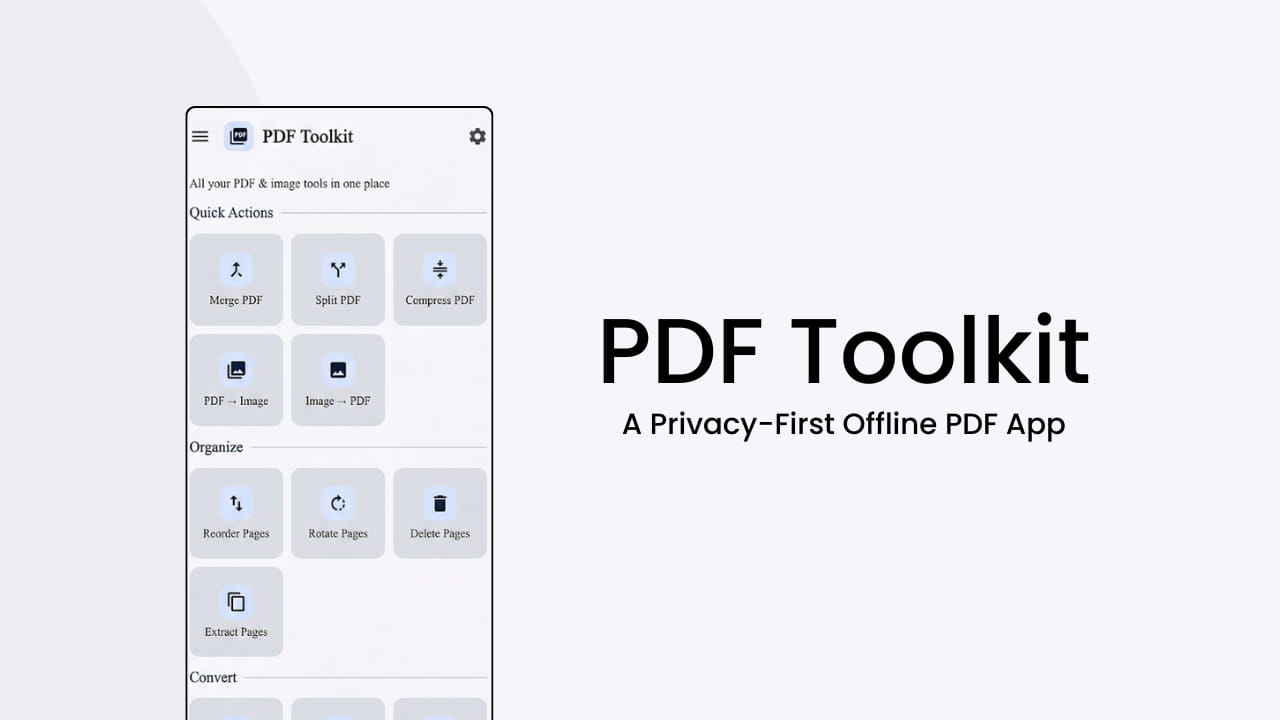
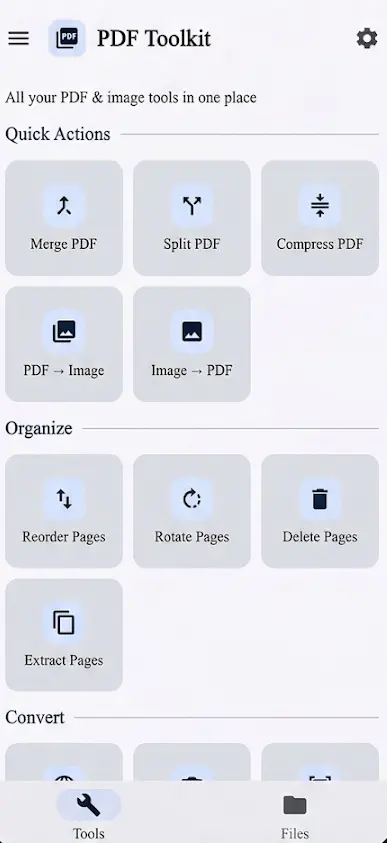
The app covers most of the stuff people actually need including merging PDFs, splitting files, compressing documents, converting images to PDF, extracting pages, signing files, adding annotations, and even scanning documents with automatic edge detection.
It does not require internet permission. Most alternatives push everything through cloud APIs or lock basic tools behind subscriptions.
There is also proper OCR support. The Play Store build uses Google ML Kit for smaller downloads, while the open source builds use Tesseract OCR so the entire stack stays fully offline and open source.
The UI is built with Jetpack Compose and feels modern without trying too hard. Clean layout, fast navigation, and no ad spam everywhere.
If you just want a PDF app that handles daily document work without sending files to random servers, this is probably the main reason to look at it.
Use Cases
- Merge multiple PDFs into one document
- Split large PDF files into smaller sections
- Compress PDFs before sharing
- Scan physical documents into PDF format
- Sign and annotate PDFs offline
- Convert images into PDFs
- Extract text from scanned documents
- Remove metadata from images for privacy
- Fill and flatten PDF forms
- Password-protect sensitive files
- Offline document management on Android
Screenshots
Related: ImageToolbox: Advanced Open-Source Image Editor & Converter for Android
Features of PDF Toolkit
| Feature | Description |
|---|---|
| Merge PDFs | Combine multiple PDFs into one file |
| Split PDF | Split by page range or separate pages |
| Compress PDF | Reduce file size while keeping readability |
| Reorder Pages | Drag-and-drop page arrangement |
| Scan to PDF | Camera scanning with edge detection |
| OCR Support | Extract text using ML Kit or Tesseract |
| Annotate PDFs | Highlight, draw, and mark up files |
| Sign PDFs | Add digital signatures |
| Lock & Unlock PDFs | Password protection and removal |
| HTML to PDF | Save webpages as PDFs |
| Image Tools | Resize, compress, and convert images |
| Metadata Removal | Strip EXIF data for privacy |
| Offline Processing | No cloud uploads required |
System Requirements
Component | Requirement |
|---|---|
| Operating System | Android 8+ |
| RAM | 3 GB recommended |
| Storage | Depends on PDF size and OCR models |
| Internet | Not required for main functionality |
Installation
- Download the .apk file
- Open the APK installer
- Install and launch PDF Toolkit
Download PDF Toolkit For Android
A simple offline PDF utility that respects privacy
A lot of Android PDF apps have turned into subscription boxes. You install them for one simple task and suddenly half the buttons are locked behind monthly plans or require uploading files to external servers.
PDF Toolkit is open source. Everything runs locally, there are no ads, and even the open source builds keep OCR fully offline with Tesseract.
That makes it feel closer to an actual utility app instead of a service trying to monetize every tap.
The fact that the developer ships separate privacy-friendly builds for Play Store, F-Droid, and open source users is also a good sign. Most apps do not bother.