

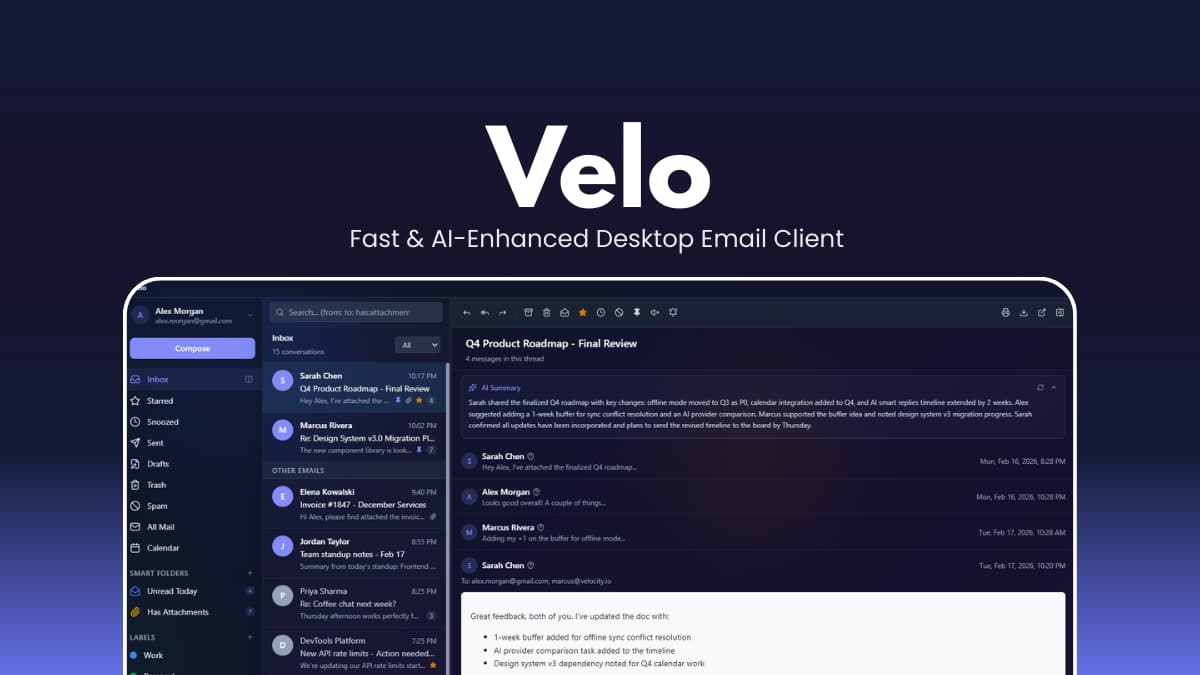

File Information
| File | Details |
|---|---|
| Name | Velo |
| Version | v0.3.17 |
| Platforms | Windows, macOS & Linux |
| License | Apache-2.0 License (Open Source) |
| Size | 6MB (exe) • 18MB (dmg) • 10MB (deb) • 85MB (AppImage) |
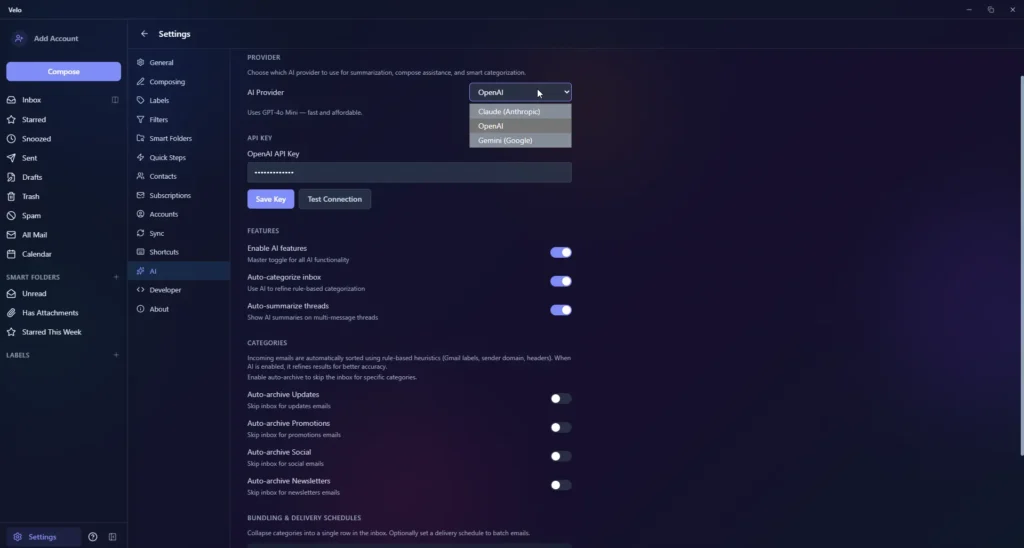
| AI Support | Anthropic, OpenAI GPT, Google Gemini |
| GitHub Repository | Github/velo |
| Official Site | velomail |
Table of contents
Description
Velo is designed for speed, privacy, and efficiency. Your emails are stored locally in an SQLite database, so you stay in full control of your data without any external servers or hidden trackers.
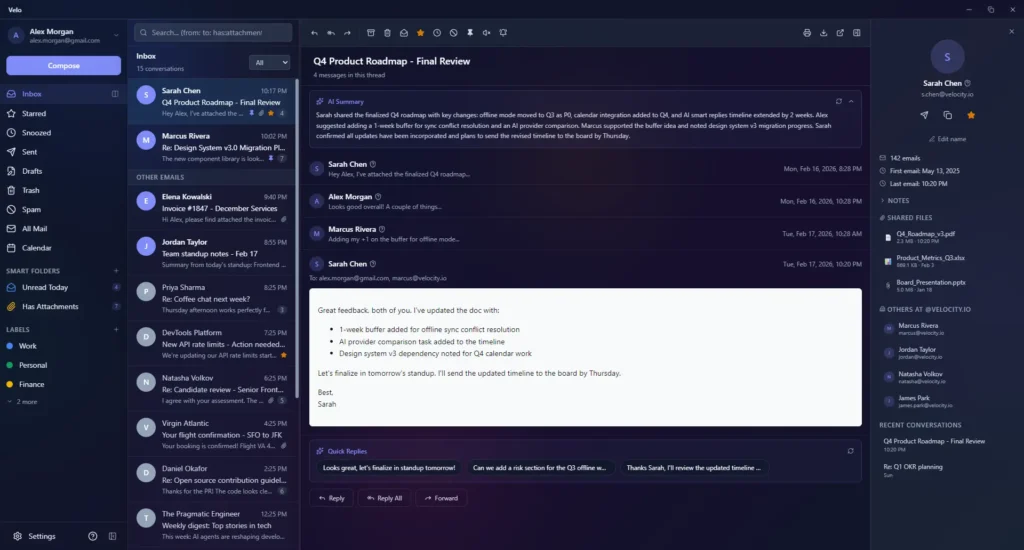
Its keyboard-first interface allows fast inbox management, while built-in AI features help you summarize threads, compose smart replies, and search naturally.
If you want a fully offline client or prefer connecting to Gmail or IMAP/SMTP accounts, Velo adapts to your workflow.
Screenshots
Features of Velo Email Client
| Feature | Description |
|---|---|
| Split Inbox | Emails are auto-sorted into Primary, Updates, Promotions, Social, and Newsletters using rule-based categorization with AI fallback. |
| AI Assistant | Choose Claude, GPT, or Gemini for thread summaries, smart replies, AI drafts, and natural-language inbox search. |
| Multi-Account Support | Connect Gmail (OAuth), Outlook, Yahoo, iCloud, Fastmail, or any IMAP server with auto-discovery. |
| Command Palette & Search | Gmail-style operators (from:, has:attachment, before:) with fuzzy matching and instant results. |
| Quick Steps Automation | Chain up to 18 actions (archive, label, reply, forward) into one-click workflows. |
| Snooze & Schedule | Snooze threads to resurface later and schedule emails to send at the perfect time. |
| Undo Send | Configurable delay window to cancel emails before they are delivered. |
| Newsletter Bundles | Group newsletters into scheduled bundles and read them on your terms. |
| Filters & Rules | Auto-apply labels, archive, star, or mark as read with AND-logic criteria. |
| Calendar Integration | Built-in Google Calendar to view events and create meetings without switching apps. |
| Rich Composer | TipTap editor with formatting, templates, signatures, attachments, and auto-save drafts. |
| Phishing Detection | 10 heuristic security checks including homograph attacks and brand impersonation detection. |
| Themes & Customization | Light/dark mode, 8 accent colors, adjustable density levels, font scaling, and flexible reading pane. |
System Requirements
| OS | Minimum Requirements |
|---|---|
| Windows | Windows 10+ (64-bit) |
| macOS | macOS 11+ |
| Linux | Modern 64-bit distro |
| RAM | 4GB+ recommended |
| Disk | 500MB+ free |
How to Install Velo Email Client??
Windows (.exe)
- Download the
.exeinstaller. - Right-click → Run as administrator (if needed).
- Follow the setup wizard.
- Launch Velo from Start Menu.
macOS (.dmg)
- Download the
.dmgfile. - Open and drag Velo to Applications folder.
- Open from Applications.
Linux (.AppImage / .deb / .rpm)
Option 1: AppImage (recommended)
- Download
.AppImage. - Right-click -> Properties -> Enable “Allow executing file as program”.
- Double-click to launch.
Option 2: Debian / Ubuntu (.deb)
- Download
.deb. - Double-click -> Open with Software Installer -> Click Install.
Option 3: RPM (Fedora, RHEL, CentOS)
- Download
.rpm. - Open with Software Installer.
- Click Install.
Recommended For You: Voicebox: Offline AI Voice Cloning & TTS Studio (Qwen3-TTS, Open Source)
Download Velo: Fast & AI-Enhanced Desktop Email Client For Windows , macOS & Linux
Privacy vs. AI: How Velo Handles Your Data
Velo handles your data in your own machine. While the emails are stored in a local SQLite database, using the AI features sends specific “thread snippets” to the AI providers (OpenAI/Anthropic/Gemini).
Conclusion
Velo combines speed, local privacy, AI enhancements, and native desktop performance in a single email client. Its lightweight design ensures fast startup, minimal memory use, and complete control over your emails. Perfect for professionals and power users who demand more from their email client.




