Most of us use many apps every day. But once in a while, you install an app that makes you pause and think how is this free?
This list is made entirely of those apps. These are must-haves if you want Android apps that genuinely improve your user experience, solve real problems while respecting your privacy And yes every single app on this list is open source. That means transparent, community-driven & built without compromises.
Some of these apps also support multiple OS. So lets begin exploring these amazing apps.
1. PixelPlay: Beautiful Offline Music Player
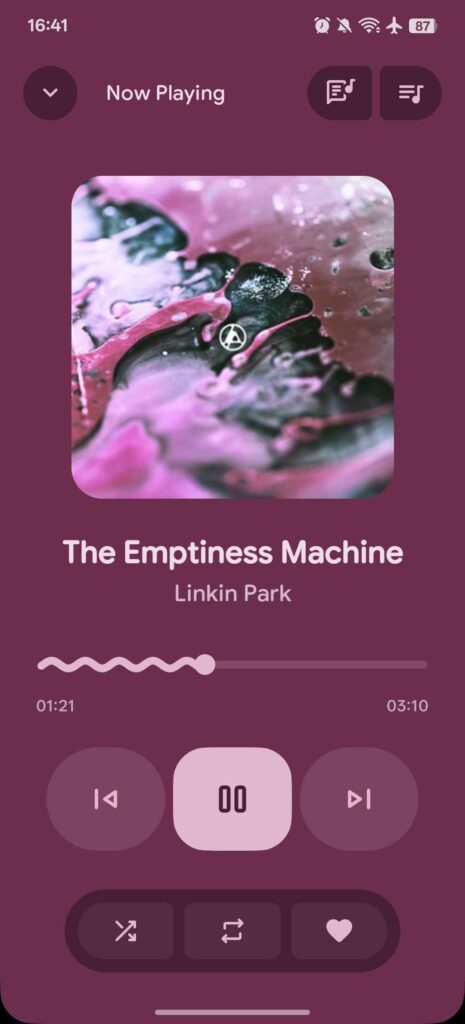
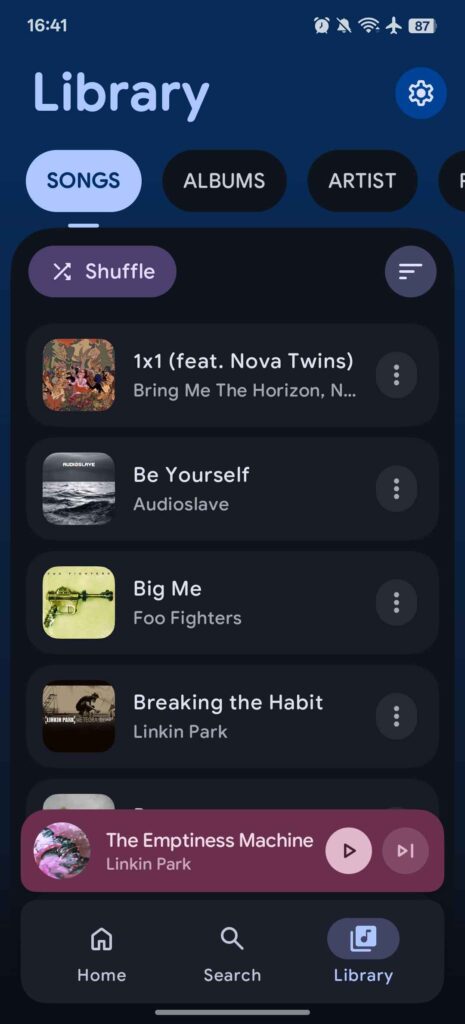
PixelPlay is one of those rare apps that instantly makes your phone feel more refined the moment you open it. It’s a modern, offline-first music player for Android that focuses on beautiful design, smooth performance, and complete control over your local music with no ads, no accounts & no cloud dependency.
Built entirely with Kotlin and Jetpack Compose, PixelPlay feels more like a showcase of what modern Android apps should look like. Animations are fluid, typography is elegant, and the UI adapts perfectly to light, dark, and dynamic system colors.
Why PixelPlay Stands Out??
- Offline-first by design
Scans and plays your local music files (MP3, FLAC, AAC, and more) with zero internet required. - Clean, expressive UI
Uses Material 3 Expressive with Jetpack Compose, delivering a polished, premium look that blends perfectly with modern Android. - Background playback
Music keeps playing smoothly while you multitask, powered by Media3 (ExoPlayer). - Well-organized music library
Browse effortlessly by songs, albums, or artists without clutter. - Built-in tag editor
Edit song metadata directly inside the app — no separate tools needed. - Home screen widget support
Control playback without even opening the app. - AI-powered enhancements
Select features are powered by Gemini, adding intelligent touches to the listening experience.
Availability: Android
Github Repository: PixelPlay
2. PocketPal AI: A Private AI That Lives on Your Phone
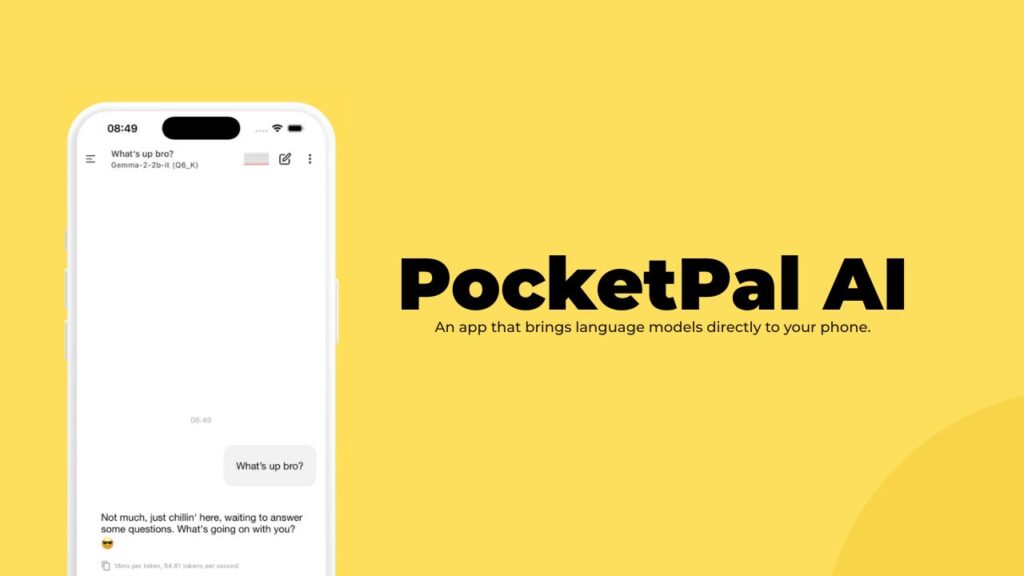
PocketPal AI is one of the most impressive examples of on-device AI done right. Instead of sending your prompts to the cloud, it runs small language models directly on your phone fully offline, private, and surprisingly powerful.
It’s available on Android and iOS, and once you try it, you realize how different AI feels when it’s truly yours.
Cool Features of PocketPal AI
- True offline AI
Chat with local language models without any internet connection. - Privacy-first by design
Conversations, prompts, and data stay on your device — nothing is logged or sent to servers. - Multiple AI models
Download and switch between models like Phi, Gemma, Qwen, Danube, and more. - Custom AI personalities (Pals)
Create different AI assistants with unique system prompts and behavior. - Real-time performance stats
See tokens-per-second and inference speed while responses are generated. - Advanced controls
Fine-tune temperature, prompts, templates, and retry responses instantly. - Cross-platform & tablet-ready
Works smoothly on phones and tablets, including full iPad support.
Availability: Android & iOS
Github Repository: PocketPalAI
3. OSS Document Scanner: Scan Anything On The Go
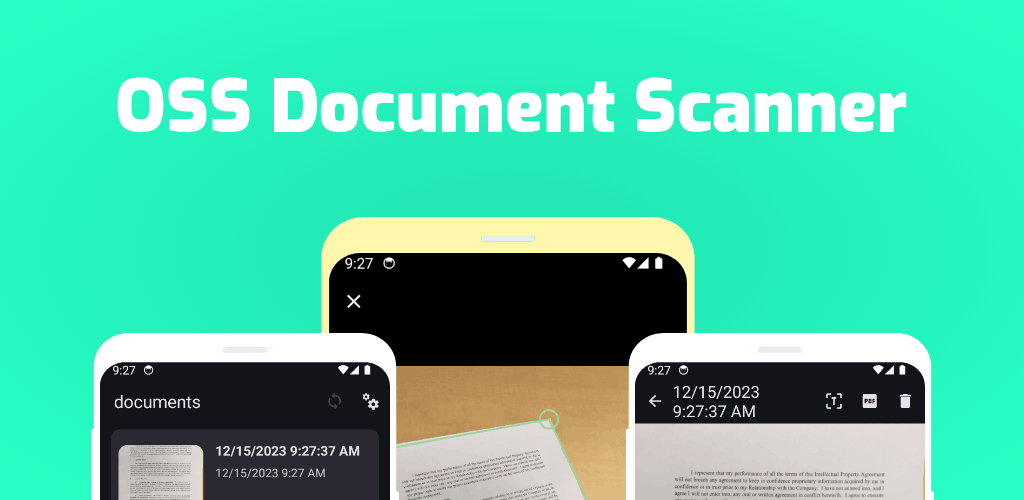
OSS Document Scanner is one of those apps that quietly replaces an entire category of bloated scanner apps. No ads, no watermarks, Just a clean, powerful document scanner that works completely offline and keeps your data on your phone.
Built by Akylas, this open-source app is perfect if you scan notes, IDs, receipts, or paperwork and actually care about privacy.
Why OSS Document Scanner Stands Out??
- Smart edge detection that just works
Point your camera, and the app automatically finds document borders, straightens them, and crops everything cleanly — even in messy lighting. - Built-in OCR (text recognition)
Turn scans into searchable PDFs or extract text you can copy, edit, and share — no internet required. - Offline by default, cloud only if you want it
Your scans stay local. If you choose, you can sync via WebDAV or tools like Nextcloud — not some forced proprietary cloud. - No compromises on security
Lock the app with biometrics and protect exported PDFs with passwords for sensitive documents. - Full control over file quality
Adjust JPEG compression, balance clarity vs file size, and export documents exactly how you need them.
Availability: Android
Github Repository: OSS Document Scanner
4. LocalSend: Easy Wireless file sharing
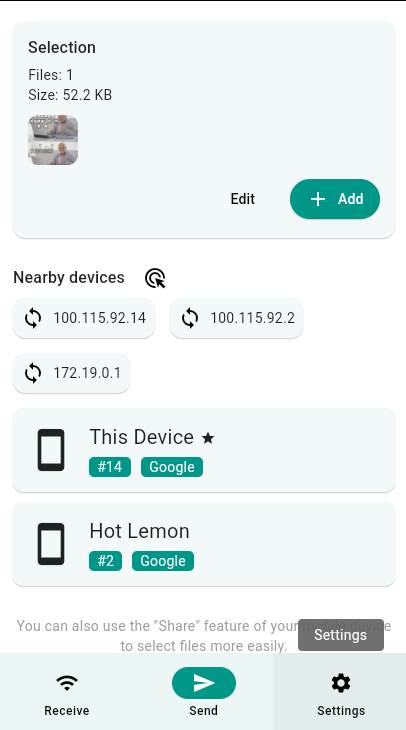
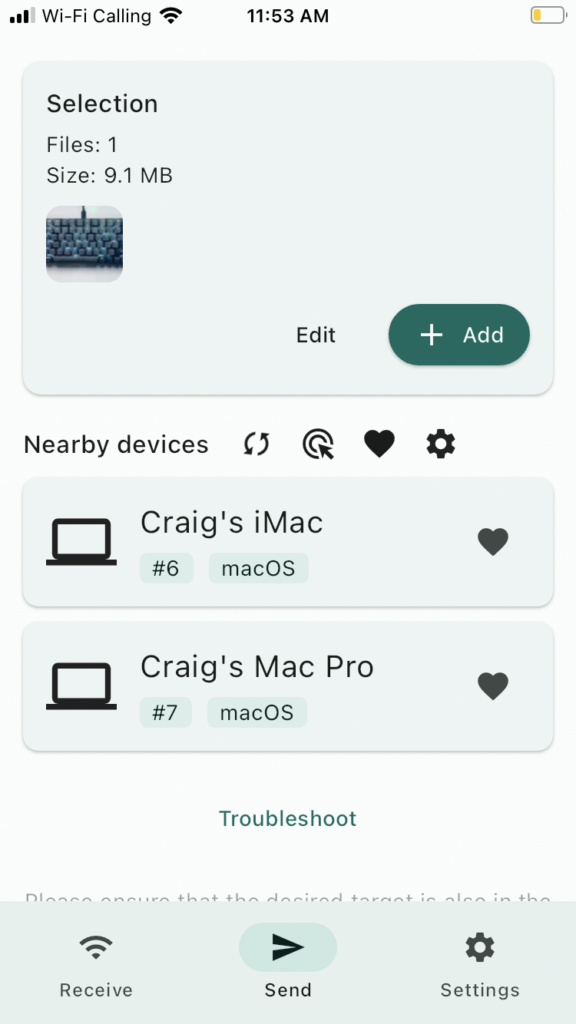
LocalSend feels like the app file sharing should have been from the beginning. Just open the app on two devices and send files instantly even without internet.
It’s free, open source, and cross-platform, which already puts it miles ahead of most alternatives.
Why LocalSend Feels Magical
- Works entirely offline
Files are transferred over your local network. No servers, no accounts, no waiting for uploads or downloads. - Truly cross-platform
Share files seamlessly between Android, iOS, Windows, macOS, and Linux. One app, everywhere. - Fast and secure by design
Transfers happen over HTTPS with on-the-fly encryption. Your data stays between your devices only. - Ridiculously simple UX
Devices show up automatically. Tap, send, done. Even non-technical users get it instantly. - More than just files
Send text, links, folders, and even clipboard content without friction. - No size limits
Whether it’s a 5 MB PDF or a massive video file you can send your files.
Platforms: Android, iOS, Windows, macOS, Linux
Github Repository: LocalSend
5. Joplin: Notes Taking App
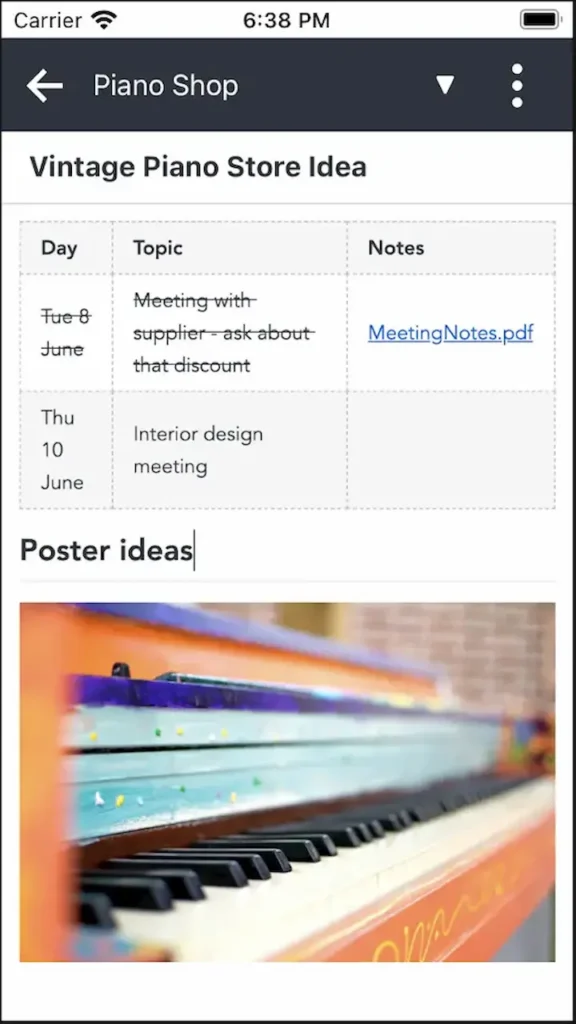
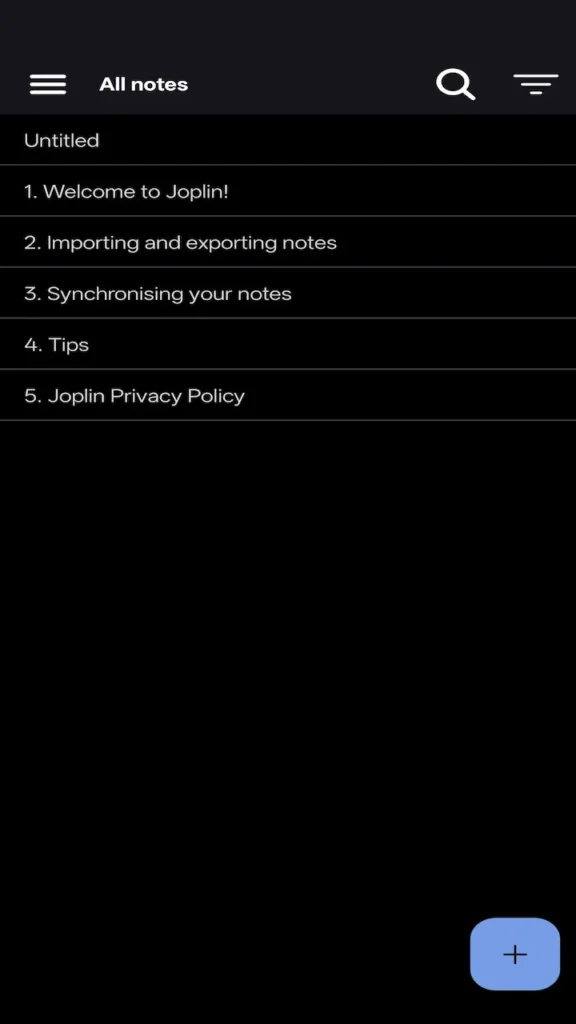
Joplin is what note-taking looks like when control is put back in the user’s hands. It’s a powerful, open-source notes app built for people who want flexibility, privacy, and long-term ownership of their data.
Whether you’re jotting quick ideas or managing deep research, Joplin scales effortlessly.
Why Joplin Stands Out??
- Your data stays yours
Notes are saved in open formats and protected with end-to-end encryption. - Rich multimedia notes
Add images, videos, PDFs, audio recordings, diagrams, and even math expressions directly inside your notes. - Markdown or rich text: your choice
Write in clean Markdown or switch to a rich text editor if you prefer a more traditional experience. - Powerful web clipping
Save full web pages or screenshots as notes using the browser clipper for Chrome and Firefox. - Sync across all your devices
Access your notes on Windows, macOS, Linux, Android, iOS, or even the terminal. Sync via Joplin Cloud, Dropbox, OneDrive, or your own setup. - Built to adapt
Customize Joplin with plugins, themes, and scripts or build your own using its extension API. - Collaboration when you need it
Share notes, collaborate with others, or publish a note publicly with a single link using Joplin Cloud.
Platforms: Android, iOS, Windows, macOS, Linux
Github Repository: Joplin Android
6. KeePassDX
KeePassDX is the kind of app you install once and immediately wonder why more people aren’t talking about it. It’s a lightweight, open-source password manager for Android that focuses on one thing above all else: strong security without compromise. It’s fast, offline, ad-free, and completely transparent. Exactly how a password manager should be.
Features of KeePassDX
- One vault, total control
Store all your passwords in a single encrypted KeePass database, protected by a master password or keyfile. Remember one secret, unlock everything securely. - Top-tier encryption
Supports modern, battle-tested algorithms like AES, ChaCha20, Twofish, and Argon2. This is the same security model trusted by desktop KeePass users worldwide. - Biometric unlock that feels instant
Unlock your vault with fingerprint or face authentication without weakening security. - Built-in 2FA support
Manage HOTP and TOTP codes directly inside the app, so passwords and one-time codes live together securely. - Autofill that actually works
Fill login forms seamlessly across apps and browsers. For edge cases, the built-in Magikeyboard gets the job done anywhere. - Clean, functional design
Material design with theming support keeps the UI modern without being distracting. - KeePass compatible by default
Works perfectly with KeePass, KeePassXC, KeeWeb, and other KeePass-based tools. Your vault isn’t locked to one app.
Platforms: Android
Github Repository: KeePassDX
7. Audire: Identify Music Instantly
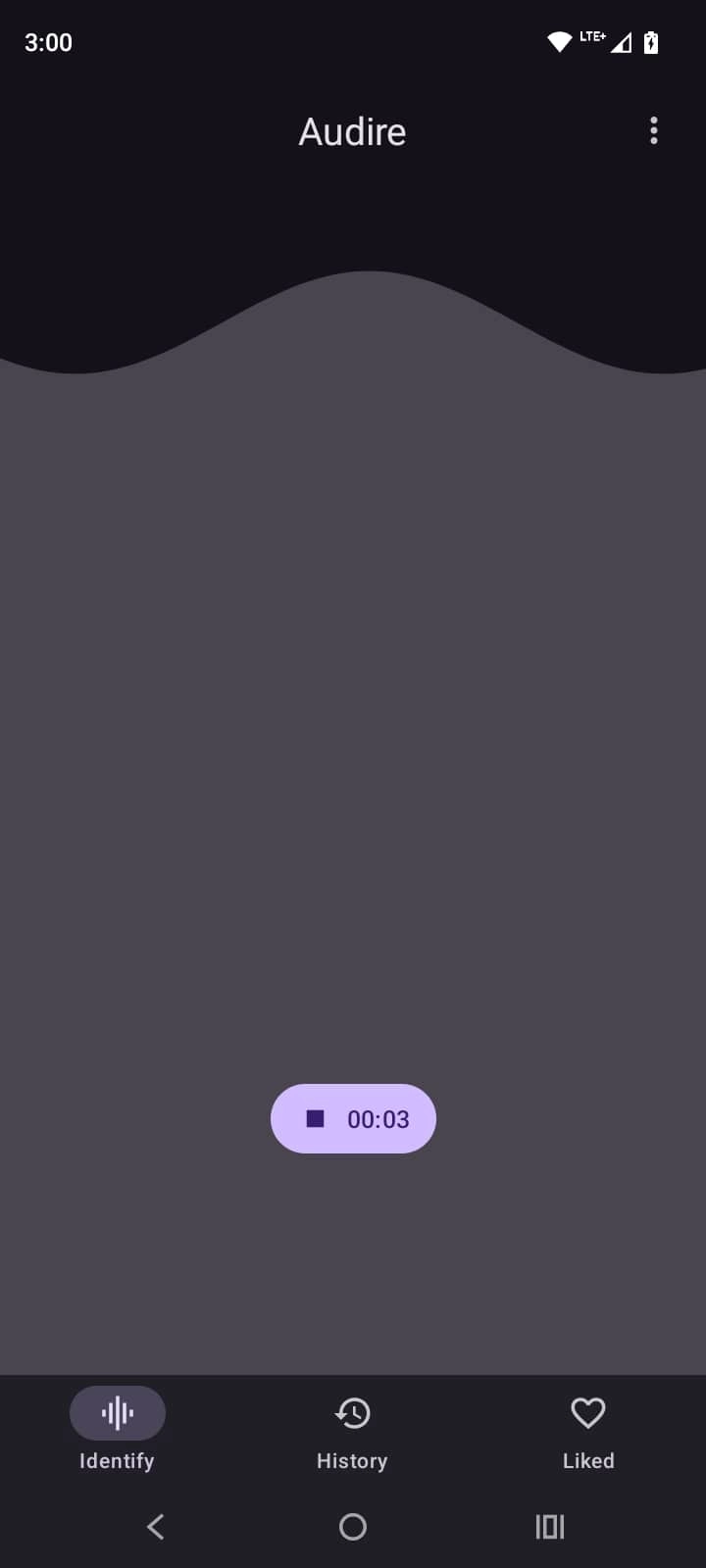
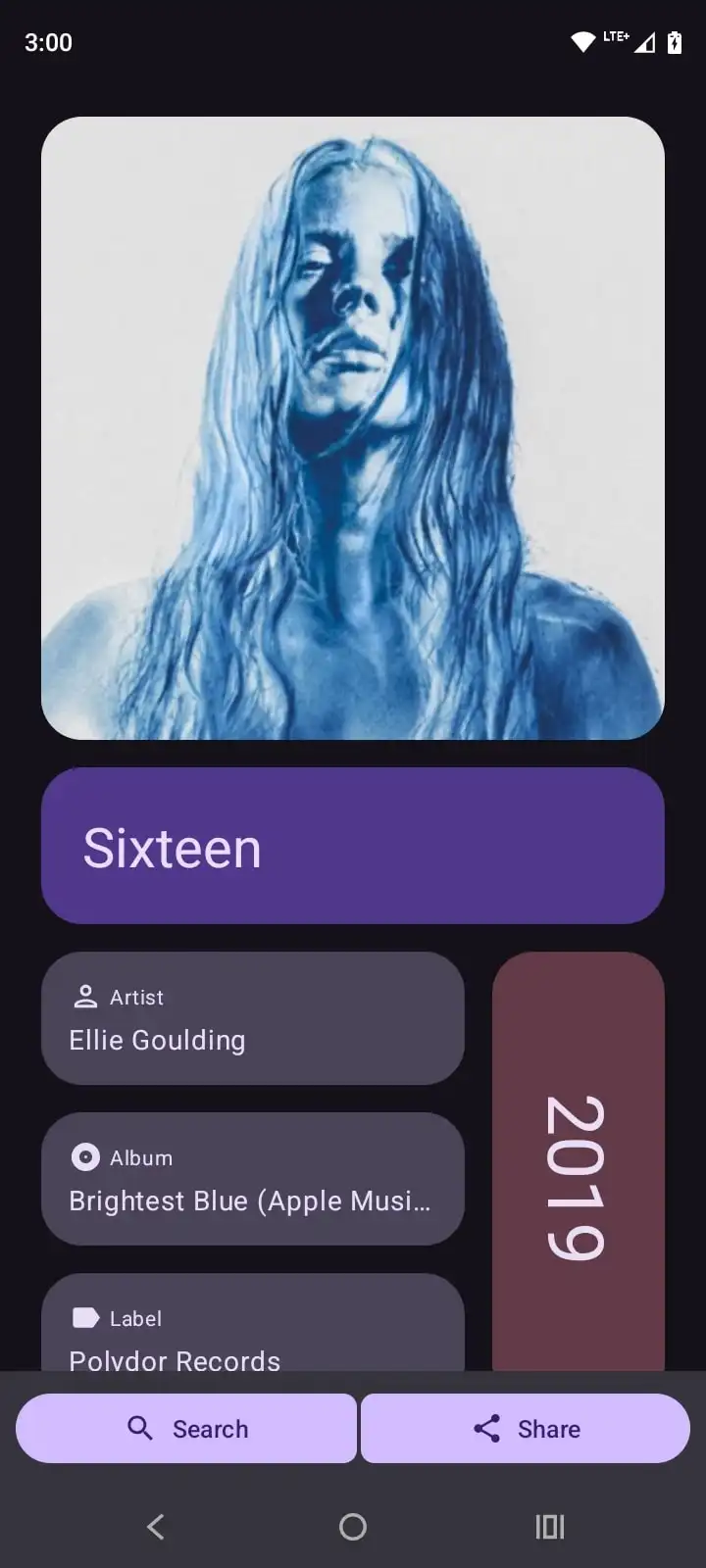
Audire is a free, open-source music recognition app for Android that does one simple thing extremely well: it identifies the music playing around you. You can use this application to know exactly what song is playing. It provides details about the artist of the song, album, label & more.
Why Audire Stands Out
- Fast and lightweight
Audire is quick to detect tracks and doesn’t drain your battery or slow down your phone. - Clean, minimal interface
The UI is simple and distraction-free, making the app easy to use even in the moment. - History you control
Previously identified tracks are saved locally, so you can revisit them anytime without syncing to an account. - Completely open source
Anyone can inspect the code, verify how it works, or contribute improvements.
Platforms: Android
Github Repository: Audire
8. Aegis Authenticator: Take Back Control of Your 2FA Security
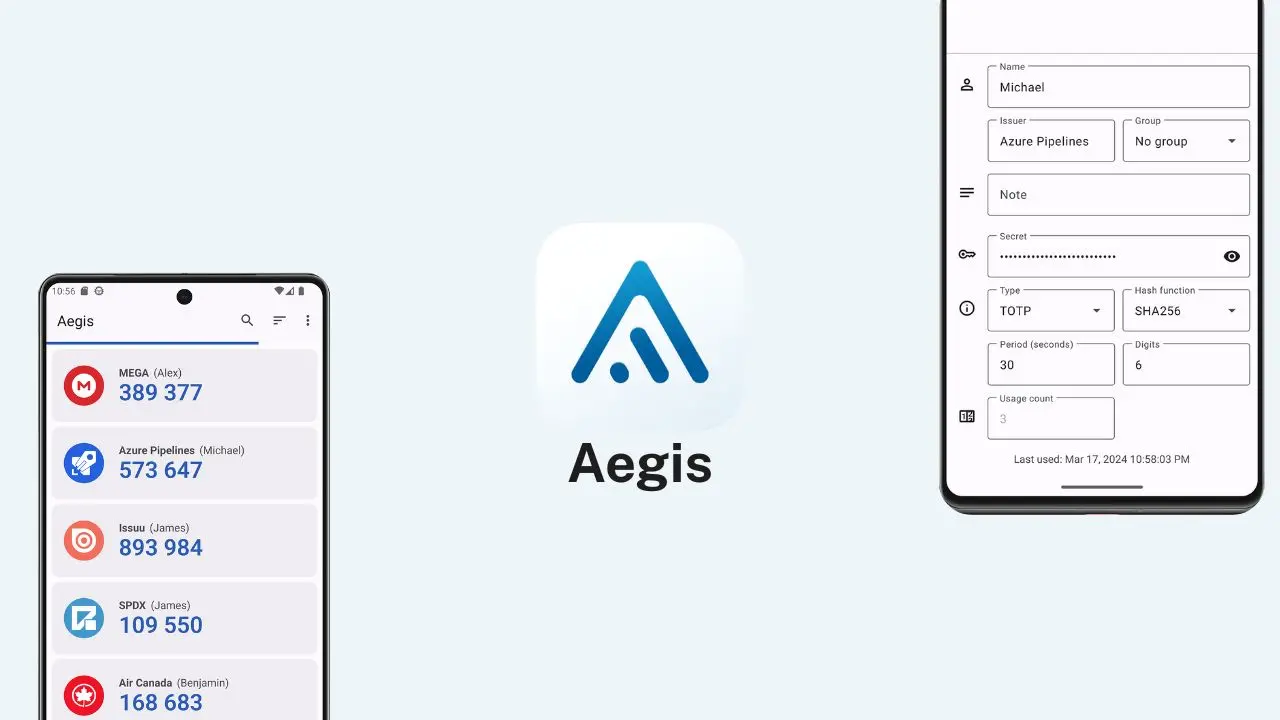
Aegis Authenticator is a free and open-source 2FA app for Android built for people who take security seriously.
It’s designed to protect your one-time codes with strong encryption, transparent design, and reliable backups
Aegis Authenticator Features
Properly encrypted vault
All your authentication codes are stored in an encrypted vault using AES-256-GCM. Unlock it with a strong password or biometrics backed by Android’s secure keystore.
Strong Compatibility
Supports industry-standard HOTP and TOTP, making it work with thousands of services
Fast and secure access
Biometric unlock, tap-to-reveal codes, and screen-capture protection strike the right balance between convenience and safety.
Organized
Sort entries alphabetically or manually, group related accounts, assign custom icons, and search instantly as your vault grows.
Clean Material design
Multiple themes (Light, Dark, AMOLED) keep the interface modern, readable, and distraction-free.
Backups without lock-in
Export your vault in encrypted or plaintext form, or enable automatic backups to a location you choose.
Platform: Android
Github Repository: Aegis
Also Read: 12 Free Desktop Apps I Wish I Discovered Sooner: Must-Haves for 2026
Wrapping Up
Apps like these don’t shout for attention. They quietly make your phone better. Every app on this list shares a common philosophy: useful & respects your privacy. They’re all open source. That means transparency, community trust, and software that’s built to last. If you are looking for some must have applications for android no matter how new & old they are? these apps are worth trying.