



File Information
| File Name | Shotcut Video Editor |
|---|---|
| Version | v25.08 |
| License | Free & Open Source (GPL) |
| Platforms | Windows (.exe), macOS (.dmg), Linux (.AppImage) |
| Size | 130MB (may Vary by OS) |
| Category | Video Editing Software |
Table of contents
Description
Shotcut is a powerful free & open source video editor designed for creators, filmmakers, YouTubers & anyone who wants professional-level editing without the heavy price tag. It is trusted worldwide as a true alternative to premium video editing software like Adobe Premiere Pro or Final Cut Pro. With its clean interface, advanced editing tools & cross-platform support, Shotcut is the perfect balance between accessibility & professional power.
Shotcut gives you everything upfront. You can edit videos in a wide range of formats including MP4, MOV, AVI, MKV & more. It uses FFmpeg at its core, which means almost any format you throw at it just works. Whether you’re cutting clips, adding transitions, creating multi-track edits or applying color grading, Shotcut handles it all with ease.
Its timeline-based editor supports drag & drop simplicity along with precision trimming, ripple editing & keyframe animations. For creators who want more control, Shotcut includes professional features like chroma key (green screen), audio mixing, 3D text & motion tracking. You also get GPU acceleration for smoother editing & faster exports on supported hardware.
Shotcut is available on Windows, macOS & Linux, making it one of the few editors that truly gives you freedom of choice. It is open source, which means no hidden subscriptions, no watermarks & no intrusive ads. The community constantly contributes plugins, filters & tutorials to make the software even better.
Features of ShotCut
| Feature | Description |
|---|---|
| Wide Format Support | Import & export videos in MP4, MOV, AVI, MKV & more formats with FFmpeg support |
| Multi-Track Timeline | Edit with unlimited video & audio tracks with drag & drop functionality |
| Advanced Effects | Apply filters, transitions, chroma key, slow motion, reverse playback & more |
| Keyframe Animations | Control effects & movements with frame-by-frame accuracy |
| GPU Acceleration | Faster rendering & smoother previews with hardware acceleration |
| Audio Tools | Mix tracks, adjust gain, add effects & sync audio with video |
| Cross-Platform | Runs natively on Windows, macOS & Linux |
| Free Forever | 100% free, open source, no subscriptions, no watermarks |
Screenshots
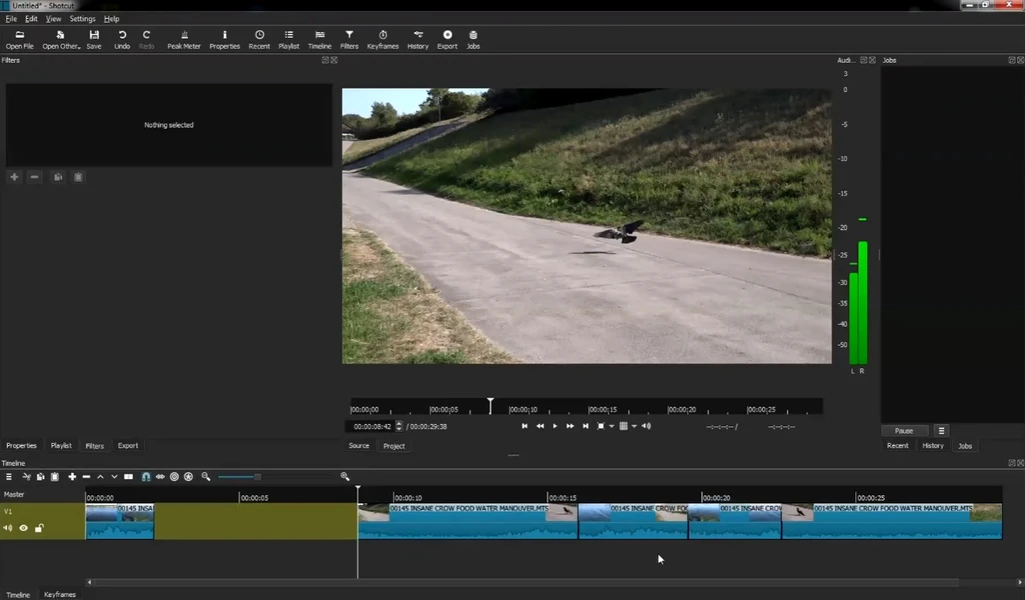
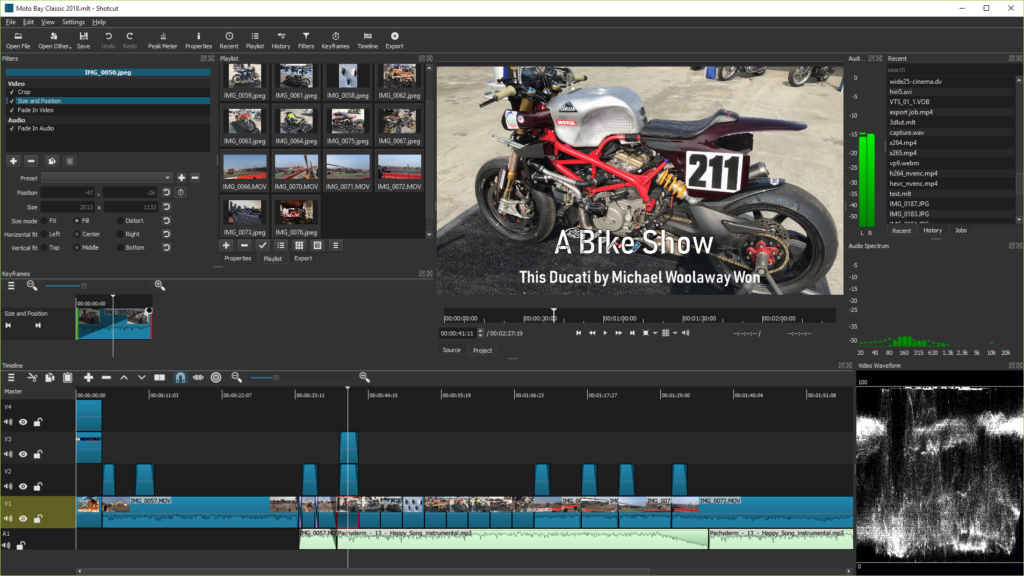
System Requirements
| Platform | Requirements |
|---|---|
| Windows | Windows 7 or later (64-bit), 4 GB RAM (8 GB recommended), 1 GB disk space, Dual-core CPU or better |
| macOS | macOS 10.12 or later, 4 GB RAM minimum, Intel 64-bit or Apple Silicon, 1 GB free space |
| Linux | Any modern 64-bit distro, Flatpak or tar.gz support, 4 GB RAM, 1 GB storage |
How to Install Shotcut??
Before installing, scroll down to the Download Section & grab the correct file for your operating system.
Install on Windows (.exe)
- Locate the downloaded
.exeinstaller. - Double-click to start installation.
- Choose Next & follow the setup wizard.
- Select installation folder & proceed.
- Once installed, click Finish & open Shotcut from Start Menu.
Install on macOS (.dmg)
- Open the downloaded
.dmgfile. - Drag the Shotcut app into the Applications folder.
- Eject the
.dmgonce installed. - Open Applications & launch Shotcut.
- If macOS asks for confirmation, click Open.
Install on Linux (.AppImage)
- Download the Shotcut
.AppImagefile. - Right-click the file, select Properties & enable “Allow executing file as a program.”
- Double-click the AppImage file to run Shotcut.
- For easier access, you can move it to your Applications folder.




