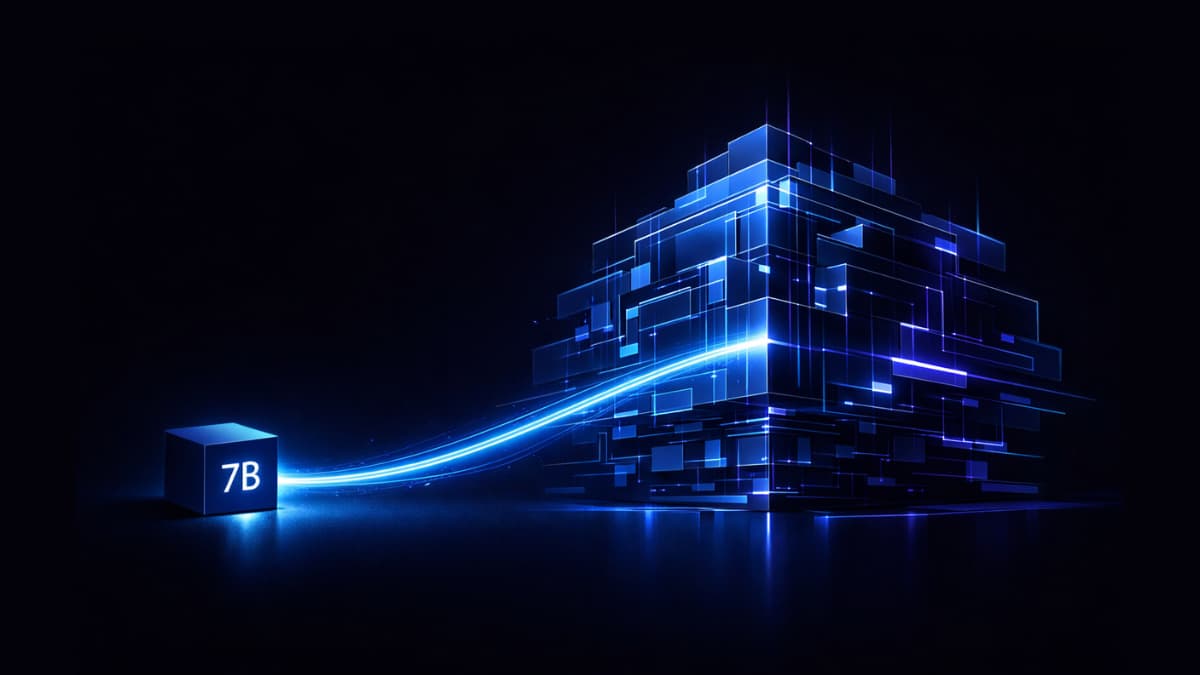

Most people assume beating a Google model requires another massive frontier model. More parameters. More compute. That is just how the hierarchy usually works.
Reka Edge is a 7-billion-parameter model. Yet it manages to outperform Gemini 3 Pro on object detection benchmarks, and with quantization it can even run on devices like the Samsung S25.
That combination should not exist. A model small enough to fit on a phone outperforming a frontier AI system from Google on a specific but genuinely useful task is not something you expect to see in 2026. Yet here we are.
This is not a model that beats Gemini at everything. It does not. But where it wins it wins convincingly.
What is Reka Edge?
Reka Edge is a 7 billion parameter multimodal vision language model. It accepts images, videos and text as input and generates text as output.
You can point it at an image and ask what is in it. Feed it a video and ask what is happening. Give it an image and ask it to detect specific objects. Or just use it as a regular text only model if that is all you need.
The four things it is specifically built for are image understanding, video analysis, object detection and agentic tool use. That last one means it can take actions based on what it sees. Its useful for automation, robotics, and any application where an AI needs to interpret visual input and do something with it.
What makes it different from most multimodal models is where it runs. Reka Edge is designed specifically for edge deployment like local machines, phones & embedded devices. The entire model is optimized around being fast and efficient on hardware that most people actually own rather than hardware that costs thousands of dollars a month to rent.
Where it beats Gemini 3 Pro and where it doesn’t
Reka Edge does beat Gemini 3 Pro at some bechmarks but on others Gemini 3 Pro clearly wins.
On object detection Reka Edge wins clearly. RefCOCO-A scores 93.13 against Gemini’s 81.46. RefCOCO-B scores 86.70 against Gemini’s 82.85. For a 7B model to beat a frontier Google model on object detection by that margin is genuinely surprising.
On video understanding Gemini 3 Pro pulls ahead. MLVU gives Gemini 80.68 versus Reka’s 74.30. MMVU goes to Gemini at 78.88 versus 71.68. If video understanding is your primary use case Gemini is the stronger choice.
The efficiency story is where things get interesting again. Reka Edge processes a 1024×1024 image using only 331 input tokens. Gemini 3 Pro uses 1094 for the same image. That is roughly 3x more tokens for the same input. Fewer tokens means faster processing and lower cost at scale.
One honest caveat on the latency numbers, Reka Edge was measured running locally while Gemini 3 Pro was measured via API call. That is not a direct comparison so take the speed difference with that context in mind.
Also Read: Qwen3.5-4B: The Small AI Model That Thinks, Sees, and Runs on Your Machine
Designed for Edge AI
Most multimodal models that perform at this level require a proper GPU setup or A cloud instance.
On Mac it runs natively on Apple Silicon with a minimum of 24GB unified memory. The model requires around 14GB in float16 so a Mac with 32GB is the comfortable setup with enough headroom for everything else running alongside it.
On Linux and Windows it needs 24GB GPU and 24GB system memory as the minimum. Not consumer gaming GPU territory but workstation and prosumer hardware that a lot of developers already own.
The deployment story gets more interesting with quantization. With quantization applied Reka Edge runs on a Samsung S25, Qualcomm Snapdragon XR2 Gen 3 devices, Apple iPhone, iPad and Vision Pro. A frontier beating object detection model running inference on a phone is not something that was realistic even a year ago.
For robotics and embedded AI Nvidia Jetson Thor and Jetson AGX Orin are both supported out of the box.
If you are building something that needs visual AI on device, a mobile app, a robotics system or an edge camera. Reka Edge covers them.
How to run it locally
The quickest way to try Reka Edge without any setup is the demo on their website. No installation required.
For local deployment the setup is straightforward. The recommended path is using the included example script which handles dependencies automatically via uv.
System requirements
- Mac with Apple Silicon: macOS 13 or later, minimum 24GB memory, 32GB recommended.
- Linux and Windows: minimum 24GB GPU and 24GB system memory, 32GB or more recommended.
For phone and mobile deployment quantization is required. Reka AI offers support for custom edge platform deployment if you are targeting Samsung, Qualcomm Snapdragon or Apple mobile devices.
The model supports vLLM for high throughput serving if you are building a production application rather than running it for personal use.
One thing worth knowing before you start, the model requires trust_remote_code=True when loading because it uses custom architecture code bundled in the repository. That is standard for models with non-standard architectures but worth being aware of if you have strict security requirements.
Who is this useful for?
If you want a small model that handles images, video, object detection and regular text chat all in one, Reka Edge covers that. You do not need a massive GPU setup or a cloud subscription to get started. For personal projects, research, and experimentation it works well out of the box.
For developers thinking about building something on top of it the capabilities are genuinely impressive for the size. But before you commit to using it in a product check the license on their HuggingFace page first. It is not Apache 2.0, it is the Reka Edge 2603 Business Source License which has specific terms around commercial use, production deployment and revenue thresholds. Read it carefully before proceeding.
Overall Reka Edge is a capable model that does something genuinely impressive at 7B parameters. If you want to explore more open source AI models across different categories check out the AI Models section.