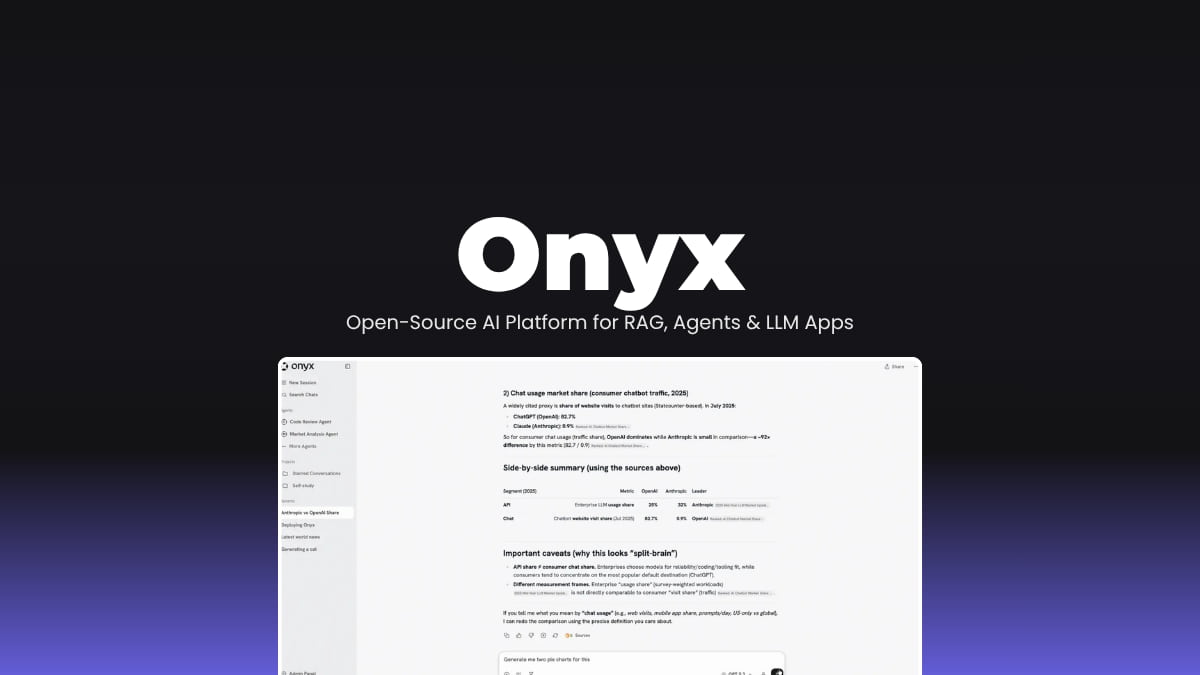

File Info
| File | Details |
|---|---|
| Name | Onyx |
| Version | v3.1.1 |
| Type | Open Source AI Platform (LLM Application Layer) |
| Developer | Onyx Team |
| License | MIT Expat License (Community Edition) (Open Source) |
| Size | 2MB (exe) • 7.8MB (dmg) • 4MB (deb) |
| Formats | Docker • Kubernetes • Cloud |
| Github Repository | Github/Onyx |
| Official Site | onyx |
Table of contents
Description
Most LLM tools feel like demos. You ask something, get an answer, and that’s about it.
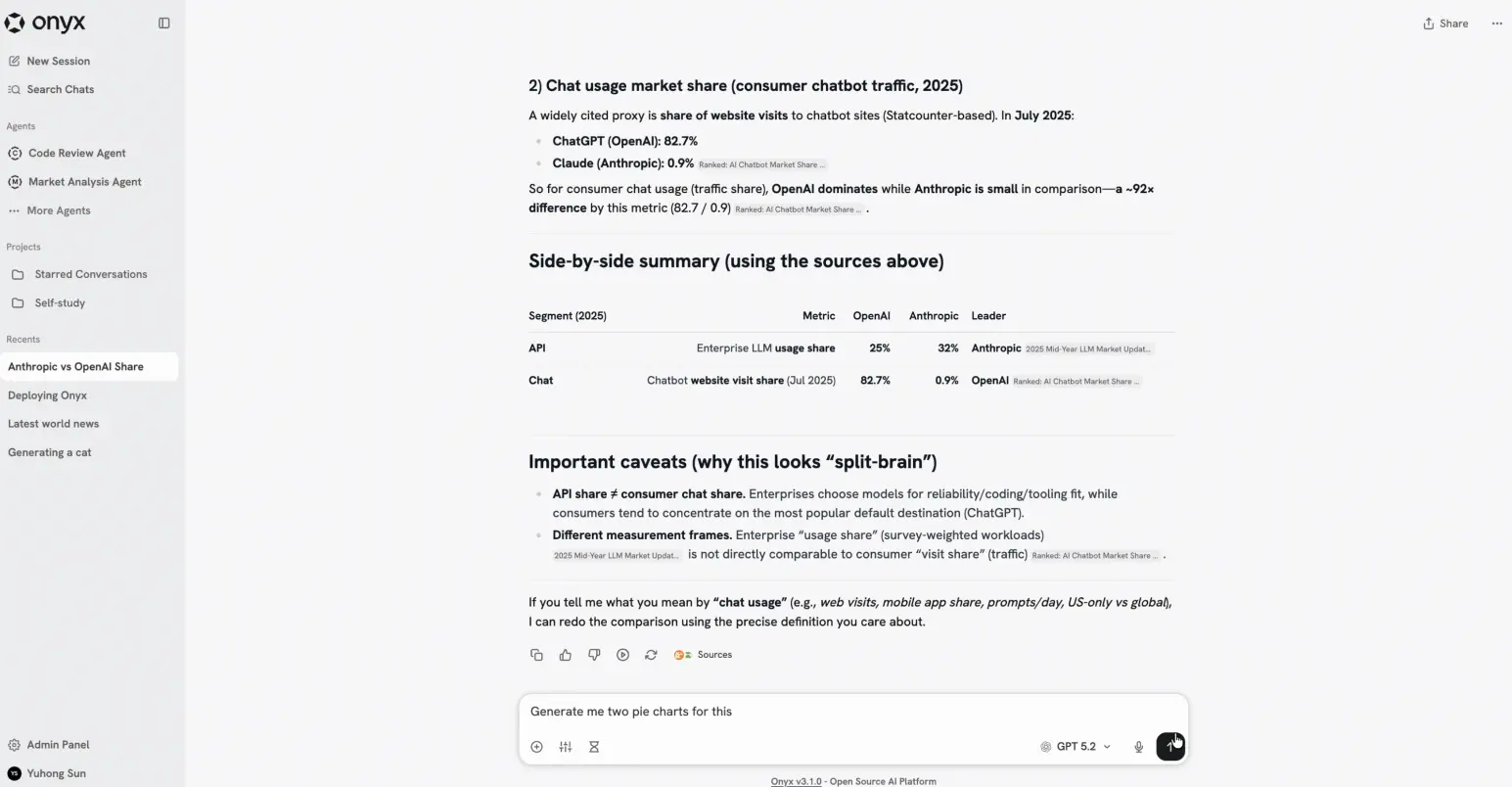
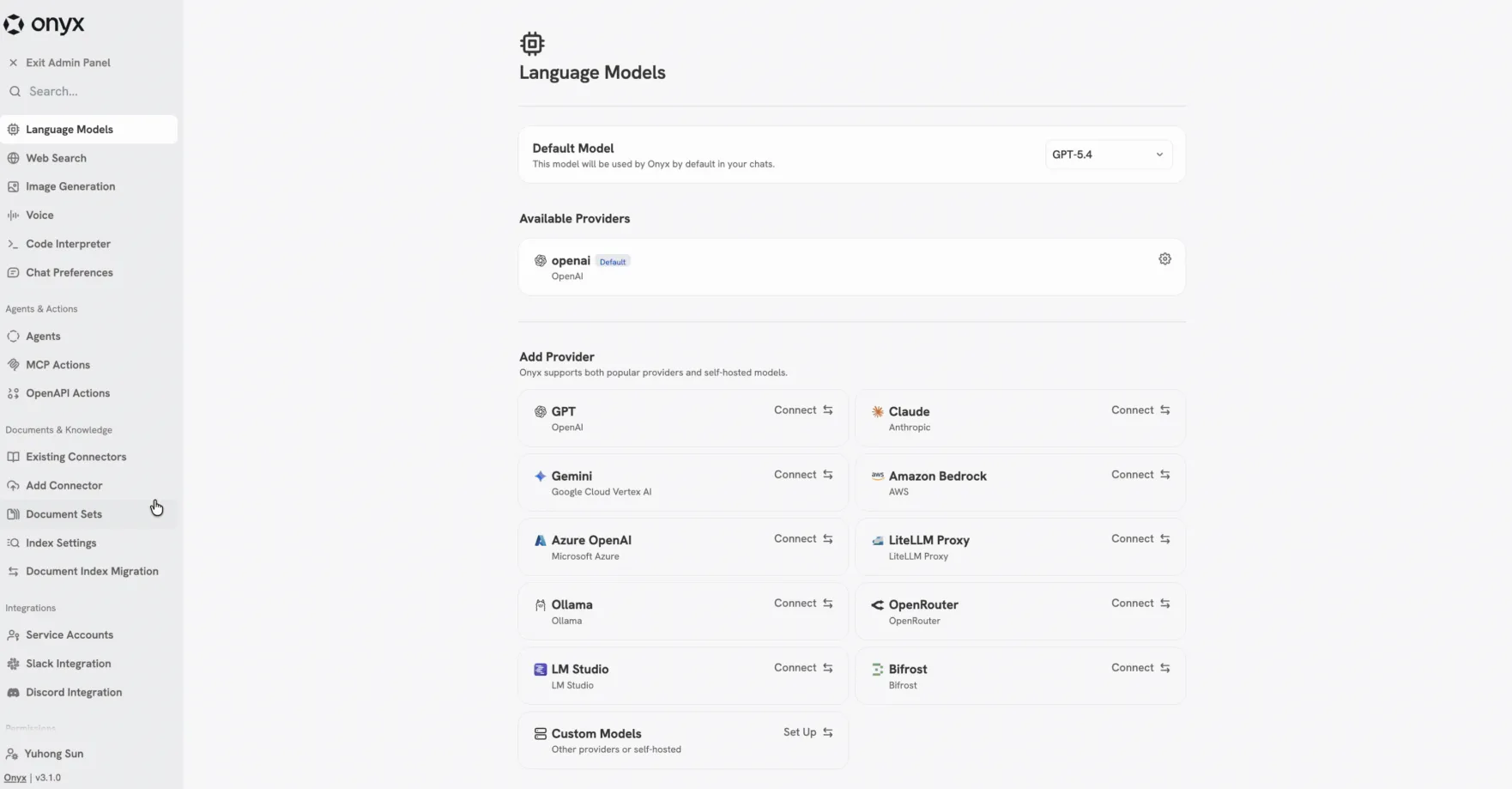
Onyx feels more like something you’d actually build on. It sits between you and the model and adds the stuff you end up needing anyway. Search, agents, file output, even running code. You can plug in OpenAI, Anthropic, or run your own models with Ollama. Swap things out when you feel like it.
The agents part is what makes it more powerful. You can give them instructions, let them browse the web, generate files, call external tools. It can get heavy if you run the full version. There’s indexing, workers, caching, all that. But if you’re serious about using LLMs beyond basic chat, that’s kind of the point. Lite mode exists if you just want to poke around without setting up a whole system.
Screenshots

Features of Onyx
| Feature | Description |
|---|---|
| Agentic RAG | Combines search with AI agents for better answers |
| Deep Research | Multi-step research flow that builds detailed reports |
| Custom Agents | Create agents with instructions, tools, and knowledge |
| Web Search | Pulls real-time data from multiple search providers |
| Artifacts | Generate files like documents or visuals |
| Actions & MCP | Connect and interact with external apps |
| Code Execution | Run code in a sandbox for analysis or automation |
| Voice Mode | Talk using speech-to-text and text-to-speech |
| Image Generation | Create images from prompts |
| Multi-LLM Support | Works with OpenAI, Anthropic, Gemini, Ollama, and more |
System Requirements
| Component | Requirement |
|---|---|
| Deployment | Docker / Kubernetes / Cloud |
| RAM | 1 GB (Lite) • Higher for Standard |
| GPU | Optional (depends on models used) |
| Storage | Varies based on data and indexing |
| Internet | Required for web search and external APIs |
About Version
This is the open source version of Onyx (Community Edition). There’s also an enterprise version if you’re running this inside a team or company setup.
The enterprise version adds things like SSO, role based access control, analytics, audit logs, and more control over how AI is used across teams.
For most people though, the community version already covers the core stuff. You still get chat, agents, RAG, actions, and integrations with different models. It’s not a stripped down demo. It’s fully usable on its own.
If you want the full breakdown of what’s included in each version, check their official site.
Related: Emdash: Open-Source Agentic IDE to Run Multiple AI Coding Agents in Parallel
How to Install Onyx?
Quick Install (Recommended)
Run this command:
curl -fsSL https://onyx.app/install_onyx.sh | bash
That sets everything up with default settings.
Manual Deployment
You can also deploy using Docker, Kubernetes, Helm or Terraform or Other Cloud Providers visit offiical github repo for more information on setup
Windows
- Download the
.exeinstaller - Double click the file
- Follow the setup steps
- Launch Onyx from your desktop or start menu
macOS
- Download the
.dmgfile - Open it and drag Onyx into the Applications folder
- Open the app from Applications
Linux
- Download the
.debfile - Double-click the file
- It will open in your system’s package installer (like Software Center)
- Click Install
- Launch Onyx from your applications menu
Download Onyx: Open-Source AI Platform for RAG, Agents & LLM Apps
AI agents made easy
Onyx gives you a complete setup for working with LLMs in one place. You can create agents, connect data sources, run code, generate files, and use web search without adding extra tools.
It supports both cloud and local models, so you’re not tied to a single provider. Use Lite if you only need chat and agents. Use the full version if you need indexing, automation, and scaling.
It’s a straightforward way to run and manage AI workflows without building everything yourself.