
It’s 4:00 PM. You are mid set at the gym when you remember an invoice you meant to check hours ago. It is somewhere in your inbox, mixed in with newsletters and alerts you never opened. Normally, this is where you would stop what you are doing, pull out your phone, and promise yourself you will deal with it later.
Instead, you send a quick message.
“Clawd, find the AWS invoice from this morning. Summarize the spike and send the details to my accountant.”
A few seconds later, your phone vibrates.
“Done. The $40 surge came from the new dev server. Email sent.”
This is not a future demo or a cloud trick running on someone else’s servers. It is happening on your own machine, under your control, while you finish your workout.
That is the shift Clawdbot represents.
Most AI tools turn you into a user. You log in, you ask, you wait, and you adapt your workflow around their limits. Clawdbot flips that relationship. It runs locally, stays available all day, and works in the background like a digital employee that already knows your environment.
Once you experience that, the appeal is not just convenience. It is ownership. You are no longer renting intelligence or handing context to the cloud. You are architecting your own personal AI system, one that answers to you & only you.
That is why Clawdbot feels different, and why so many people are starting to pay attention.
Update: Clawdbot has been renamed to OpenClaw. The project remains the same open-source AI agent, with ongoing development under the new name.
Table of contents
What is ClawdBot??
Clawdbot is a personal AI agent that runs entirely on your own machine. Instead of living in a browser tab or a remote data center, it stays online in the background, connected to your files, messages & workflows.
At its core, It is designed to act, not just respond. It can search your local data, monitor events, trigger actions, and communicate back to you through tools you already use like WhatsApp or iMessage. You do not open Clawdbot when you need help. It is already there.
Your documents, credentials, and context stay local, which means faster responses, lower costs & far more control over what the agent can see and do.
Once it is set up, It feels less like an app and more like a Personal Assistant. It quietly handles small tasks, watches for things that matter, and steps in when you ask.
Why Everyone Is Setting Up Dedicated Machines for Clawdbot?
Scroll through tech X (Twitter) or Reddit right now and you’ll see it everywhere: freshly unboxed Mac Minis, clean desk setups, cables still wrapped.
But this isn’t about any hype. It’s about hardware dedication.
In 2026, power users have realized something important. Your main laptop is not a good home for an always-on assistant. When you close your MacBook at night, your AI goes offline. When it sleeps, your workflows pause.
A 24/7 digital employee needs a 24/7 machine.
That’s why Clawdbot has quietly sparked a shift away from “one computer does everything” toward small, dedicated machines whose only job is to think, listen, and act in the background.
Right now, people are hosting their Clawdbot in three distinct ways.
1. The Premium Path: A Dedicated Mac Mini
This is the cleanest setup, and the one driving the most buzz.
A Mac Mini can stay powered on around the clock, barely sip electricity, and sit silently on a shelf. More importantly, it’s the only option that supports native iMessage integration, which is a deal-breaker for many users.
Apple Silicon also plays a role here. Unified memory means the agent can reason and respond with almost no latency, even when handling multiple tasks at once. Compared to cloud agents that wake up cold on every request, this feels instant.
This path appeals to users who want power without friction.
2. The PC Powerhouse: Mini PCs and NUCs
Most people are comfortable on Linux or Windows, and that’s where compact Linux or Windows machines come in.
For roughly the price of a Mac Mini, you can often buy a Beelink or Minisforum box with more RAM and storage. Running Clawdbot on Ubuntu or inside Docker gives you full control over the stack, the data, and the networking.
This setup works perfectly with Telegram, WhatsApp, and Signal, and it’s the preferred choice for users who care deeply about privacy and customization.
If the Mac Mini is “plug and play,” this is the architect’s setup.
3. The Invisible Path: A Small VPS
The third option skips hardware entirely.
Some users run Clawdbot on a low-cost virtual server from providers like Hetzner or DigitalOcean. It’s cheap, always online, and surprisingly capable for light workloads.
The trade-off is philosophical. Your agent may be private, but the machine itself belongs to someone else. For users chasing true privacy, this feels like a compromise. For others, it’s a practical way to get started without buying anything.
Want to set up your own Clawdbot?
You don’t need to guess your way through setup. Clawdbot’s creators maintain clear, step-by-step official documentation that walks you through installing the agent on your system.
What Can Clawdbot Actually Do?
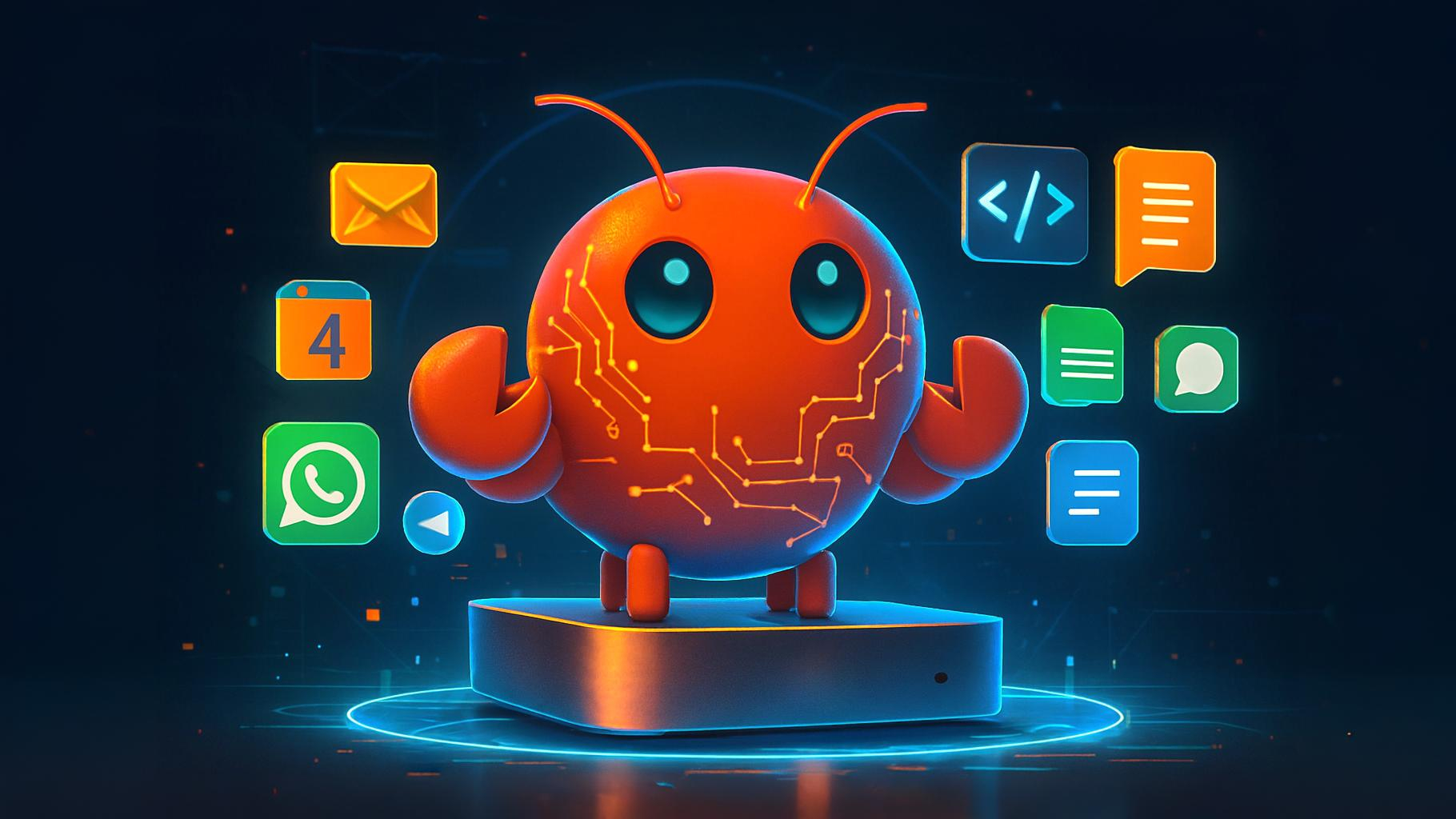
So, once you have the ‘Lobster’ running on your dedicated machine, what do you actually do with it? . You talk to it like a teammate, and it plans, executes, and follows through without babysitting.
Here’s what that looks like in practice:
| Area | What Clawdbot Handles |
|---|---|
| Messaging | Reads and replies to emails, WhatsApp, Telegram, iMessage |
| Scheduling | Manages calendars, reminders, daily briefings |
| Browsing | Logs into websites, fills forms, extracts info |
| Files | Reads, writes, organizes local files and folders |
| Automation | Runs background tasks and scheduled workflows |
| Coding | Executes scripts, fixes bugs, runs commands |
| Research | Summarizes documents, invoices, web pages |
| Integrations | GitHub, Obsidian, Spotify, Slack, and more |
The shift:
You’re no longer “using” software. You’re delegating outcomes.
Wrapping Up
The trend of setting up dedicated “Lobster” machines isn’t really about Mac Minis, mini PCs, or servers. It’s about agency.
In 2025, we talked to AI.
In 2026, we work with it.
Clawdbot is one of the first tools that genuinely bridges the gap between a clever chatbot and a real digital employee. One that lives on your machine & keeps going even when you’re offline.
While you’re at the gym, on a flight, or logged out for the night, your dedicated system is still awake, remembering your preferences & handling the background work you never had time for.
The question is no longer “What is AI?”
The real question now is: Who is running yours?
I’m curious — now that you’ve seen what this agent can do, are you thinking about setting up your own dedicated agent this weekend? Or do you have another automation tool you think genuinely beats Clawdbot?
Drop a comment below and let me know what you’re building. I’d love to see how people are using this in the real world.