
File Information
| Field | Details |
|---|---|
| Name | Another |
| Type | Android Device Mirror & Controller |
| Developer | Zfinix |
| License | MIT License (Open Source) |
| Platforms | Windows • macOS • Linux |
| File Formats | .exe • .dmg • .deb • .AppImage |
| Primary Use | Android screen mirroring, device control, and AI agent automation |
| Github Repository | Github/Another |
Table of contents
Description
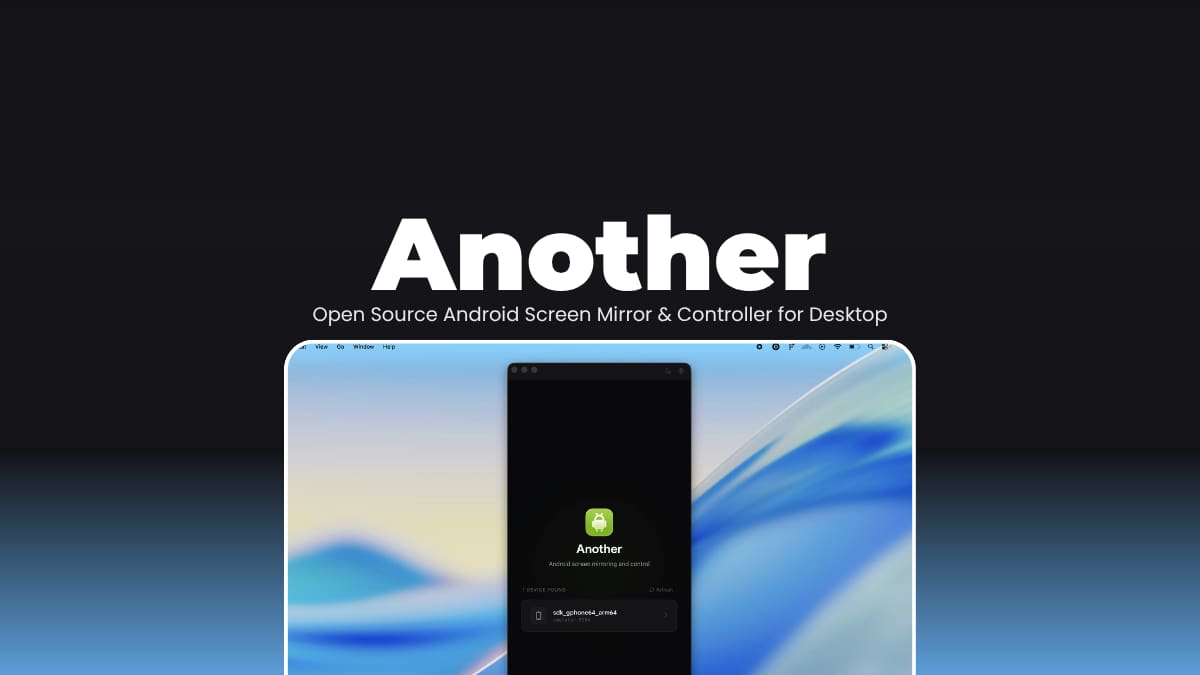
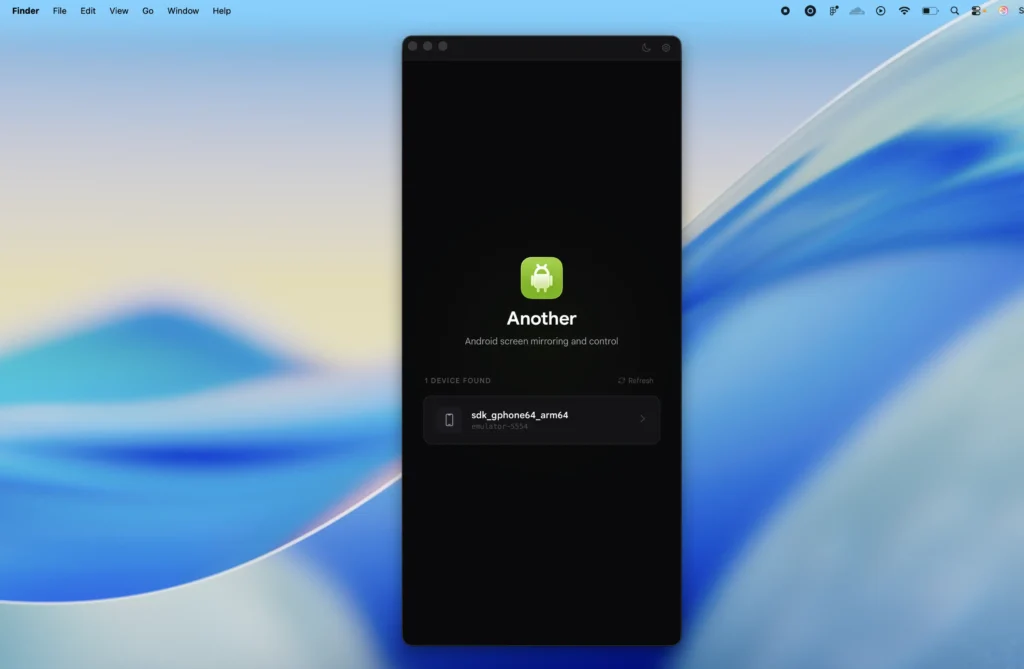
Your Android device is right there on your desk, but you’re switching back and forth between it and your computer all day. Plugging in, unlocking, finding the app, it adds up. Another puts your Android screen directly on your desktop and lets you control it entirely from your keyboard and mouse.
It mirrors in real-time over USB or WiFi, forwards audio, lets you type directly into the device, and records your screen as a .webm file. There’s also a macro system — record a sequence of interactions once, replay it whenever you need it. Useful for testing, demos, or anything repetitive.
The part that stands out is the built-in MCP server. AI agents like Claude can connect to Another on port 7070 and control the Android device programmatically like launching apps, sending gestures, running shell commands, taking screenshots. It’s the kind of feature that feels niche until the moment you actually need it.
Use Cases
- Mirror and control your Android device from your desktop over USB or WiFi
- Record device interactions as macros and replay them on demand
- Forward Android audio to your computer in real time
- Capture screenshots and screen recordings without touching your phone
- Let AI agents automate Android workflows via the built-in MCP server
- Test and demo Android apps directly from your development machine
Screenshots
Features of Another App
| Feature | Description |
|---|---|
| Real-Time Screen Mirroring | H.264/H.265 decoding with adaptive bitrate that adjusts based on screen activity |
| Full Input Forwarding | Touch, keyboard, scroll, and navigation inputs sent directly to the device |
| WiFi Mirroring | Go wireless with one click |
| Macro System | Record, replay, import, export, and rename device interaction sequences |
| Device Audio Forwarding | Stream Android audio to your computer (Android 11+) |
| Screen Recording | Save recordings directly as .webm files |
| MCP Server | Built-in AI agent control via Model Context Protocol on port 7070 |
| Command Bar | Keyboard shortcut access to every action in the app |
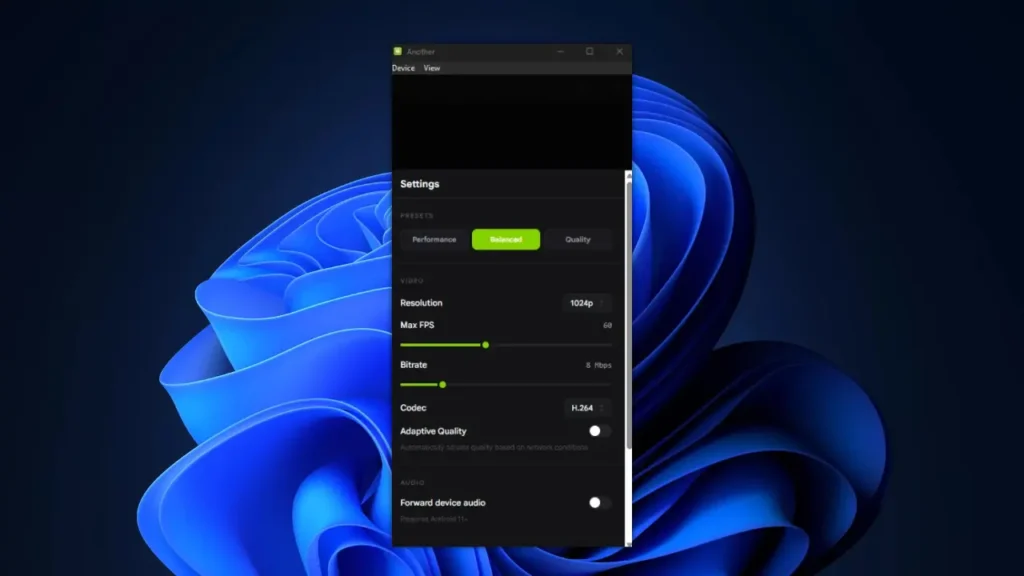
| Configurable Video Quality | Adjust resolution, FPS, bitrate, and codec to your needs |
| Automatic Device Detection | Detects connected devices automatically via ADB |
| Device Nicknames | Give each connected device a custom name |
| Light / Dark / Auto Theme | Full theme support out of the box |
System Requirements
| Component | Requirement |
|---|---|
| Operating System | macOS (full support) • Windows (experimental) • Linux (experimental) |
| Android Device | USB debugging or WiFi debugging enabled |
| Processor | 64-bit CPU |
| RAM | 4 GB minimum • 8 GB recommended |
| Storage | Varies by platform |
| Internet | Not required after installation |
| Dependencies | ADB (bundled) • scrcpy-server v2.7 (bundled) |
You May Like: Lore: Local AI Note Manager with Smart Recall & Private Second Memory
How to Install Another Android Screen Mirror & Controller?
Windows (.exe)
- Download the Another
.exeinstaller. - Double-click the installer file.
- Follow the on-screen setup instructions.
- Launch Another from the Start Menu or Desktop shortcut.
- Connect your Android device via USB with USB debugging enabled.
macOS (.dmg)
- Download the Another
.dmgfile - Open the file to mount it.
- Drag the Another app into your Applications folder.
- Launch it from Applications.
- Connect your Android device via USB with USB debugging enabled.
Linux (.deb)
- Download the Another
.debpackage. - Open it with your Software Manager and click Install
- Launch Another from your applications menu.
- Connect your Android device via USB with USB debugging enabled.
Linux (.AppImage)
- Download the Another
.AppImagefile. - Right-click and make it executable.
- Connect your Android device via USB with USB debugging enabled.
Note: On Ubuntu/Debian, you may need to install additional packages before running: sudo apt install libwebkit2gtk-4.1-dev pkg-config libasound2-dev
Download Another Android Screen Mirror & Controller for Desktop
Your Android Device On Your Desktop
Another does one thing really well, it gets your Android device off your desk and onto your screen easily. The wireless mirroring, macro recording, and full keyboard control make it genuinely useful for developers and power users. The MCP server is where it gets interesting for anyone building AI-driven workflows. It’s still experimental on Windows and Linux, but what’s here already makes a strong case for keeping it installed.