
File Info
| File | Details |
|---|---|
| Name | RapidRAW |
| Version | v1.5.7 |
| Type | RAW Photo Editing App |
| Developer | CyberTimon |
| License | AGPL-3.0 License |
| Size | 68MB |
| Platform | Android |
| File | RapidRAW APK |
| Category | Photography |
| Github Repository | CyberTimon/RapidRAW |
Table of Contents
Description
Mobile photo editing apps usually force you to choose between simplicity and control.
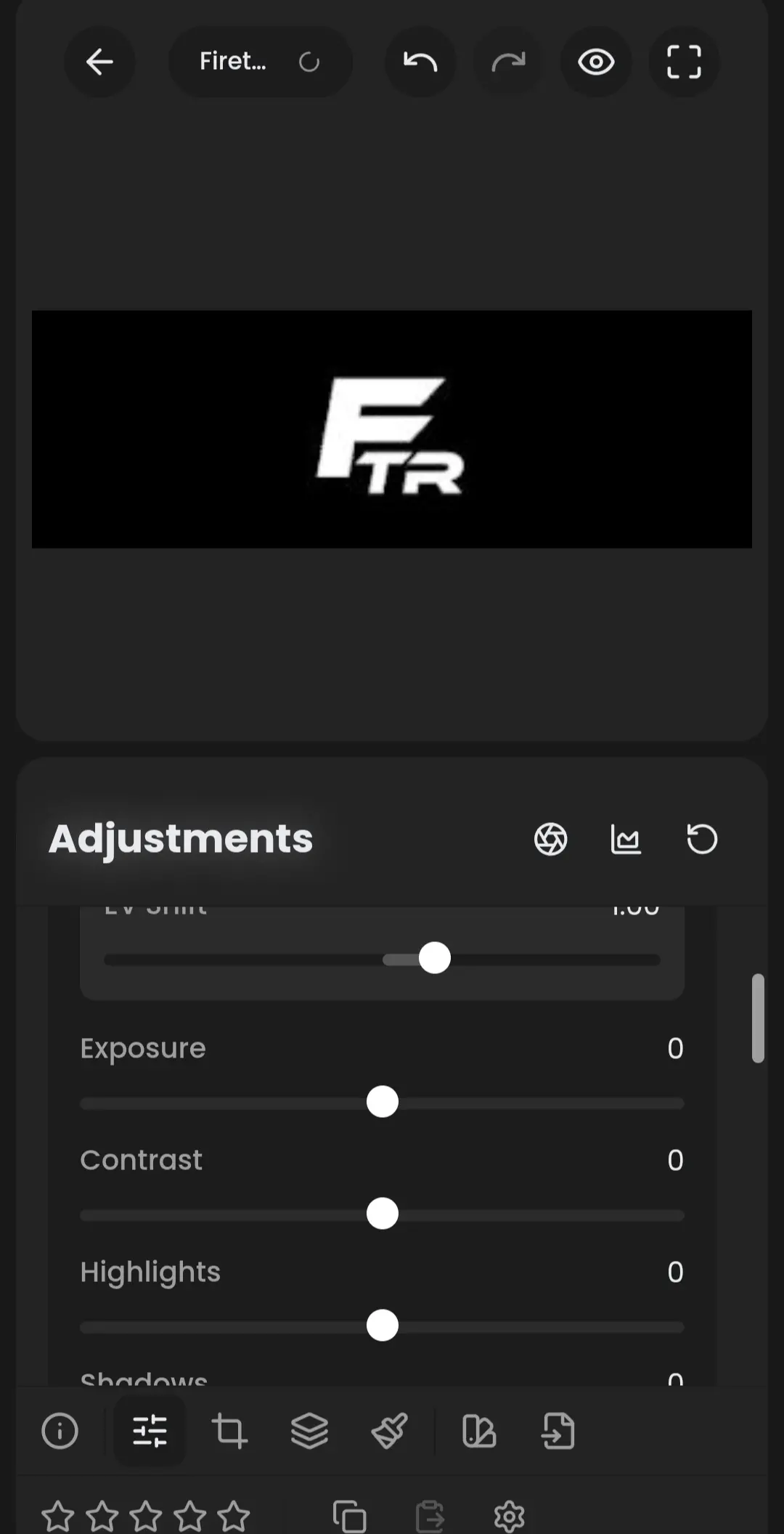
RapidRAW tries to give you both. Built as a modern RAW photo editor, RapidRAW brings many of the tools photographers normally expect from desktop software directly to Android. You can edit RAW images non-destructively, apply advanced color grading, work with masks, correct lenses, reduce noise, and export finished photos without altering the original files.
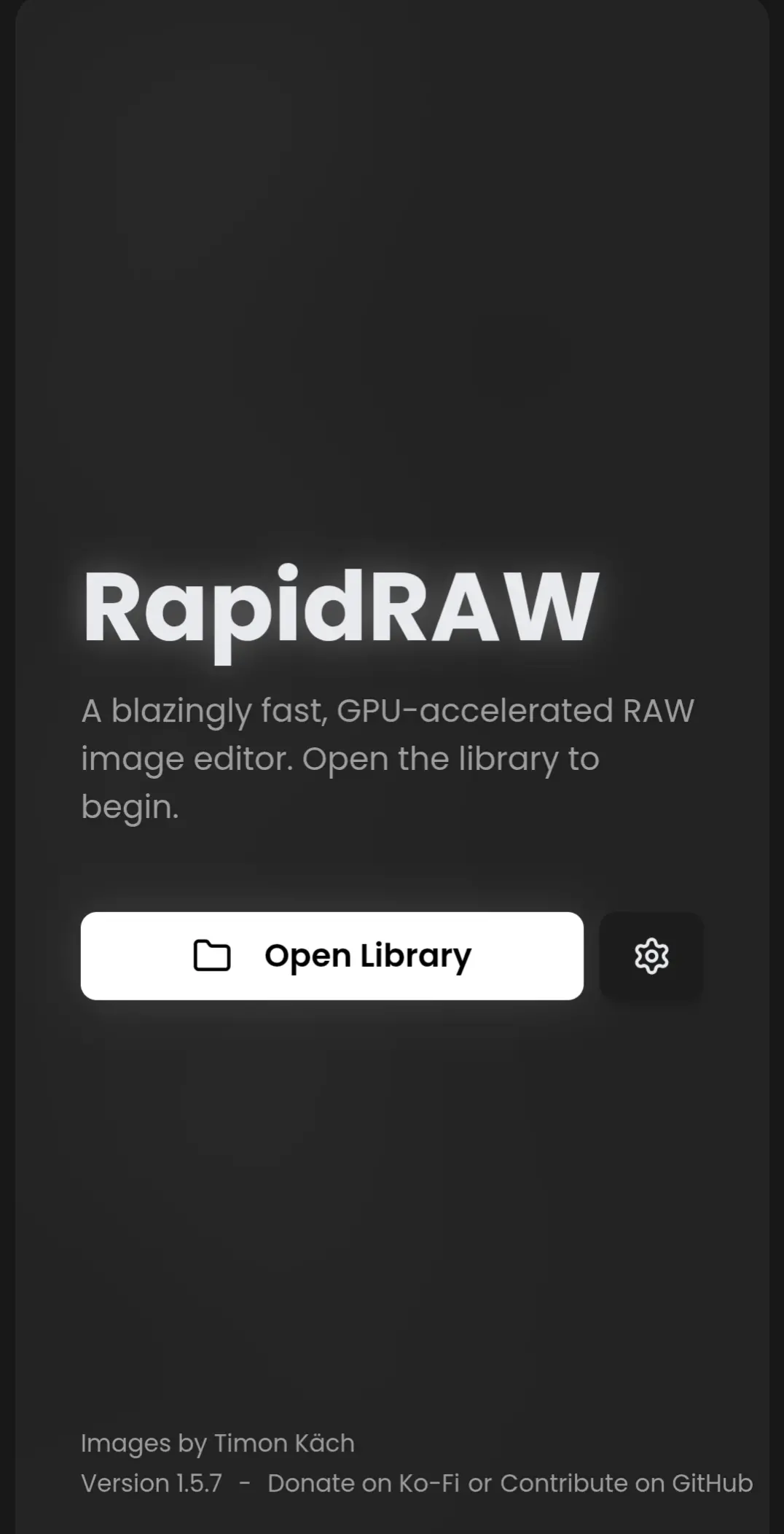
What makes RapidRAW particularly interesting is its focus on performance. The editing engine is GPU-accelerated, allowing adjustments to feel responsive even when working with high-resolution images. At the same time, the interface stays clean and approachable instead of overwhelming users with complicated workflows.
If you’re editing photos from a DSLR, mirrorless camera, or a smartphone that captures RAW images, RapidRAW offers a capable mobile editing experience.
Use Cases
- Edit RAW photos directly on Android
- Color grade landscape and portrait photography
- Remove distractions using AI-powered tools
- Organize large photo collections
- Apply presets across multiple images
- Prepare photos for social media or professional delivery
Related: RapidRAW – The Best Free Lightroom Alternative for Windows, macOS & Linux
Screenshots
Features of RapidRAW
| Feature | Description |
|---|---|
| RAW Editing | Edit RAW camera files and JPEG images |
| Non-Destructive Workflow | Original photos remain untouched |
| AI Masking | Detect subjects, sky, depth, and foreground automatically |
| Color Grading | HSL controls, color wheels, vibrance, saturation, and tint |
| Tone Controls | Exposure, highlights, shadows, whites, blacks, and contrast |
| Noise Reduction | Improve image quality and reduce grain |
| Lens Corrections | Automatic distortion and vignette correction |
| Crop & Transform | Straighten, rotate, crop, and correct perspective |
| Presets | Save and reuse custom editing styles |
| Batch Processing | Apply edits to multiple photos |
| Metadata Viewer | View EXIF and camera information |
| Export Options | Control format, quality, resizing, and watermarking |
System Requirements
| Component | Requirement |
|---|---|
| Operating System | Android 10 or newer |
| RAM | 4 GB minimum |
| Storage | 200 MB+ free space recommended |
| Internet | Optional for updates and AI integrations |
RapidRaw Installation
- Download the RapidRAW APK.
- Enable installation from unknown sources if required.
- Install the APK on your Android device.
- Launch RapidRAW.
- Import your RAW or JPEG photos and start editing.
Download RapidRAW
Why RapidRAW Stands Out
RapidRAW is built for photographers who want real editing tools on mobile devices. With non-destructive editing, GPU acceleration, AI-powered masking, and support for RAW files, it delivers capabilities that are usually reserved for much larger desktop applications while remaining lightweight enough to run on Android.