
File Information
| File | Details |
|---|---|
| Name | PocketPal AI |
| Version | v1.11.11 (Stable) |
| File Size | APK: 122 MB. Models download size may vary. |
| Platforms | Android • iOS |
| License | MIT License (Open Source) |
| Official Repository | Github.com/pocketpal-ai |
Table of contents
Description
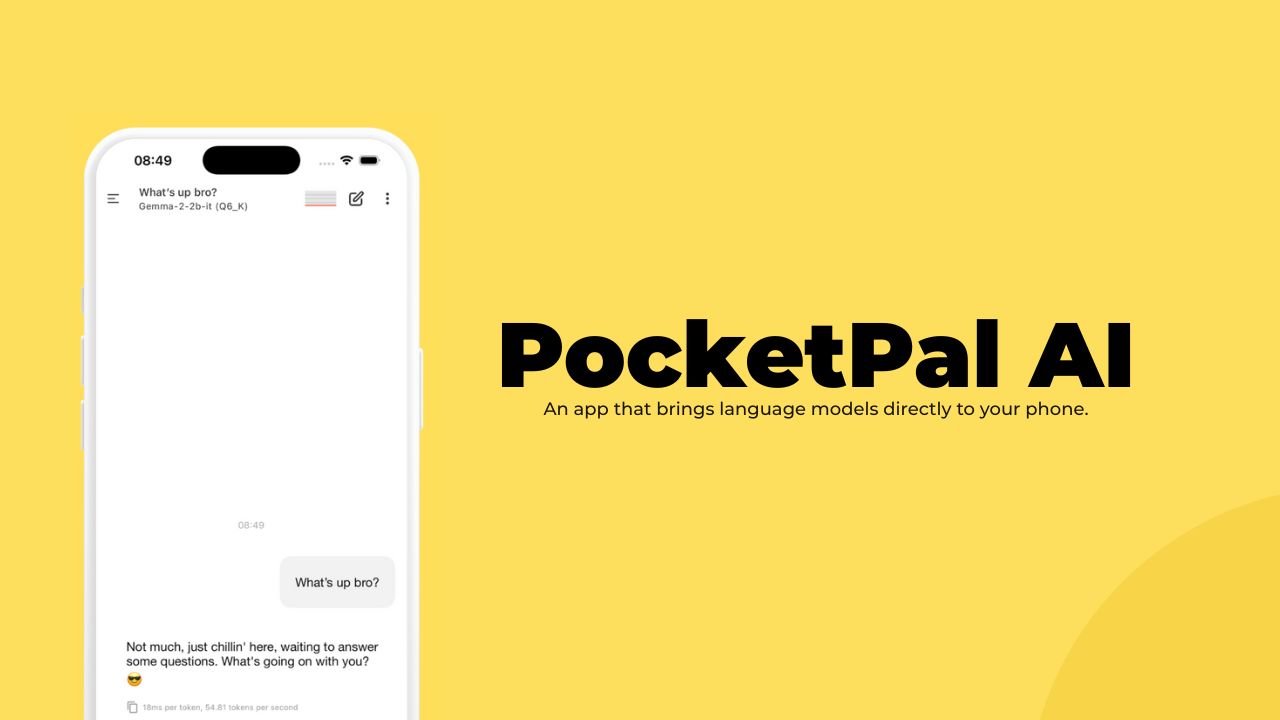
PocketPal is your AI assistant that’s like a trusted friend who never gossips. It’s a digital companion that respects your privacy. Think of it as your personal, pocket-sized brain that works entirely on your phone, no strings (or internet connections) attached.
The magic happens entirely on your device. It’s so private that your conversations and personal information are locked down tighter than a vault. You’re totally in control – the only way anything leaves your phone is if you personally decide to share some feedback or benchmark results. But even then, it’s completely your choice.
PocketPal AI is basically the secret agent of AI assistants – powerful, discreet, and working solely for you. It’s perfect for anyone who wants a smart digital helper without worrying about their data floating around in some mysterious cloud. Just pure, local intelligence that’s always ready to assist, with zero compromise on your privacy.
Screenshots
Features of PocketPal AI
| Feature | Description |
|---|---|
| Offline AI Assistance | Run SLMs directly on your device with zero internet required |
| Model Flexibility | Supports Danube 2/3, Phi, Gemma 2, Qwen, and more |
| Auto Load/Offload | Automatically manages RAM usage while running in the background |
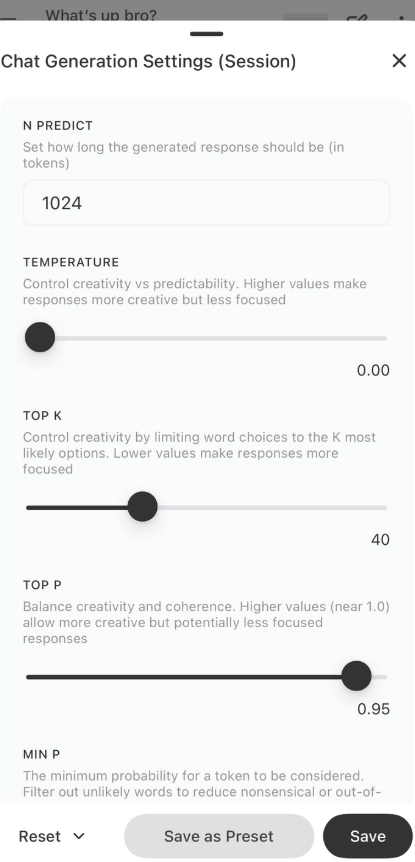
| Inference Settings | Customize system prompts, temperature, BOS tokens, and chat templates |
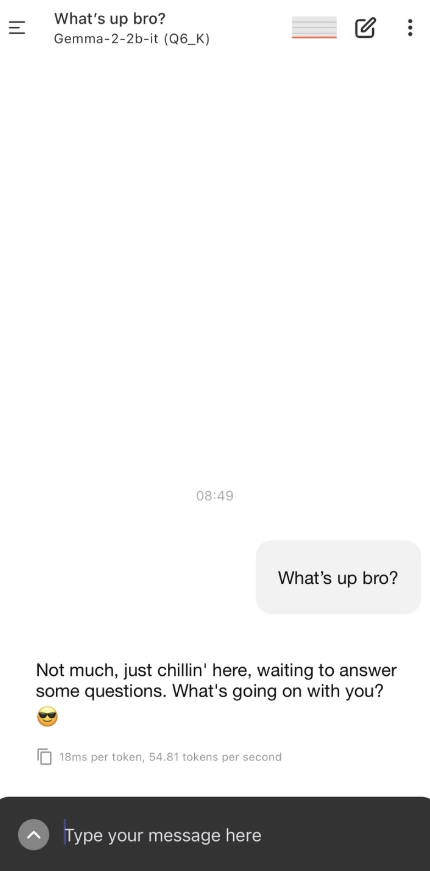
| Real-Time Metrics | View tokens per second and ms/token performance during responses |
| Message Editing | Edit sent queries and regenerate responses instantly |
| Personalized Pals | Create custom AI personalities with adjustable settings |
| Background Downloads | Continue downloading models while using other apps (iOS) |
| Screen Awake During AI | Keeps screen active during inference for uninterrupted use |
| Multi-device Support | Optimized for phones and tablets, including iPad |
| Localization | Supports Japanese, Chinese, and more languages |
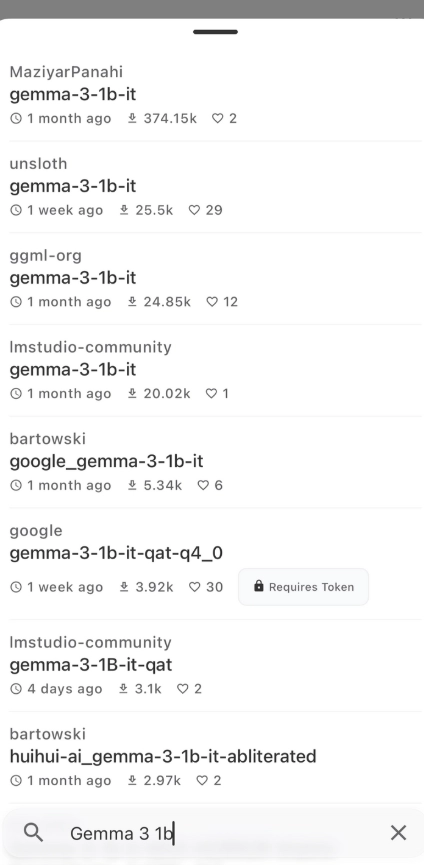
| Hugging Face Integration | Browse, download, and run GGUF models directly from the HF Hub |
System Requirements
| Platform | Minimum Specifications |
|---|---|
| Android | Android 8.0 (Oreo) or newer, 3 GB RAM (4 GB+ recommended for heavier models) |
| iOS / iPadOS | iOS 13.0 or newer (iPadOS support included), iPad with 3 GB RAM or more recommended |
| Storage | App ~30–150 MB; additional storage required for models — plan for 500 MB to multiple GB depending on models |
| Network | Internet required only for initial model downloads / Hugging Face authentication; inference runs offline |
How to Install PocketPal AI?
Android (APK)
- Download the APK from the download section below
- On your device, enable installation from unknown sources (Settings → Security → Install unknown apps) for your browser or file manager.
- Open the APK file and follow the installer prompts.
- Launch PocketPal AI, then download the model(s) you need from the in-app Models page.
iOS / iPadOS
You can easily download PocketPal AI from the AppStore & then download models from the Models page of app & done!
PocketPal AI APK : Best Offline AI Assistant for Android
Conclusion
PocketPal AI brings powerful on-device language models to your pocket. It’s ideal for privacy-minded users who need fast, offline access to AI assistants, whether for quick answers, drafting text, roleplay, or research. With flexible model management, editable messages, customizable Pals, and built-in benchmarking, PocketPal AI transforms your phone into a private, portable AI workspace. Install the APK or use the App Store / Play Store builds and start running models on your device today.