File Information
| Name | Signal – Secure Private Messenger |
|---|---|
| Version | v7.61.3 (Latest) |
| File Size | 102MB |
| Platform | Android (also available on iOS, Windows, macOS, Linux) |
| License | Open Source – GNU AGPL v3 (client) & server code also open) |
| Official Repository | Signal-Android GitHub |
| Official Site | signal |
Table of contents
Description
Signal is a secure, privacy-focused messaging app for Android (and other platforms) that lets you send text messages, voice notes, images, videos, make voice/video calls, all with end-to-end encryption as default. Signal is backed by a nonprofit foundation and does not monetize your data or display ads.
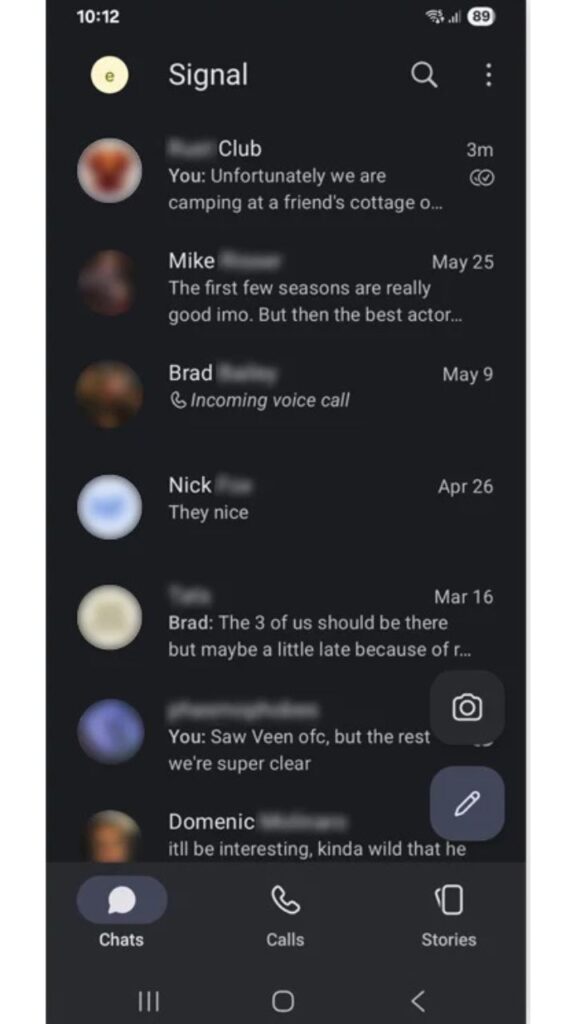
With Signal on Android you register using your phone number (no username, no email required), and you gain access to secure one-to-one chats, group chats, disappearing messages, encrypted backup options and more. It supports linking other devices (desktop or tablet) securely, ensuring your conversations remain private and under your control.
Signal’s code is open source which means independent audits are possible, reducing trust-assumptions on the service itself. The encryption protocol used by Signal has become a benchmark in secure messaging.
For Android users who care about privacy, transparency and open-source security, Signal is often rated among the top choices over mass-market apps that compromise on user control.
Note: Signal is developed by the Signal Technology Foundation. Our site is not affiliated with or endorsed by Signal
Features of Signal
| Feature | Description |
|---|---|
| End-to-End Encryption | All messages & calls encrypted, so only sender & recipient can read/hear. |
| Text, Voice & Video Chats | Send messages, make high-quality voice & video calls. |
| Group Chats & Links | Secure group chats and call links for easy joining. |
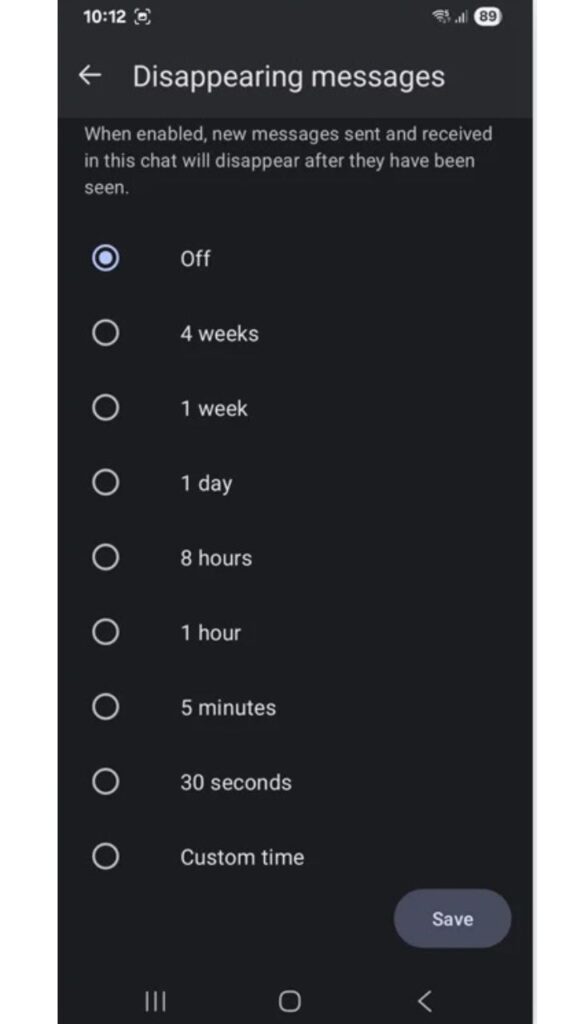
| Disappearing Messages | Set messages to automatically delete after a set time. |
| Privacy Settings | Incognito keyboard, hide screenshots, lock screen visibility. |
| Linked Devices | Connect desktop, tablet or other devices securely to your account. |
| Open Source Code | Source code publicly available for inspection. |
| Non-Profit & Data Minimal | No ads, no tracking of user data; run by a nonprofit foundation. |
Screenshots
System Requirements
| Component | Minimum Specification |
|---|---|
| OS | Android version 4.4 or newer |
| Storage | Approximately 50 MB for app; additional for linked-device data |
| Internet | WiFi / 3G / 4G / 5G required for messaging & calls |
| Permissions | Contacts, microphone, camera, storage (optional) – user-grantable |
How to Install Signal App?
- Download “Signal Private Messenger” From the Download Section Below.
- Tap Install, then open the app once installation completes.
- Enter your phone number, receive the verification code by SMS, and complete verification.
- Set up a PIN, optionally enable Screen Lock/Hide in App Switcher for privacy.
- You’re ready to start a secure chat: tap the pencil icon, select a contact and start messaging.
Tip: You can link your Signal account to desktop or tablet by going to Settings → Linked Devices → +, then scan the QR code shown on the second device
Download Signal Private Messenger App For Android
Conclusion
If you are looking for a messaging app on Android that places your privacy and security above all else, Signal stands out. With end-to-end encryption by default, open source credentials, no advertising model, and rich features comparable to the big name messaging apps, it offers a compelling alternative for anyone serious about protecting their communications. Whether you’re chatting with friends, making voice/video calls, or coordinating groups, Signal gives you strong security without sacrificing usability.