
File Information
| File | Information |
|---|---|
| Name | Orbit |
| Version | Latest (actively maintained) |
| License | Free & Open Source (AGPL) |
| File Type | .apk |
| Platform | Android |
| Size | 40 MB |
| Developer | Orbit Community |
| Category | Music & Audio |
| Price | Free (no subscriptions) |
Table of contents
Description
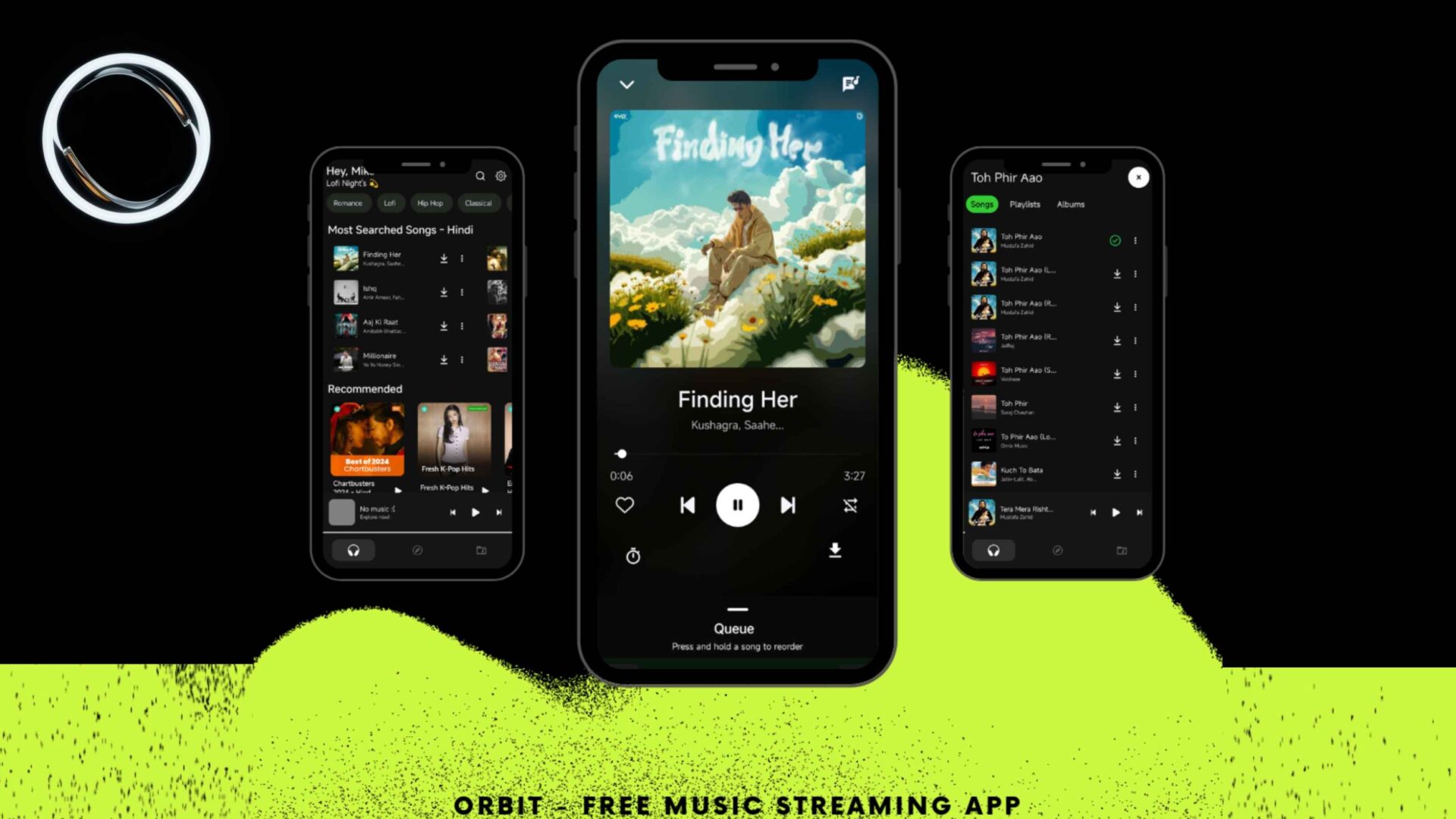
Orbit is a free, open-source music streaming app for Android built to be the best Spotify alternative without the lock-ins, ads, paywalls & tracking that get between you & your music. Where commercial platforms optimize for subscriptions, upsells & engagement time, Orbit optimizes for sound quality, privacy, speed & control. It plays beautifully with your local library, supports streaming from community-friendly sources, offers true offline downloads, & keeps the interface focused on the music, not your data.
If you’re searching for phrases like best free Spotify alternative for Android, Spotify APK alternative, or apps like Spotify without ads, Orbit is the answer. It’s lightweight, fast, customizable, & designed to put albums, artists & playlists at the center of your experience. You get smart search, background playback, a clean queue, responsive gestures, dark & light themes, plus battery-friendly performance that won’t throttle your day.
Because Orbit is open-source, its code is transparent & community-audited. No mysterious analytics SDKs, no invasive permissions, no forced cloud accounts. Just install the APK, pick your sources, sync or download what you love, & start listening. Whether you commute with playlists, collect full albums, or manage a curated local library, Orbit gives you the power tools to own your listening with freedom, portability & quality that rivals premium tiers elsewhere.
Features of Orbit
Below are the list of features of this mind blowing application where you can listen to almost any music for free and even high quality
| Feature | What You Get |
|---|---|
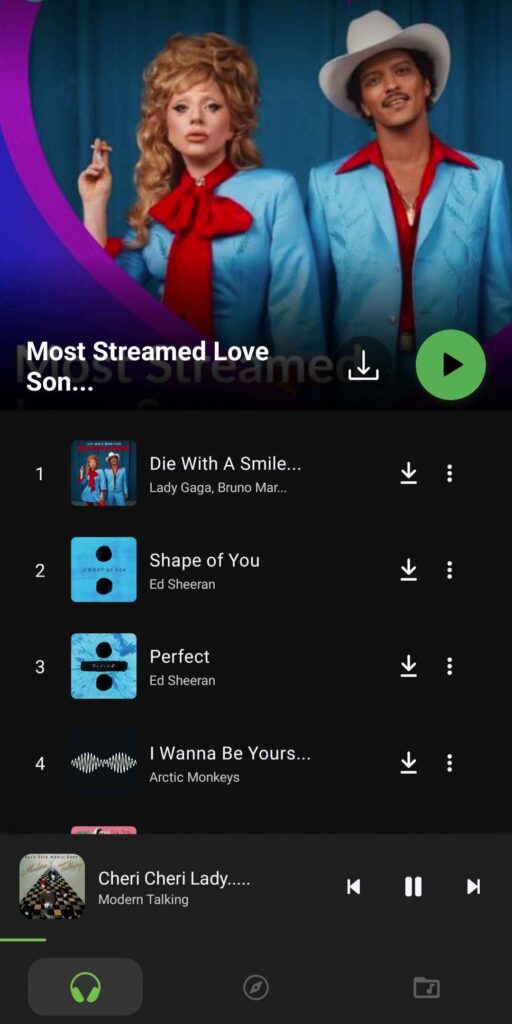
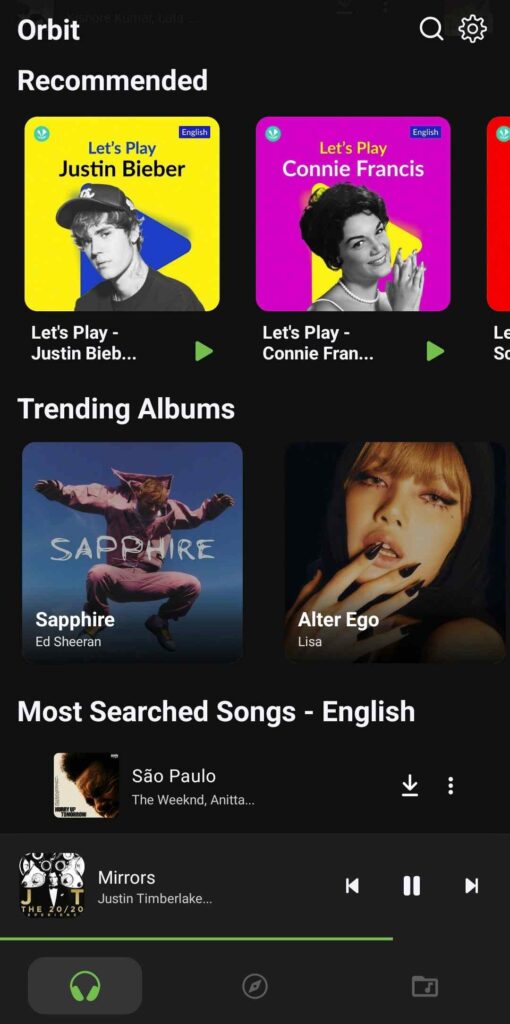
| Music-First Experience | Minimal UI focused on albums, artists, tracks & playlists with zero clutter. |
| Multi-Source Playback | Stream from supported public APIs where available & play local files without friction. |
| Offline Mode | Download tracks/albums for true offline listening with no account required. |
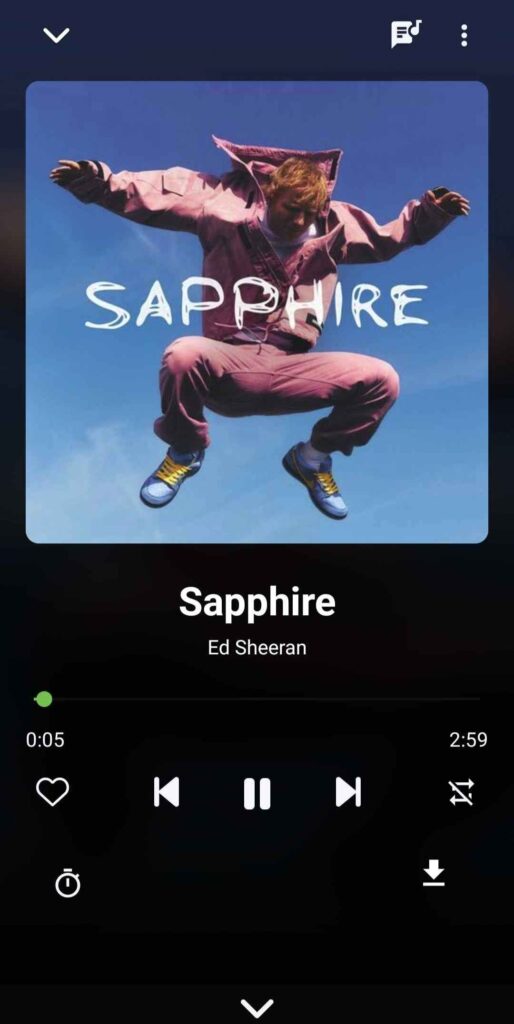
| Background Playback | Keep the music going while you browse, chat, read or game. |
| Smart Search | Find songs, albums & artists quickly with typo-tolerant matching. |
| Dynamic Queue | Reorder, add next, save queues as playlists & recover recent sessions. |
| Themes & Layout | Dark & light themes, compact lists, grid artwork views & adaptive UI. |
| Audio Quality Controls | Choose bitrate where sources allow, normalize loudness, trim silence & more. |
| Local Library | Auto-scan device folders, read tags, artwork & organize by artist/album/genre. |
| Minimal Permissions | Only storage & network (when needed). No trackers, no unnecessary data grabs. |
| Sleep Timer | Set the app to stop after a duration for bedtime or focus sessions. |
| Accessible & Fast | Large touch targets, smooth scrolling, low RAM footprint & battery-friendly behavior. |
Screenshots

System Requirements
| Requirement | Details |
|---|---|
| OS | Android 7.0 Nougat or higher recommended |
| CPU | ARM64-v8a or ARMv7; modern devices fully supported |
| RAM | 2 GB minimum (4 GB recommended for large libraries) |
| Storage | 100 MB free for app + space for downloads & cache |
| Network | Wi-Fi or mobile data for streaming; not required for offline playback |
| Permissions | Storage (for local files & downloads), Network (for streaming) |
How to Install Orbit: Best Spotify Alternative (APK) ??
Before installation, scroll down to the Download section & grab the latest Orbit APK. Once the file is on your phone:
- Open Files or your preferred file manager & locate the downloaded
orbit.apk. - Tap to install. If prompted, allow Install unknown apps for your browser or file manager.
- Follow the prompts until installation completes, then tap Open.
- On first launch, choose your preferred theme & configure audio settings.